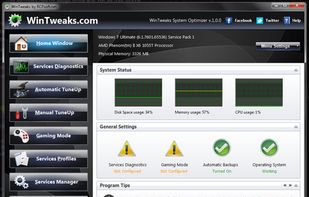
Windows Tweaking utility that can improve your Windows performance and security with a simple mouse click by tweaking Windows services in an automatic and very safe way.
Cost / License
- Free
- Proprietary
Platforms
- Windows


MacClean is described as 'Offers advanced cleaning and optimization features, enhancing Mac performance with privacy and security tools and removing junk and duplicates' and is a duplicate file finder in the os & utilities category. There are more than 100 alternatives to MacClean for a variety of platforms, including Windows, Mac, Linux, Android and Android Tablet apps. The best MacClean alternative is BleachBit, which is both free and Open Source. Other great apps like MacClean are CCleaner, Glary Utilities, Sysinternals Suite and dupeGuru.
Windows Tweaking utility that can improve your Windows performance and security with a simple mouse click by tweaking Windows services in an automatic and very safe way.

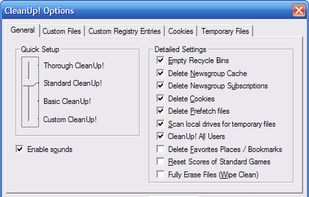
CleanUp! removes temporary files created while surfing the web, empties the Recycle Bin, deletes files from your temporary folders and more.


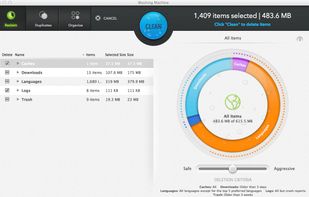
Mac Washing Machine makes it easy to get rid of the junk that is making your Mac slow. It also helps you automatically organize things so both you and your Mac operate more efficiently.
 United States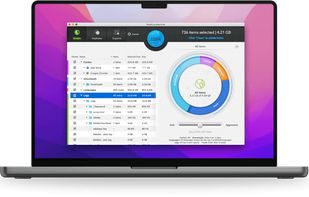


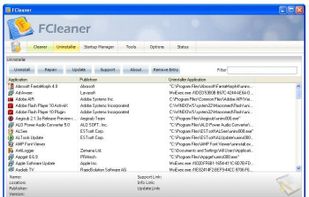
FCleaner is a freeware all-in-one Windows disk and registry cleaning and optimization tool. It removes unused files and invalid registry entries that are eating up your disk space and slowing your system down, tweaks your system and allows your system to run faster.



Created with System Administrators who service large groups of workstations in mind, Yasu (Yet Another System Utility) is a Mac OS X maintenance utility that has been developed to do a specific group of tasks quickly within a few clicks, rather than needing to endlessly type...


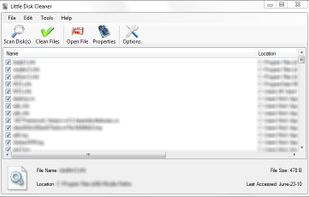
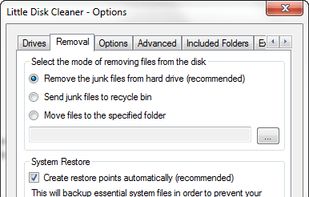
Little Disk Cleaner is an open source (GPLv3) program written in C# that will remove any unneeded files to free up extra hard drive space and make windows run faster.
United States


Odkurzacz (in english vacuum cleaner) is an application to maintain order in Windows. Lets get rid of unnecessary littering of objects on disk. Daily applications of which are created using dozens of garbage.
 Poland
 EU
EU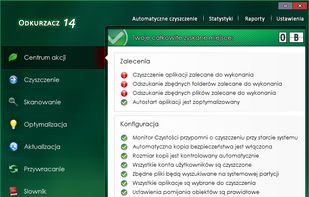


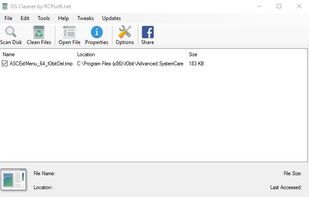
Clean your Operating System from all the garbage wasting space that slows the performance of your Computer, It removes traces that others cleaning software ignore. Download it now, it's free.


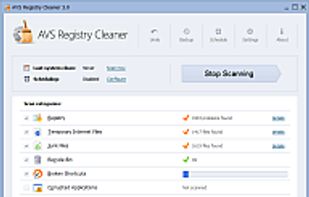
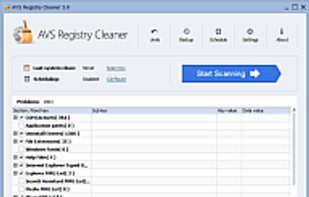
Scan, clean and fix your PC Windows registry. Remove obsolete, harmful or unused items, create system backup. Make your PC operate safe and fast.


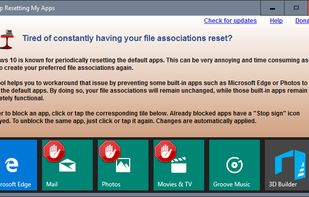
As you may have already experienced, Windows 10 may periodically reset the default apps. The reset action usually takes place after a Windows update or an update of one of the Windows built-in apps such as Microsoft Edge, Photos or Groove Music.


Mac File Shredder software permanently and securely delete, erase, shred and wipe files and sensitive data on iMac, MacBook Air, Macmini, Mac Book Pro, Mac pro, Mac Server, SSD/HDD, external hard drives, SD memory cards, USB flash drives, digital cameras/camcorders and other...
 China
China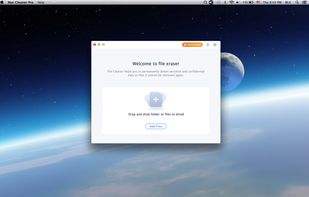


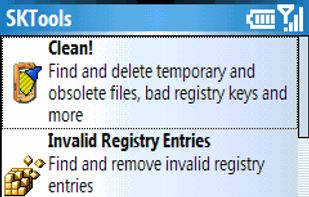
Useful tools and utilities: Lite version includes this SKTools options: Clean! Invalid registry entries, Invalid registry values, Temporary and Cache folders, Temporary and Junk Files, Bad Shortcuts, Benchmark, System Information, Registry Search, Notification Queue, Delete PIM i.