


MarkView
Like
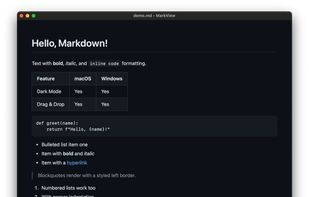
Free desktop app for reading Markdown files with native support for macOS, Windows, and Linux. Offers double-click opening, tables, syntax-highlighted code, diagrams, light and dark themes, adjustable zoom, and assures local privacy with no accounts or uploads.

Cost / License
- Free
- Proprietary
Platforms
- Mac
- Windows
- Linux
Features
MarkView News & Activities
Highlights All activities
Recent activities

MarkView information
Developed by
 Doug Kerwin
 Licensing
Proprietary and Free product.Alternatives
7 alternatives listedBadge
Get an embeddable badge for MarkViewSupported Languages


No comments or reviews, maybe you want to be first?