




Maxisnap
1 like
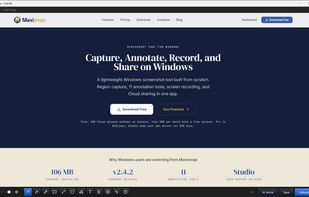
Windows screenshot and screen recording app with scrolling capture, annotations, OCR, and Cloud sharing. The optional Studio add-on supports uploads to your own server.

Cost / License
- Freemium (Pay once or Subscription)
- Proprietary
Platforms
- Windows
Add Alternatives

Maxisnap
1 like
1like
0alternatives
0articles
Features
Maxisnap News & Activities
Highlights All activities
Recent activities
- mjweb updated Maxisnap
I have absolutely loved Monosnap for almost a decade but I'm a windows user and over the past few years the RAM usage crashes got worse and worse but I didn't want to switch to a new system like Loom as I don't need all kinds of advanced features and bloat, I just want the same lightning fast screenshot annotator I'm used to but without needing to worry about freezing/crashes as I regularly have 10 - 20 screenshot annotation windows open at a time. Finding this program was a godsend as it's...
- mjweb liked Maxisnap
- mjweb added Maxisnap
- POX updated Maxisnap
Maxisnap information
Developed by
 Broadfield Networks
 Licensing
Proprietary and Freemium product.Pricing
One time purchase that costs $29, and / or subscription ranging between $2 and $5 per month + free version with limited functionality.Alternatives
0 alternatives listedBadge
Get an embeddable badge for MaxisnapSupported Languages
Comments and Reviews
I have absolutely loved Monosnap for almost a decade but I'm a windows user and over the past few years the RAM usage crashes got worse and worse but I didn't want to switch to a new system like Loom as I don't need all kinds of advanced features and bloat, I just want the same lightning fast screenshot annotator I'm used to but without needing to worry about freezing/crashes as I regularly have 10 - 20 screenshot annotation windows open at a time. Finding this program was a godsend as it's everything I loved about monosnap but it never freezes up even when I have 20-30 windows open. I'm on the free version and there's nothing I need more than this for my workflow.