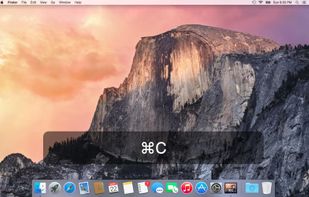
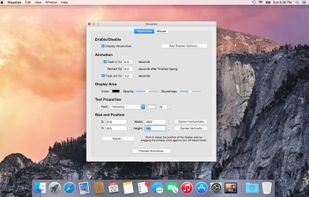
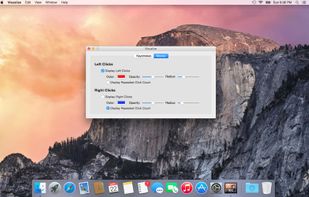
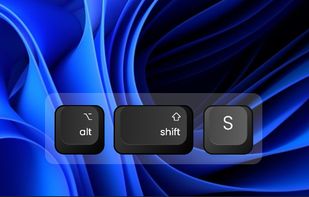
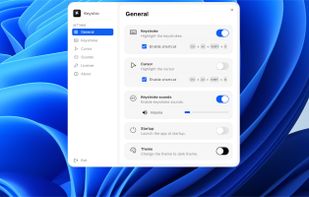
Keyviz is a free and open-source tool to visualize your keystrokes and mouse actions in real-time.
Cost / License
- Freemium
- Open Source (GPL-3.0)
Application typeApplication types
Platforms
- Mac
- Windows
 India
India



+4


MouseShade is described as 'Essential tool for everyone doing presentations or demos. If turned on, it dims the screen and puts a spotlight on the area around the mouse pointer, easily guiding the audiences attention to an area of interest' and is an app in the office & productivity category. There are eight alternatives to MouseShade for Mac and Windows. The best MouseShade alternative is Keyviz, which is both free and Open Source. Other great apps like MouseShade are KeyCastr, Keystro, Mouseposé and KeyStruck.
Keyviz is a free and open-source tool to visualize your keystrokes and mouse actions in real-time.
India
KeyCastr lets you easily display your keystrokes while recording screencasts.
 United States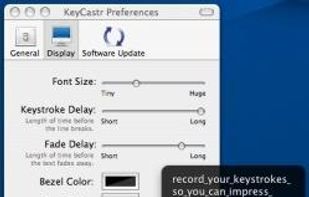


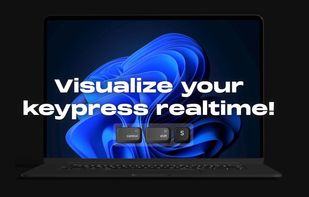
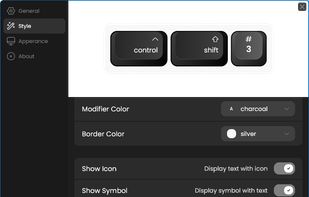
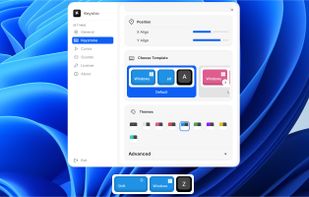
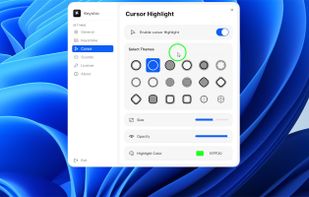
Floating widget shows each key pressed in real time and highlights the cursor with fully adjustable design. Choose from 10+ styles, unlimited color themes, and over 10 sound options. Works across multiple screens for screen recording on Windows and macOS.


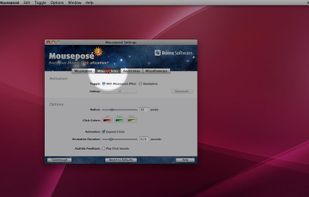
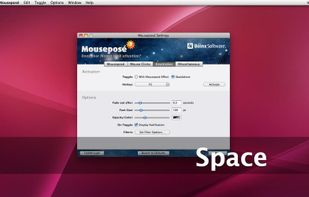
Mouseposé is the indispensible mouse pointer highlighting tool (aka "virtual laserpointer") for everyone doing demos at tradeshows, presentations and trainings, or those individuals with huge and high resolution displays.
 Germany
 EU
EU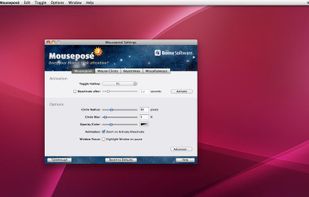


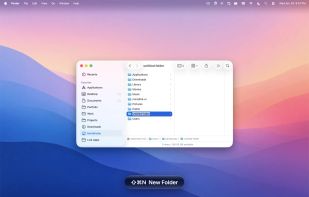
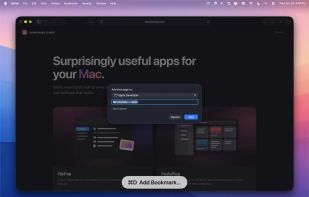
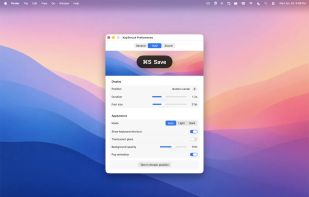
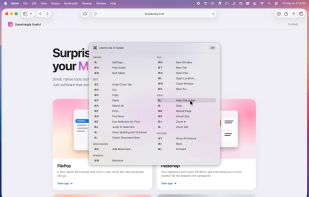
A floating glass HUD names every keyboard shortcut you fire — so you don't have to squint at the menu-bar flash to confirm.


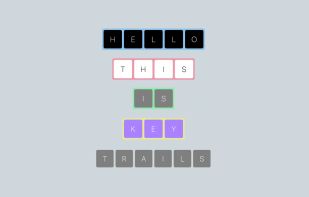
KeyTrails helps you present your keyboard input on your screen. Whether you are making a tutorial video, streaming your gaming session, or giving a business presentation, KeyTrails makes your content just a bit catchier.
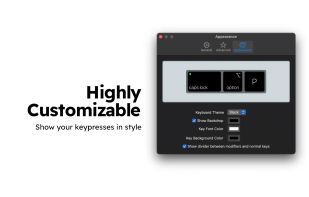
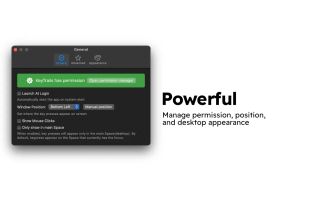
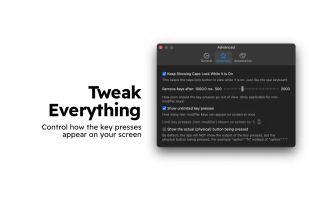


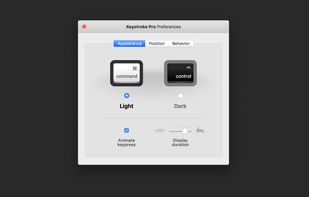
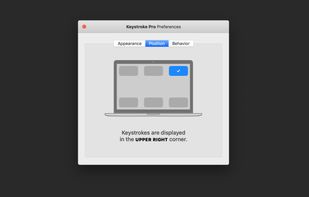
“Keystroke Pro” visualizes single and combined keypresses in an unique and elegant way. It’s the perfect companion for capturing tutorials, ?recording screencasts and performing presentations.
GermanyEU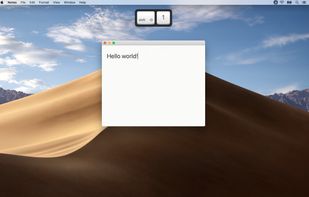
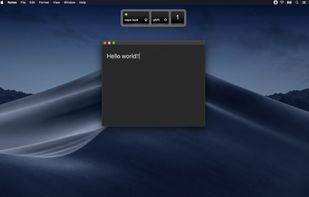


Visualize allows you to highlight your key presses and mouse clicks right on your desktop! The perfect tool for presentations or video tutorials, Visualize allows you to customize the look so your viewers can follow along with ease.