


Multiling O Keyboard
14 likes
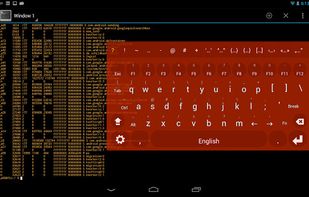
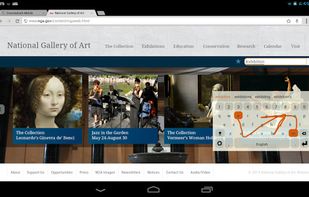
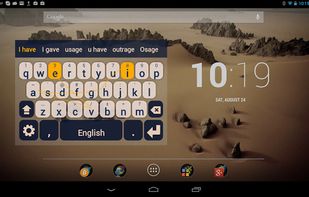
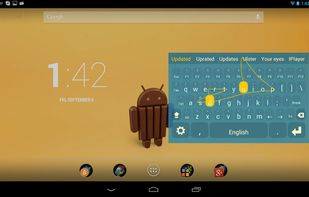
Super lightweight (~ 1/3 MB) yet flexible and powerful soft keyboard. Plus an English plugin still less than 1 MB. (Swype ~15 MB, Minuum ~18 MB, Google Keyboard ~15 MB, Swiftkey ~8 MB, TouchPal ~ 8.5MB)

Cost / License
- Free
- Proprietary
Application type
Platforms
- Android
- Android Tablet


+11


Features
Multiling O Keyboard News & Activities
Highlights All activities
Recent activities
 DomIsDazed added Multiling O Keyboard as alternative to MA Keyboard
 GerritHumberg added Multiling O Keyboard as alternative to Keyboard Designer
 OrdinaryPerson added Multiling O Keyboard as alternative to LeanType
 OrdinaryPerson added Multiling O Keyboard as alternative to CleverKeys Keyboard
 Jqri added Multiling O Keyboard as alternative to Coreply


Featured in Lists

Opinions on how to make my workflow better are welcome.
List by ups_tups with 39 apps, updated

What is Multiling O Keyboard?
Multiling O Keyboard information
Developed by
 Han Honso
 Licensing
Proprietary and Free product.Alternatives
52 alternatives listedBadge
Get an embeddable badge for Multiling O KeyboardSupported Languages


Comments and Reviews
It is excellent.
lots of people are privacy conscious nowadays and prefer open sauce things (despite not reading sauce ever). while not open sauce its very privacy friendly, no connections are made out of the phone, and my phone is rooted to hell and back, i know if something connects, especially in my home and work networks. also works fine on a15, did some testing a while back
best tweakers keyboard, functionality over form ftw. needs better manuals tho since its tough for new users
ive been using this keyboard since the good old classic multiling, then switched to the o(mni) when it was released. it brings back awesome memories of how a droid should be, up to the user
despite it hasnt been updated since late '20, it still works fine on a11. the ui is a mess, but hey, power users dont need em.
This is the most flexible Android keyboard and my first applictation to install on any new device. I am using a personalized button layout that was inspired by the also excellent MessageEase keyboard. About 9 years ago I learnt how to type using MessageEase's game application and found the concept absolutely fantastic. Multiling O goes a step further, as it has several button layouts to choose from but also allows so called DIY modes (a simple text description of the layout). If this is not your cup of tea, you can use the keyboard in one of the available layouts. Altogether, a fantastic keyboard.
I need this keyboard downloaded in my iPhone