





Music Remote Control
2 likes
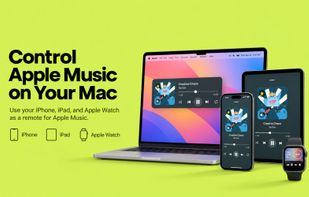
Music Remote Control turns your iPhone, iPad, or Apple Watch into a remote for Apple Music on your Mac.

Cost / License
- Pay once
- Proprietary
Platforms
- Mac
- iPhone
- iPad
- Apple Watch


Features
Music Remote Control News & Activities
Highlights All activities
Recent activities
- bnchndlr liked Music Remote Control
- Jerrick-C liked Music Remote Control
- Jerrick-C added Music Remote Control
- Fla updated Music Remote Control
 Jerrick-C added Music Remote Control as alternative to iTunes Remote

Music Remote Control information
Developed by
 Jiali Cai
 Licensing
Proprietary and Commercial product.Pricing
One time purchase (perpetual license) that costs $4.Alternatives
1 alternatives listedBadge
Get an embeddable badge for Music Remote ControlSupported Languages
No comments or reviews, maybe you want to be first?

