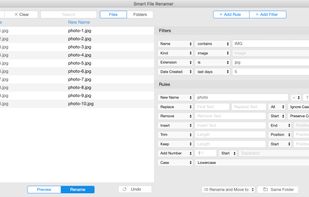


Rename 1000+ files by just talking to AI. Supports PDF/Word/Excel content extraction, OCR for scanned documents, and high-speed batch processing.
Cost / License
- Freemium
- Proprietary
Application typeApplication types
Platforms
- Mac
- Windows
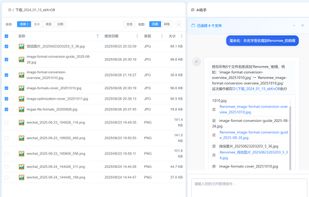


NameQuick is described as 'The app that renames files based on their content, for Mac and Windows. It reads PDFs, scans, images and Office documents, applies your naming template, and files them with review, rules, watch folders and undo' and is a File Renamer in the ai tools & services category. There are more than 50 alternatives to NameQuick for a variety of platforms, including Windows, Mac, Linux, Web-based and BSD apps. The best NameQuick alternative is Bulk Rename Utility. It's not free, so if you're looking for a free alternative, you could try Bulk Rename Utility or DropIt. Other great apps like NameQuick are ReNamer, Floxtop, Advanced Renamer and Neatify.
Rename 1000+ files by just talking to AI. Supports PDF/Word/Excel content extraction, OCR for scanned documents, and high-speed batch processing.

With Rename Expert you can quickly and easily rename files and folders. The program offers a variety of useful features to create meaningful names. For instance, you can automatically rename files using metadata (e.g.
 Germany
 EU
EU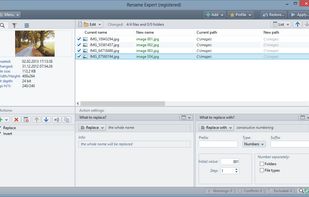
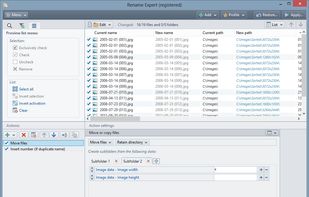
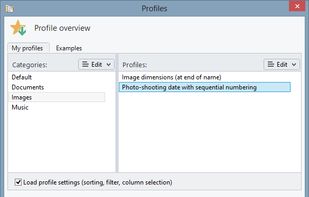
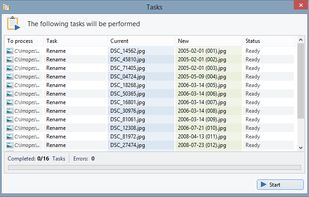


EXIF ReName is a program to name the pictures after the date and time the picture was taken.
 SwedenEU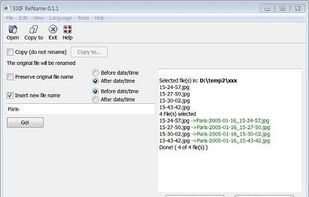


Better File Rename for Windows is the most versatile and easiest file renaming application on the market.
 LuxembourgEU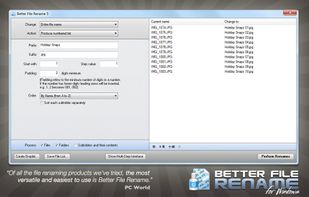


Ken Rename is a multi-file rename utility.
Features:


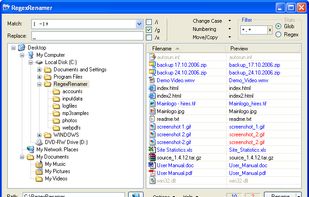
RegexRenamer is a powerful but simple user-friendly graphical tool used to batch rename files using regular expressions. A regular expression (or regex) is simply text that contains special characters that together defines a pattern that can be used to match text, in this case...


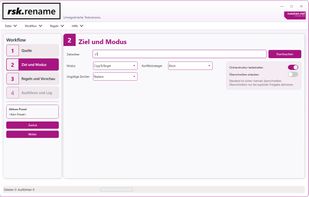
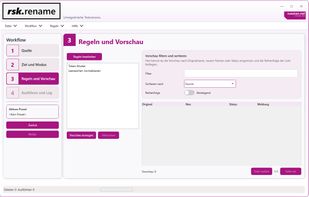
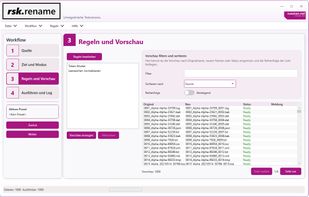
rsk.rename is a flexible Windows bulk renaming tool with live preview, rule-based workflows, presets, undo, logging and CLI support.
GermanyEU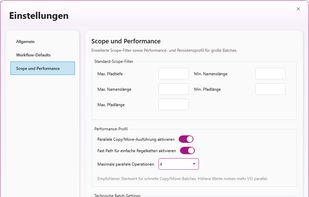


Rename multiple files according to a pattern you specify. Modify original file name by removing/copying its parts, replacing text, or changing letter case. Use dynamic elements like file properties, hashes, MP3 ID3 and EXIF tags, random characters.
 United States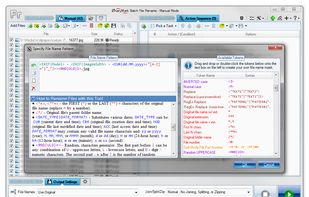
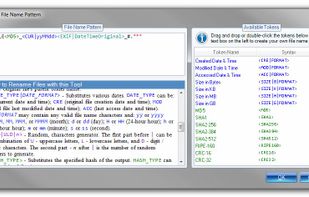
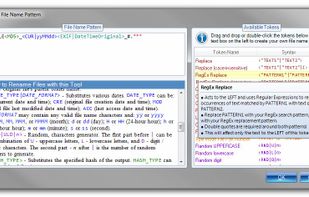
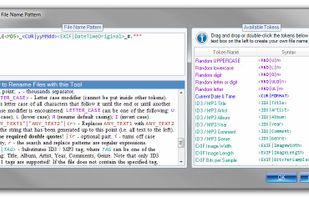


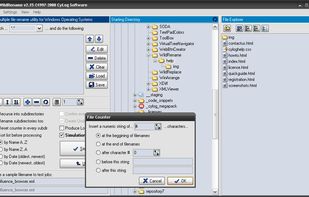
WildRename is a multi-file renaming application with simple user interface helps you build and perform many file renaming operations one-by-one or in batches.
 GreeceEU
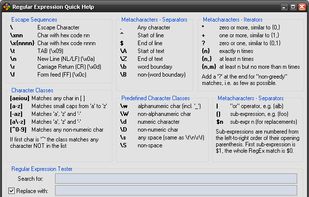


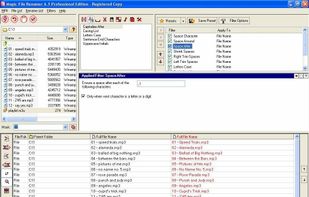
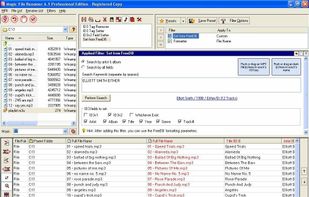
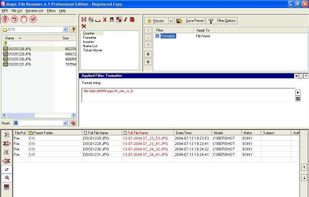
Magic File Renamer (MFR) is a powerful multiple file renamer and ID3 tag setter. With MFR you can change names, dates and attributes for files and folders instantly. MFR also let you change text files contents and ID3v1 / ID3v2 tags for MP3 files.


Batch rename files and folders on Windows, Mac and Linux.
 CyprusEU