




NoSqlStudio
1 like
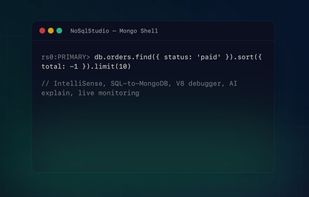
NoSqlStudio is a desktop IDE for MongoDB, Azure Cosmos DB and Redis, Datamasking, built for people who run databases in production, not just browse them. Free edition for personal and open-source use; paid tiers unlock the full commercial IDE.

Cost / License
- Free
- Proprietary
Application type
Platforms
- Mac
- Windows
- Linux

Features
NoSqlStudio News & Activities
Highlights All activities
Recent activities
- antonio3333lima updated NoSqlStudio
- antonio3333lima liked NoSqlStudio
- Maoholguin updated NoSqlStudio
- antonio3333lima added NoSqlStudio
 antonio3333lima added NoSqlStudio as alternative to Studio 3T, JookDB, MongoHub and Nosqlclient


NoSqlStudio information
Developed by
UnknownLicensing
Proprietary and Free product.Alternatives
19 alternatives listedBadge
Get an embeddable badge for NoSqlStudioSupported Languages


No comments or reviews, maybe you want to be first?