





NoteLoom
3 likes
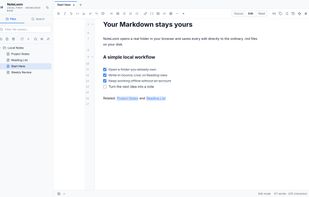
A local-first Markdown workspace that opens real folders in your browser and saves changes directly to .md files on disk.

Cost / License
- Free
- Proprietary
Application type
Platforms
- Online
- Google Chrome
- Microsoft Edge


Features
NoteLoom News & Activities
Highlights All activities
Recent activities


NoteLoom information
Developed by
NoteLoomLicensing
Proprietary and Free product.Alternatives
51 alternatives listedBadge
Get an embeddable badge for NoteLoomSupported Languages


No comments or reviews, maybe you want to be first?