Cost / License
- Free
- Open Source (AGPL-3.0)
Application type
Platforms
- Zotero
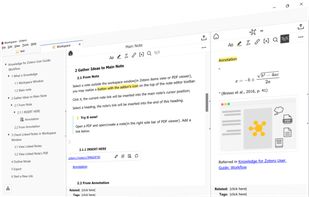


Notepad App is described as 'A markdown-based notes app for macOS, with simplicity and moderation' and is a Note-taking tool in the office & productivity category. There are more than 50 alternatives to Notepad App for a variety of platforms, including Mac, Windows, Linux, iPhone and Web-based apps. The best Notepad App alternative is Obsidian, which is free. Other great apps like Notepad App are Joplin, Notesnook, Google Keep and Zettlr.

Dillinger is a cloud-enabled, mobile-ready, offline-storage, AngularJS powered HTML5 Markdown editor.
 United States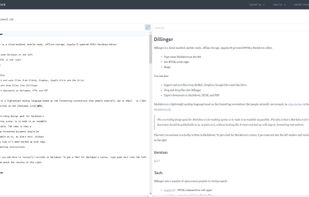


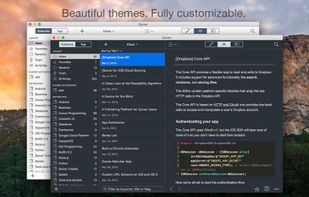
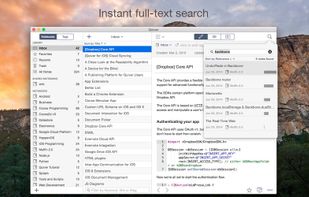
Quiver is a notebook built for programmers. It lets you easily mix text, code and Markdown within one note, edit code with an awesome code editor, live preview Markdown and LaTeX cells, and find any note instantly via the full-text search.
United States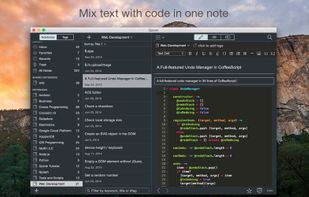
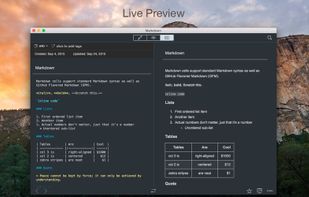


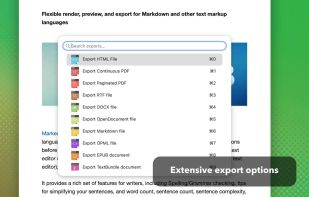
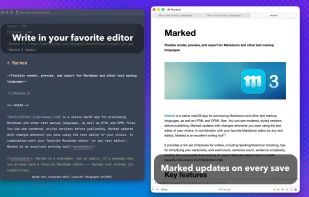
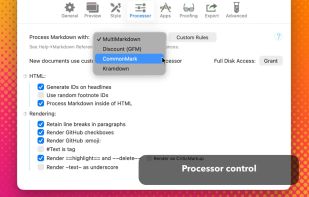
Native macOS tool for previewing Markdown and markup files, supporting local and iCloud documents, real-time updates, writing statistics, grammar and spelling checks, sentence complexity analysis, grade level, readability, export options, and easy workflow integration.
United States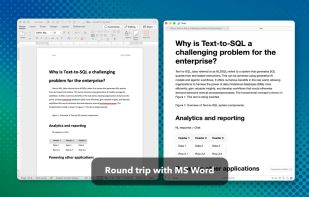


MacDown is an open source Markdown editor for macOS, released under the MIT License. It is heavily influenced by Chen Luo’s Mou.
 Taiwan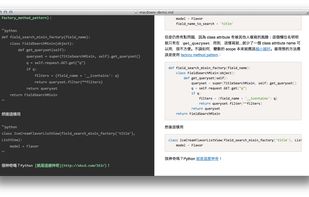
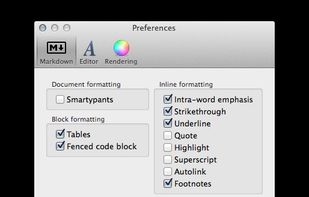
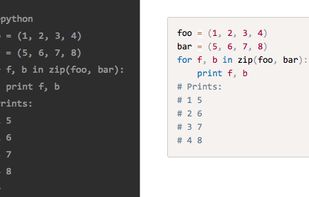


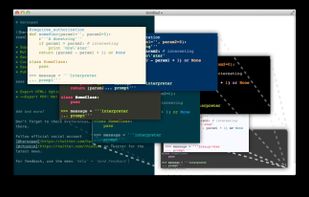
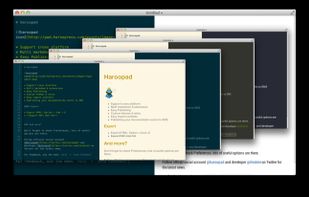
Haroopad is a markdown enabled document processor for creating web-friendly documents. You can author various formats of documents such as blog article, slide, presentation, report, and e-mail as if experts did.
 South Korea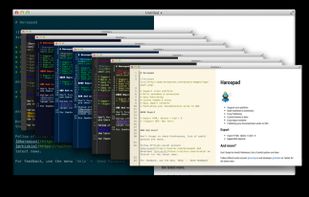
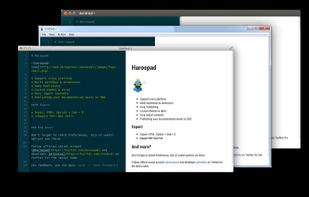


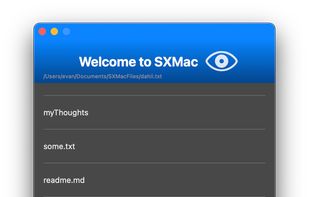
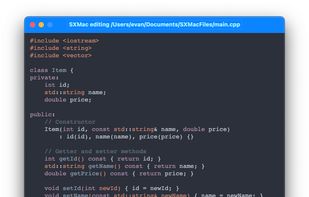
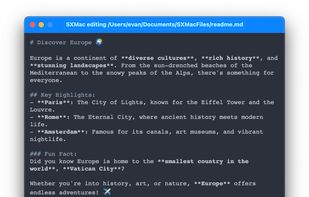
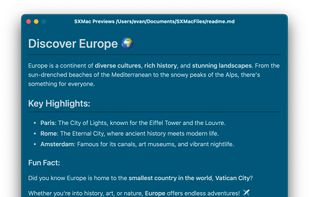
SXMac is a light, notes like app that can be used as a rich text editor, markdown editor and preview, code editor with more than 100 supported languages. If you need specific files or anything else in one place.


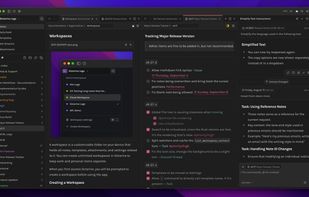
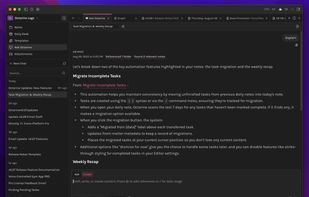
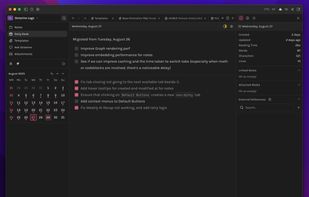
Octarine is a fast, lightweight tool for writing, planning, and organizing — in Markdown that stays yours.



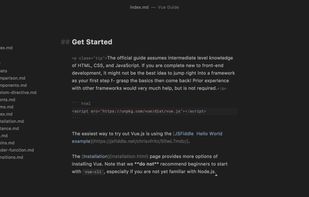
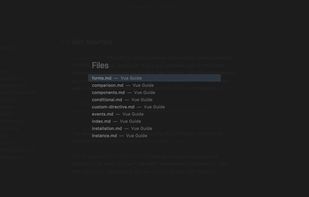
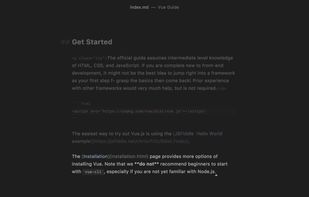
Caret is a Markdown editor for Mac, Windows and Linux. It stands out with its clean interface, productivity features and obsessive attention to detail.
 Slovenia
 EU
EU


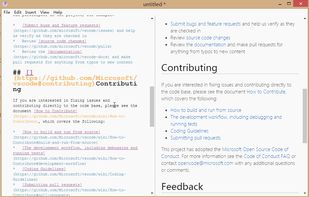


MarkdownPad is a full-featured Markdown editor for Windows. Features: LivePreview : Instantly see how your documents look in HTML as you create them. Easy formatting with keyboard shortcuts. Markdown formatting can be applied (and removed) with handy keyboard shortcuts and toolb.
United States



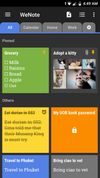
WeNote is simple and easy to use. You can create color notes, to-do lists, reminders and calendar quickly.