

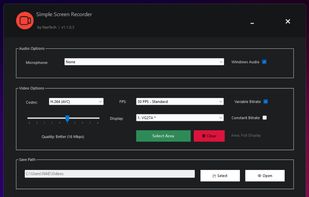
Lightweight Windows screen recorder for full-screen or selected-area capture, with system audio, microphone, H.264/H.265 and up to 120 FPS.
Cost / License
- Free
- Open Source (MIT)
Application typeApplication types
Platforms
- Windows
 Romania
 EU
EU


OpenScreen is described as 'Free, open-source screen recording with manual zoom, motion blur, cropping, custom backgrounds, no watermarks, no subscriptions, and commercial use allowed' and is a popular Screen Recorder in the video & movies category. There are more than 50 alternatives to OpenScreen for a variety of platforms, including Mac, Windows, Web-based, Linux and Google Chrome apps. The best OpenScreen alternative is OBS Studio, which is both free and Open Source. Other great apps like OpenScreen are Recordly, N-Studio, SimpleScreenRecorder and Screenity.
Lightweight Windows screen recorder for full-screen or selected-area capture, with system audio, microphone, H.264/H.265 and up to 120 FPS.
RomaniaEU
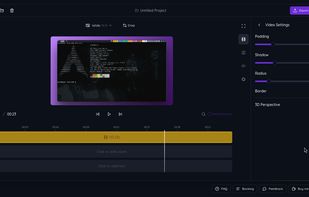
A screen recorder and video editor that works on all operating systems and all chromium-based browsers (chrome, edge, brave). It is the only screen recorder that produces automatic zooms based on webpage understanding rather than just click positions, producing contextual zooms...
 United States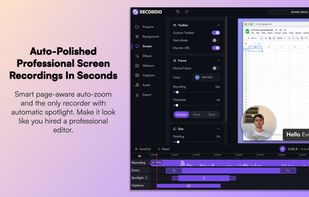
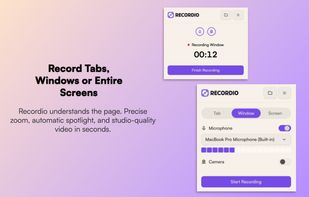
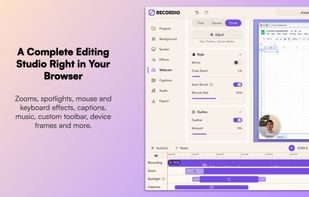
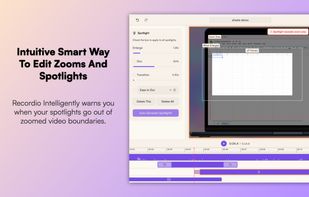




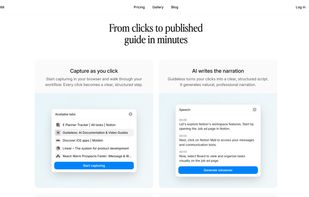
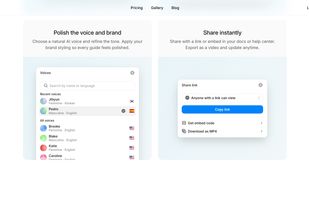
Transforms browser workflows into polished video guides with AI narration, smart zooms, captions, and highlights. No screen recording—just use the Chrome extension, click through your process, and instantly share guides via link, embed, or MP4. Privacy built in.
 LithuaniaEU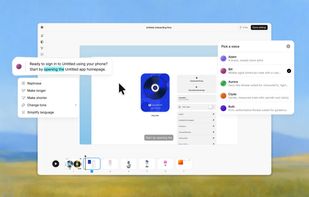


Screen recorder that auto-zooms to your clicks. Record your screen, and ClickZoom adds smooth zoom animations to each click point. Webcam PiP, mic audio, timeline editor included. Free trial, €8.50 one-time.
 SpainEU


Creavit Studio is a macOS screen recording and video editing tool designed for creating professional-looking content quickly. It is a lightweight Screen Studio alternative with advanced tools for polished product demos, tutorials, launch videos, and social media content.
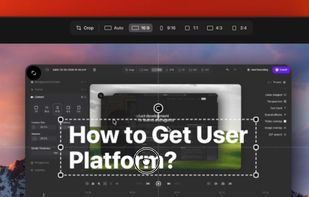
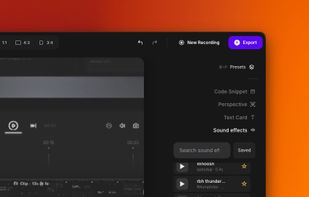
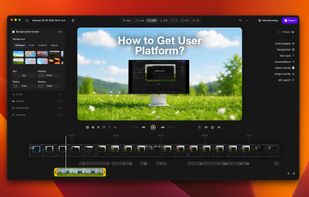
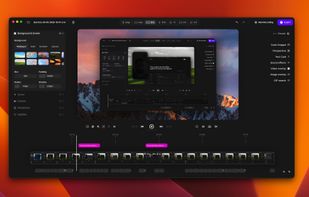


Envizion AI replaces the video editing timeline & video production pipelines with a AI Agentic eco-system you talk to. Type what you want. It scripts, sources, styles, and exports — in minutes.
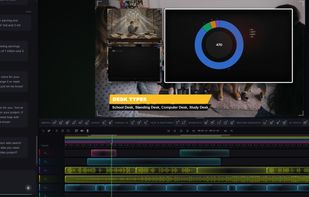


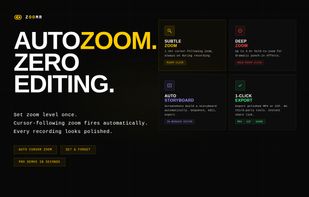
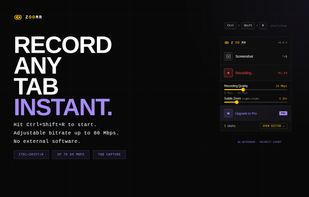
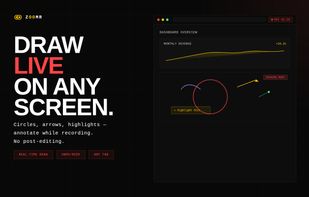
Lightweight Chrome screen recorder for SaaS demos. Zoom in live while recording, annotate on screen, export MP4 with no editing.
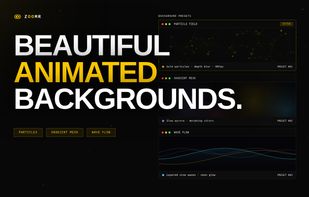

 United States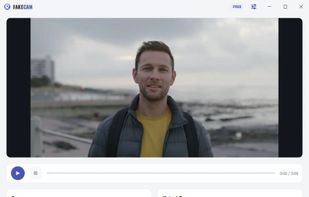

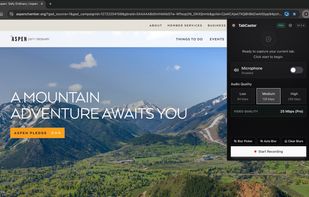
TabCaster is a privacy-focused Chrome extension for effortless browser tab recording. It captures high-quality video and microphone audio directly from your toolbar.


Capture your screen, drop in auto-zoom, backgrounds, and your facecam — then export a video that looks like you hired an editor.
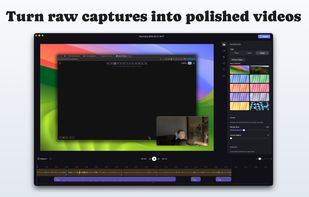
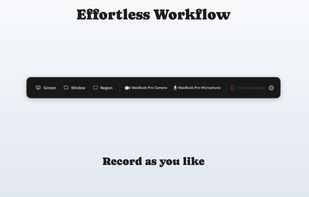
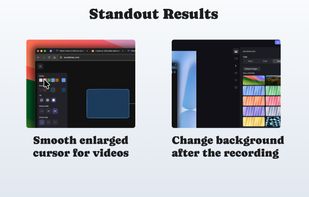


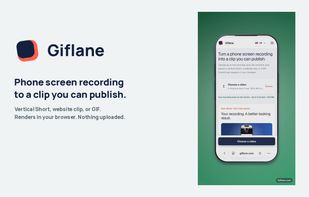
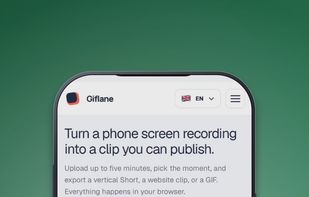
Turns a phone screen recording into a vertical Short, website clip, or GIF, rendered entirely in the browser.