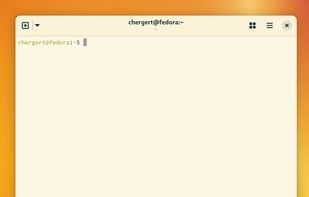
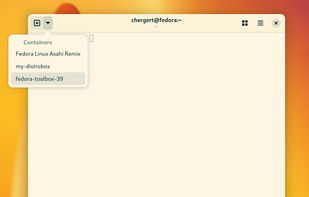
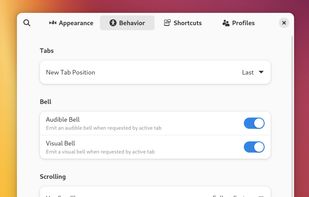
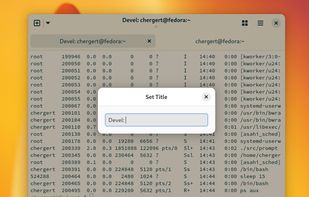
Ptyxis is a terminal for GNOME that focuses on ease-of-use in a world of containers.
Cost / License
- Free
- Open Source (GPL-3.0)
Application type
Platforms
- Linux
- Flathub
- GNOME
- Flatpak
 United States



+8


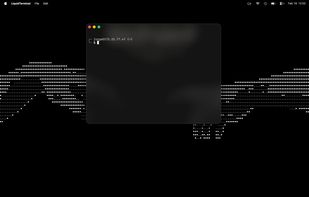
Oxide Terminal is described as 'Native macOS terminal emulator, written entirely in Rust. GPU-rendered on GPUI, with a file-tree drawer you drive like vim and a status bar that knows where your shell is' and is an app in the os & utilities category. There are more than 50 alternatives to Oxide Terminal for a variety of platforms, including Linux, Mac, Windows, BSD and Flathub apps. The best Oxide Terminal alternative is Ghostty, which is both free and Open Source. Other great apps like Oxide Terminal are Tabby, Google Antigravity, Termux and Windows Terminal.
Ptyxis is a terminal for GNOME that focuses on ease-of-use in a world of containers.
United States
A transparent, borderless terminal that lets your desktop show through. Themes restyle its colours and type.


 Germany
 EU
EU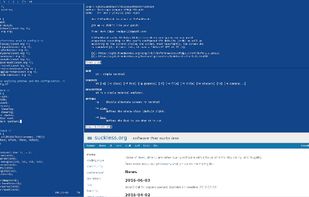


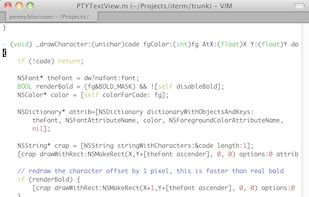
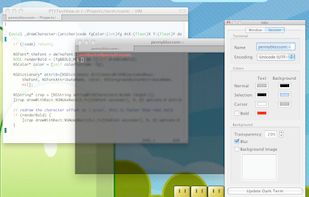
iTerm is a full featured terminal emulation program written for OS X using Cocoa. We are aiming at providing users with best command line experience under OS X. The letter i represents a native Apple look and feel of the program interface, and an emphasis on complete...
United States


Automatically tiles and organizes all terminal sessions in one native macOS window, scaling layouts from fullscreen to grid, grouping sessions by project with color-coding, enabling instant filtering, supporting any CLI tool, and requiring zero configuration.
 Australia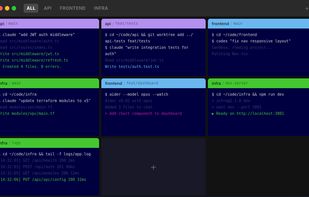


The xterm program is a terminal emulator for the X Window System. It provides DEC VT102 and Tektronix 4014 compatible terminals for programs that can't use the window system directly.
United States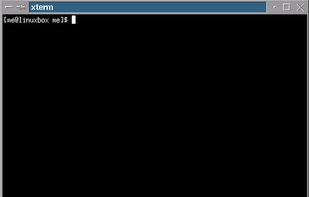

 United States


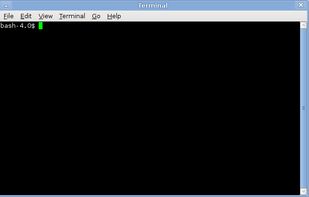
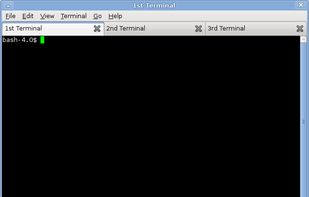
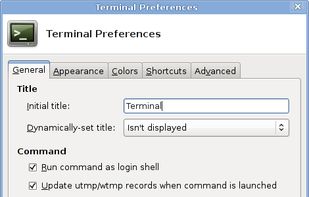
Xfce Terminal is a lightweight and easy to use terminal emulator application with many advanced features including drop down, tabs, unlimited scrolling, full colors, fonts, transparent backgrounds, and more.


Comprehensive AI coding assistant supporting code completion, debugging, and optimization with over 300 models, multi-platform access, seamless workflow integration, automation, context awareness, and input handling for text, image, video, and speech.
United States








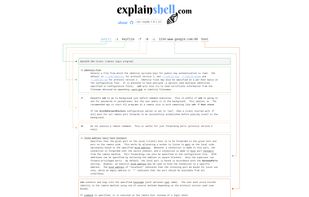
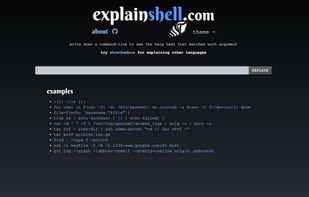
Get details on arguments for commandline tools through explainshell's sleek, web-based interface. The web app is totally free and source code is available for download through GitHub.
 Israel