


PaintMyMap
1 like
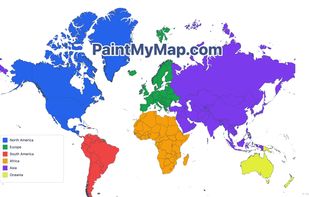
A free online tool to create and customize maps. You can paint countries with colors, patterns, or textures, place shapes and SVGs, edit map structures, and even load your own data.

Cost / License
- Free
- Proprietary
Application type
Platforms
- Online


Features
PaintMyMap News & Activities
Highlights All activities
Recent activities
 Dudl added PaintMyMap as alternative to topograph
- pekigag327 added Support for Layers as a feature to PaintMyMap
- pekigag327 added Ad-free as a feature to PaintMyMap
- pekigag327 added Lightweight as a feature to PaintMyMap
- pekigag327 added PaintMyMap
- POX updated PaintMyMap
I like that it's free, has a lot of maps to choose from, I can place shapes and even SVGs. In addition, I can also upload my own GeoJSON and paint it. I haven't seen any other tool that can do it.
- pekigag327 liked PaintMyMap
 pekigag327 added PaintMyMap as alternative to Map Chart, Mapbox Studio, CartoSVG and Mapline
- pekigag327 added PaintMyMap as alternative to Map Chart


PaintMyMap information
Developed by
 PaintMyMap.com
 Licensing
Proprietary and Free product.Alternatives
7 alternatives listedBadge
Get an embeddable badge for PaintMyMapSupported Languages


Comments and Reviews
I like that it's free, has a lot of maps to choose from, I can place shapes and even SVGs. In addition, I can also upload my own GeoJSON and paint it. I haven't seen any other tool that can do it.