


locally hosted web application that allows you to perform various operations on PDF files.
Cost / License
- Freemium
- Open Source
Application types
 United States
Platforms
- Mac
- Windows
- Online
- Self-Hosted
- Cloudron
- Docker Hub


+1


PDFCreator is not available for Mac but there are plenty of alternatives that runs on macOS with similar functionality. The best Mac alternative is Stirling-PDF, which is both free and Open Source. If that doesn't suit you, our users have ranked more than 100 alternatives to PDFCreator and many of them are available for Mac so hopefully you can find a suitable replacement. Other interesting Mac alternatives to PDFCreator are iLovePDF, PDF Genie, Elimisoft PDF Creator and Cisdem PDFCreator.
locally hosted web application that allows you to perform various operations on PDF files.

iLovePDF is an online service to work with PDF files completely free and easy to use. Merge PDF, split PDF, compress PDF, office to PDF, PDF to JPG and more!
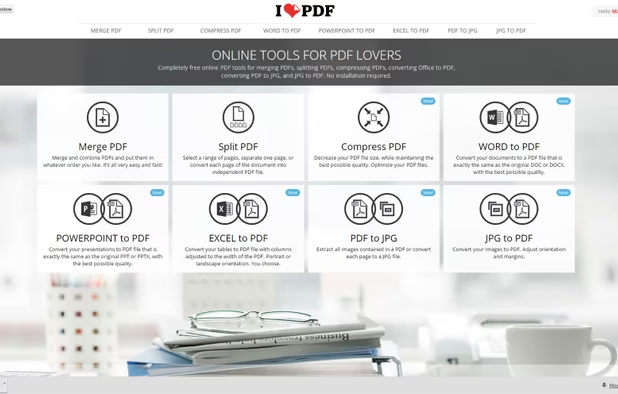
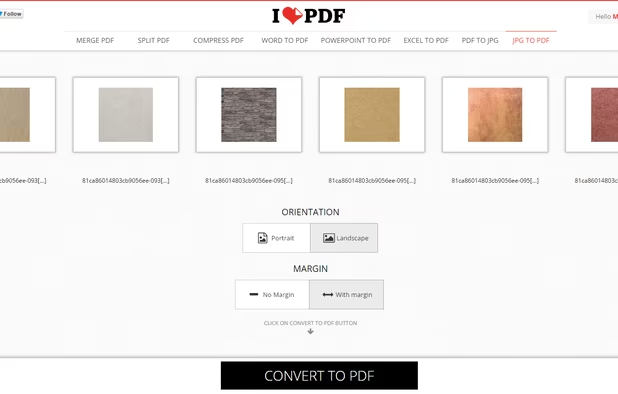
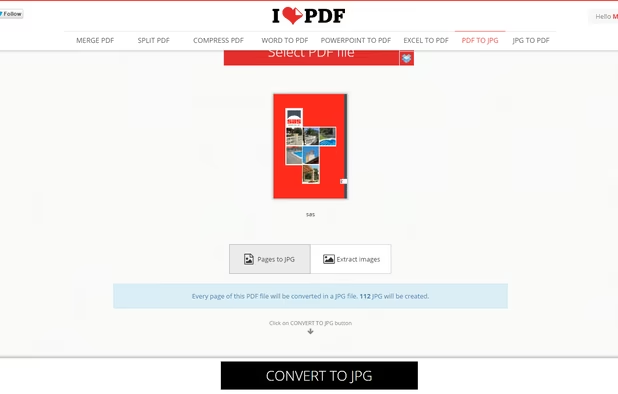
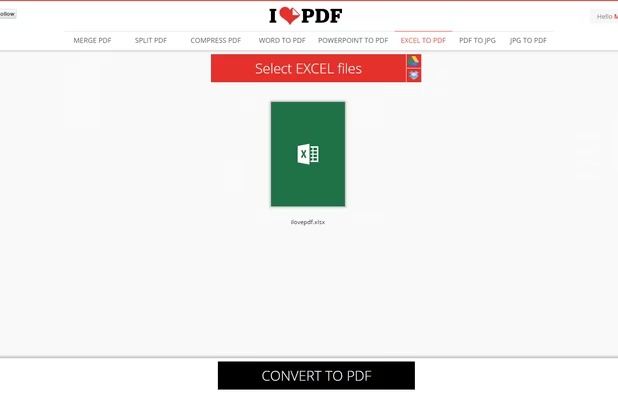


40+ free PDF tools plus AI-powered contract review, invoice extraction, and document chat — all in your browser, no signup needed.


Elimisoft PDF Creator is a great way to help you create PDF from Word(.docx), PowerPoint(.pptx), Plain Text, RTFD, HTML, EPUB, and Image(.png, .gif, .tif, .jpeg, etc). It also keeps the origin formatting after creating!.


Cisdem PDFCreator for Mac lets you easily create PDF from Word, PowerPoint, EPUB, Text, RTFD, HTML, CHM, JPG, and PNG, etc. It can do both partial conversion of one single file and batch conversion, and even merged conversion with several files.


Read, edit, annotate, and sign PDF documents with built-in AI features like summarize and translate, OCR in 50+ languages, fill forms, export to major formats offline, apply watermarks, compress files, secure with passwords, and use text-to-speech on all major platforms.
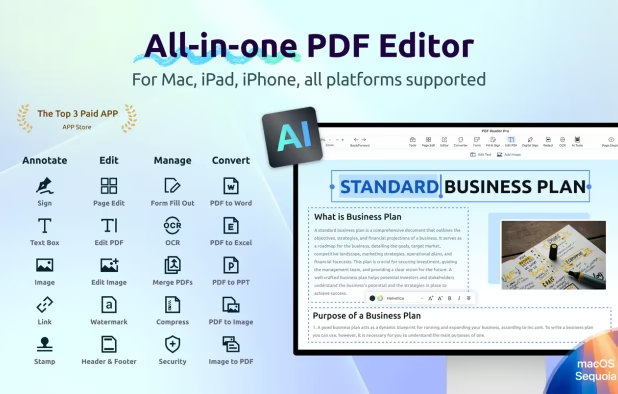


PDF creation with text recognition and scanner support. Features email and webpage import to PDF. Reduce file size by optimizing PDF.


RWTS PDFwriter is an OSX 11.0+ compatible print driver that enables you to “print” your documents directly to a pdf file. It has similar functionality to CutePDF on Windows.


Edit, convert, annotate, protect, merge, split, compress, and sign PDF files on Mac.


Infix PDF editor lets you open, edit and save PDF files. It’s easy and quick – you can change text, fonts, images and more. And, unlike other PDF editors, it works like normal word processing software, so it’s really easy to use.


Spool Pilot makes it possible to convert printouts from arbitrary applications in several popular graphic formats as easily as it is now to save them in a PDF file. From the point of view of the user, the procedure of saving printouts is very much the same.


 Spain
Spain EU
EU
 United Arab Emirates


 Taiwan
 Germany

 Hong Kong SAR China

