




iLovePDF
29 likes
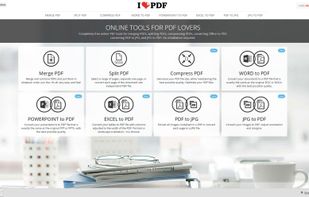
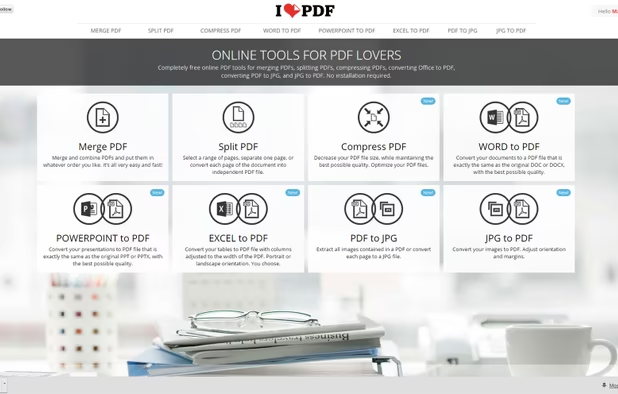
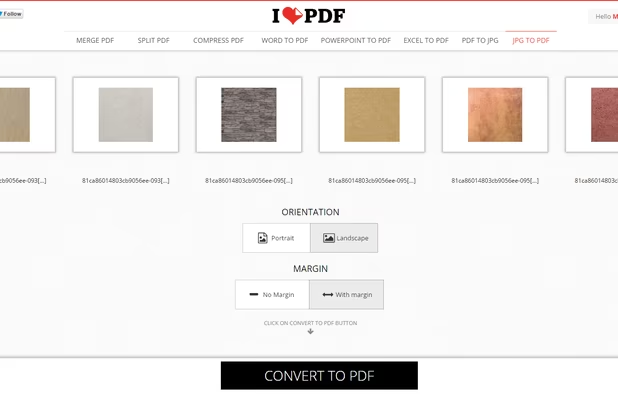
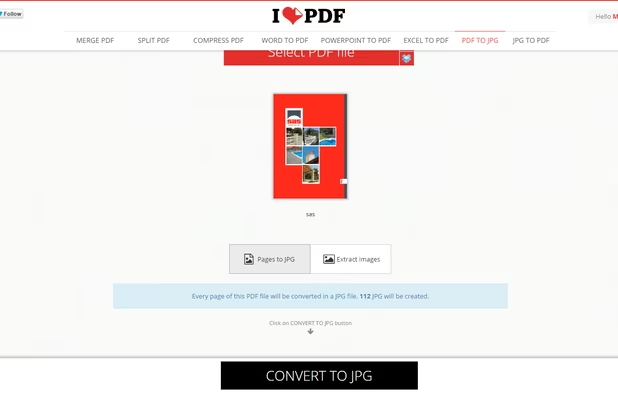
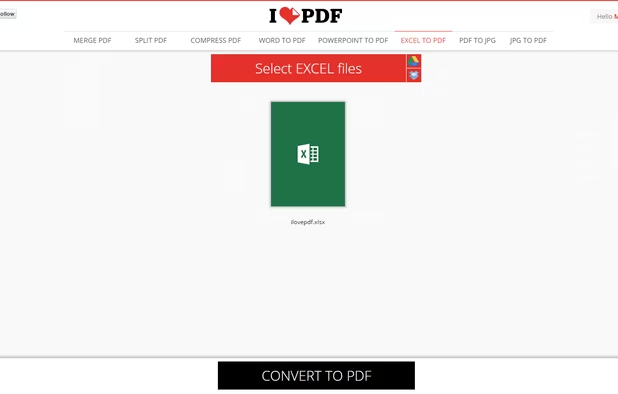
iLovePDF is an online service to work with PDF files completely free and easy to use. Merge PDF, split PDF, compress PDF, office to PDF, PDF to JPG and more!
Cost / License
- Freemium (Pay once)
- Proprietary
Application type
 EU
EUPlatforms
- Mac
- Windows
- Online
- Android
- iPhone
- Android Tablet
- iPad

Features
iLovePDF News & Activities
Highlights All activities
Recent News
No news, maybe you know any news worth sharing?
Share a News TipRecent activities
- PDFscaler liked iLovePDF
 Burak-KAYA added iLovePDF as alternative to PDF Platform
 Nettongia added iLovePDF as alternative to Nettongia PDF Editor
 zaferdajani added iLovePDF as alternative to OneClick Convert
 rukpat added iLovePDF as alternative to DecryptPDFs
- Blue-Isagi added PDF Editor as a feature to iLovePDF


Featured in Lists

A list with 807 apps by AmileyaRyver without a description.
List by AmileyaRyver with 807 apps, updated

Things I use on a regular basis or that I've got on my setup. Separated into two categories. Work Computer...
List by Ale G. with 33 apps, updated

A curated list of the best online file conversion tools available in 2026. These tools allow you to convert documents,...
List by Der Beste with 5 apps, updated


What is iLovePDF?
iLovePDF information
Developed by
 ILOVEPDF S.L.
 Licensing
Proprietary and Freemium product.Pricing
One time purchase (perpetual license) + free version with limited functionality.Rating
Average rating of 3.5Alternatives
180 alternatives listedBadge
Get an embeddable badge for iLovePDFSupported Languages



Comments and Reviews
Extreme preset is better than Adobe Acrobat DC online.
You should definitely try your compressor after iLovePDF.
This is their privacy policy by the way: https://www.ilovepdf.com/help/privacy
They changed it, before it was a blank empty page: https://web.archive.org/web/20260602174624/https://www.ilovepdf.com/help/privacy
Really solid tool for everyday PDF tasks. The interface is clean and it works directly in the browser with no installation needed. Compression quality is decent for most use cases, though heavy files with lots of images can sometimes lose a bit too much quality. Great starting point if you need a quick no-fuss PDF solution.
iLovePDF offers a wide range of PDF tools with a simple interface. Helpful for converting, merging, compressing, and organizing documents quickly.
Decent, but you have to pay to use features like batch compress (gives you limited number and only if you download the desktop).
There are better open source or free options like FileOptimizer, which is a gui for GhostScript.
Users don't need any account in order to use iLovePDF right now.
Web version has a super complete set of tools to deal with PDF. Compression rate is really good. Works like a charm.