



Turns a phone screen recording into a vertical Short, website clip, or GIF, rendered entirely in the browser.
Cost / License
- Freemium
- Proprietary
Application typeApplication types
Platforms
- Online




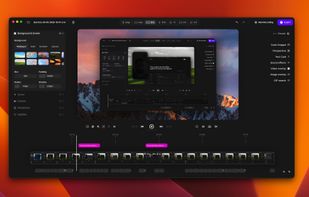
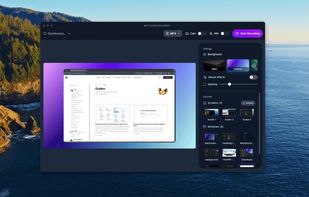
Phia is described as 'Modern screen recorder with fluid mouse motion, intelligent zoom, motion blur, custom backgrounds, animated titles, and instant sharing for seamless demos or tutorials' and is a Screen Recorder in the video & movies category. There are more than 50 alternatives to Phia for a variety of platforms, including Mac, Windows, Web-based, Google Chrome and Linux apps. The best Phia alternative is OpenScreen, which is both free and Open Source. Other great apps like Phia are Recordly, ScreenArc, Camtasia and Cap.
Turns a phone screen recording into a vertical Short, website clip, or GIF, rendered entirely in the browser.

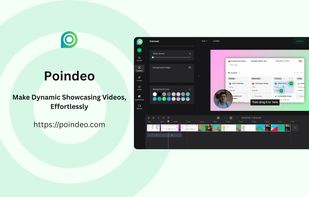
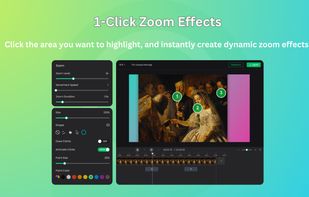
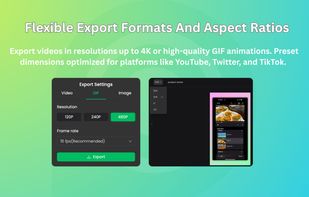
Poindeo is an online video editor specializing in creating dynamic zoom effects for your screen recordings, images, and PDFs. Ideal for creating professional product demos, tutorials, and presentation videos with minimal effort.




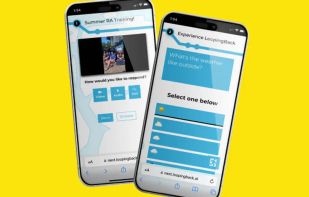
LoopingBack enables video as a message and response type for surveys, emails, stand ups, and other communications. It also uses AI to help users get from collection of information to results faster.
 United States



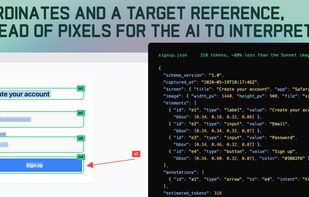
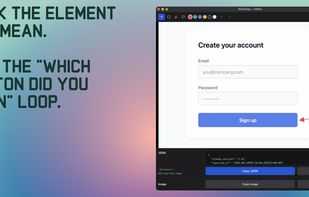
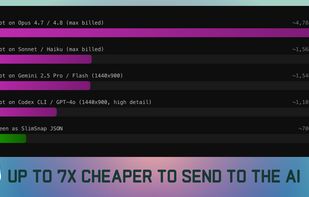
SlimSnap is a Mac app that turns a screenshot into structured JSON instead of an image. It captures the screen, runs OCR locally, and outputs the text, elements, colors, and bounding boxes, so terminal AI coding agents (Claude Code, Aider, Codex CLI) can act on the exact element...


The fast and easy way to capture high-quality videos for free. Video rendering is done entirely in your browser, ensuring no data leaves your device, so confidentiality is fully protected.

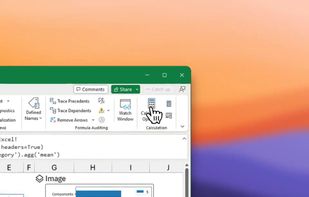


TabCaster is a privacy-focused Chrome extension for effortless browser tab recording. It captures high-quality video and microphone audio directly from your toolbar.



Creavit Studio is a macOS screen recording and video editing tool designed for creating professional-looking content quickly. It is a lightweight Screen Studio alternative with advanced tools for polished product demos, tutorials, launch videos, and social media content.
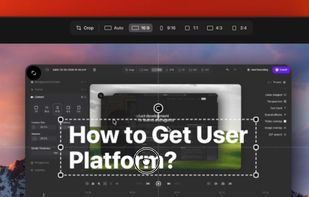
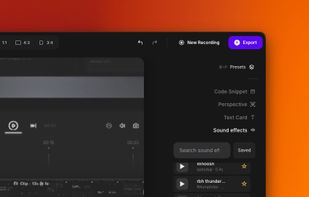
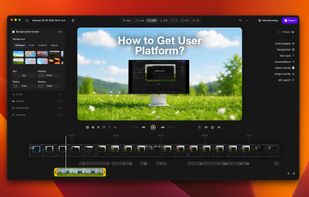


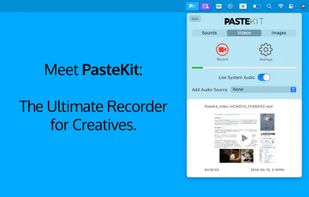
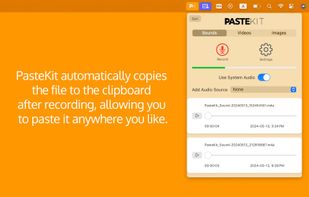
With PasteKit, just record then paste video, images, sound directly into your audio/video editing software. Works out-of-the-box, no extra setup needed.



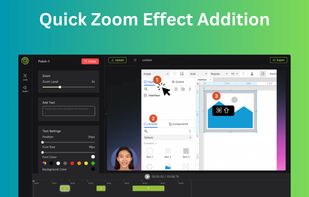
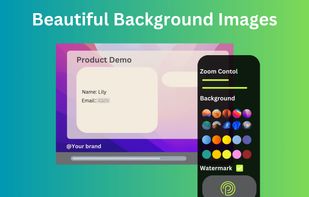
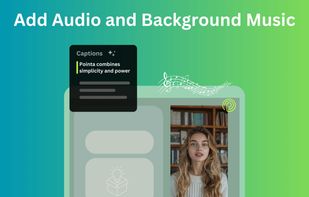
Pointa is a video creation tool dedicated to making smooth and natural zoom effects. Unlike other video editing tools that require complex keyframe settings, Pointa allows you to create professional-look zoom animations with just a simple click.



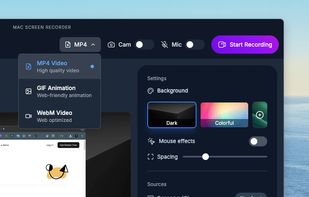
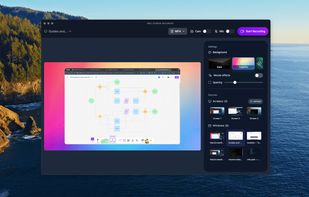
Effortless macOS screen recording with a streamlined interface, cursor trails, click animations, MP4, WebM, or GIF export, no watermarks, no account signups, lifetime access for a one-time fee, instant effect toggling, and features tailored for tutorials and demo creation.


 India
India


