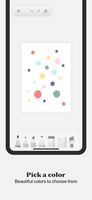
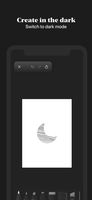
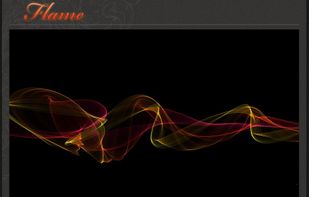
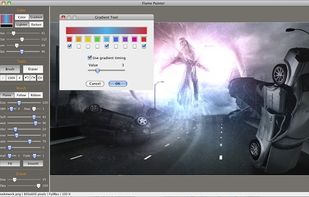
Flame Painter is a unique paint program that lets you create original artworks with flame brushes.
Cost / License
- Paid
- Proprietary
Application type
Platforms
- Mac
- Windows
- iPhone
- iPad
 Slovakia
 EU
EU



+7


P


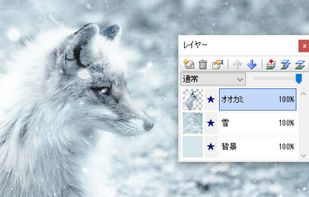
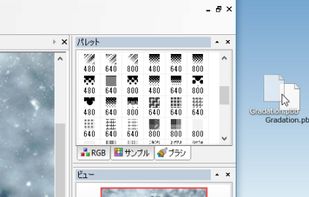
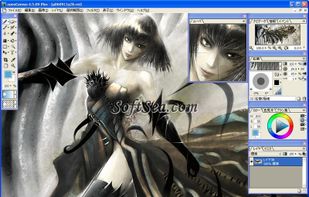
Pixia is described as 'Freeware bitmap graphics editor program for Windows, created by Isao Maruoka. It was originally designed for the anime/manga community but has also been used in other branches of art' and is a digital painting tool in the photos & graphics category. There are more than 50 alternatives to Pixia for a variety of platforms, including Windows, Mac, iPad, iPhone and Android apps. The best Pixia alternative is GIMP, which is both free and Open Source. Other great apps like Pixia are Krita, Adobe Photoshop, Paint.NET and MyPaint.
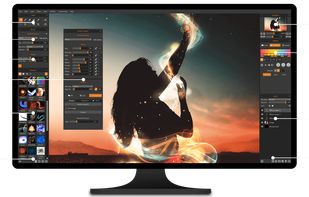
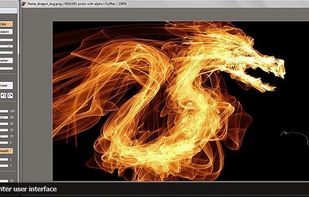
Flame Painter is a unique paint program that lets you create original artworks with flame brushes.
SlovakiaEU
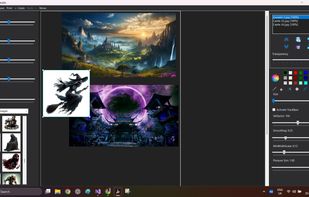
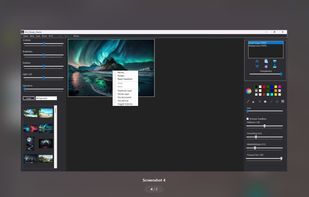
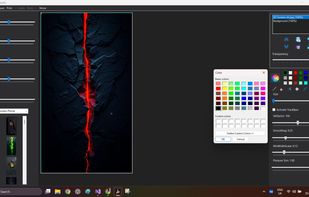
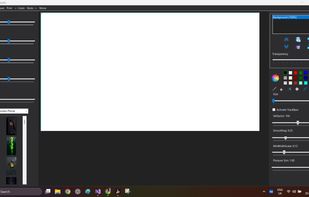
An image and stencil editor for artists. Work with layers, remove backgrounds, use a gallery, pressure-sensitive drawing, customize colors/effects, and edit offline for full creative control.


Milton is an open source application that features an infinite canvas. It feels raster-based but internally it works with vectors. It lets you export your work at any resolution.
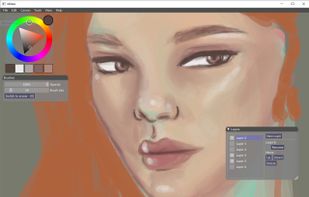


Sketches is a perfect mix of beauty, simplicity and power, a truly unique combination you won't find anywhere else.
 FranceEU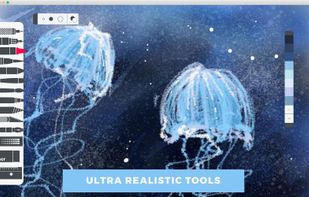

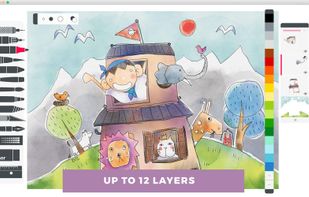
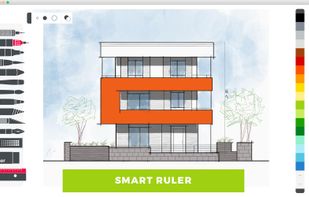


A powerful and unique digital art program, focusing on natural media painting, photo editing and illustrative styles.
 United States

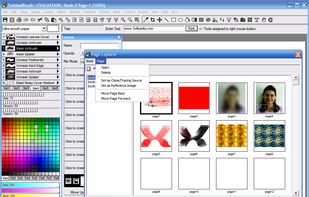
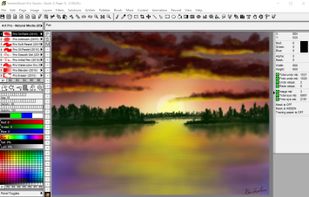


Artweaver is a simple Freeware program for creative painting, i.e. Artweaver offers you all artistic effects which you need for your work.
 GermanyEU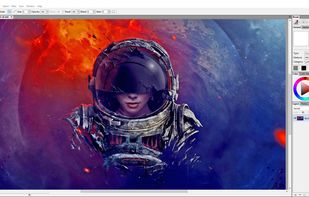


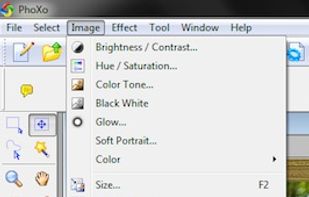
PhoXo is small and free image editing application. It's tiny, fast, easy to use, can be treated as a mini PhotoShop. Its features include layers, undo, over 50 special effects, batch processing, and a wide variety of useful and powerful tools for selecting, crop, painting...
 China
China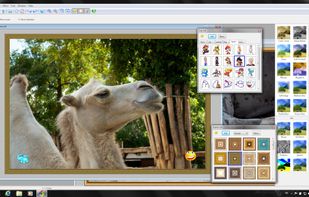
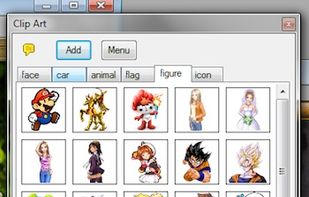


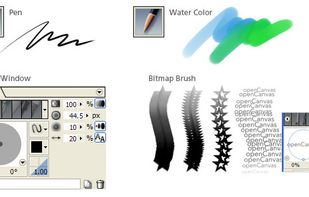
openCanvas, popularly abbreviated as oC, is a popular Japanese image editing program.
 Japan
Japan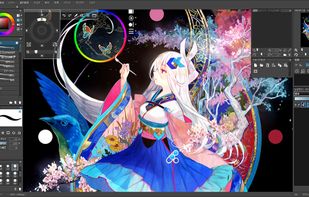



Seashore is an open source image editor for Mac OS. It features gradients, textures and anti-aliasing for both text and brush strokes. It supports multiple layers and alpha channel editing. It is based around the GIMPs technology and uses the same native file format.



Verve (Dictionary: Energy and enthusiasm in the expression of ideas, especially in artistic performance or composition...) is the result of a curious idea I had to try using the graphics hardware to run a fluid dynamics simulation.
 Türkiye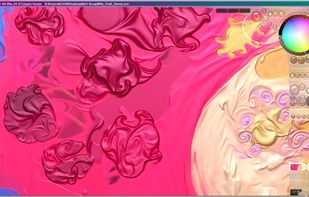


PictBear is an image editor and paint program that is very friendly toward the beginning user, PictBear is very straightforward and easy to use no matter what your skill level is.
United States