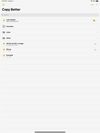
Copy Better keeps all the things you need to copy and paste in one place, available at a simple tap.
Cost / License
- Free
- Proprietary
Platforms
- iPhone
- iPad






Pop Clipboard is described as 'Syncs clipboard history across Apple devices with iCloud, stores 3 days of copies, advanced search, universal keyboard, batch pasting, and multi-tasking support' and is a clipboard manager in the office & productivity category. There are more than 50 alternatives to Pop Clipboard for a variety of platforms, including Mac, Windows, Linux, iPhone and iPad apps. The best Pop Clipboard alternative is CopyQ, which is both free and Open Source. Other great apps like Pop Clipboard are Ditto, PasteBar, Planck and CopyCat Clipboard.
Copy Better keeps all the things you need to copy and paste in one place, available at a simple tap.

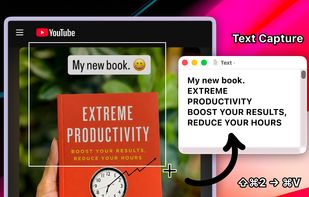
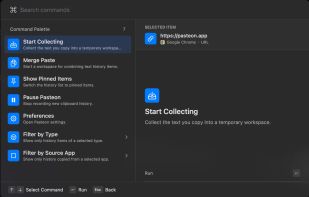
Clipboard tool for macOS built around a paste queue: collect several items, then paste them back one at a time in order, with text transformations and text capture from images.

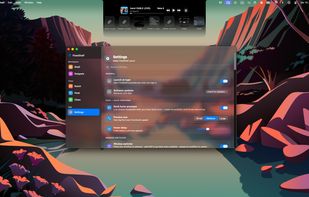
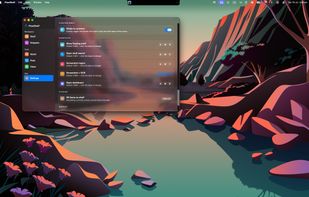
FlowShelf a free Mac app that turns your notch into a Dynamic Island and gives everything you copy, drop, or screenshot a temporary home.
 Australia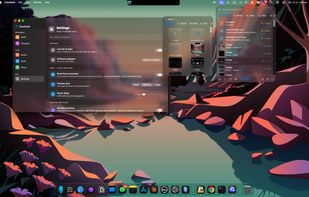

Now you don't have to worry that copying one thing will erase something else! It keeps the clipboard history that you can use to paste any selected fragment again. The clipboard contents will be saved, even in the case of Windows crash or power failure.
 United States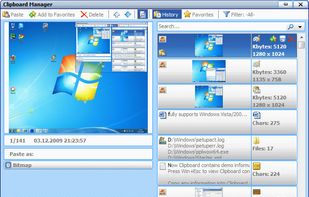


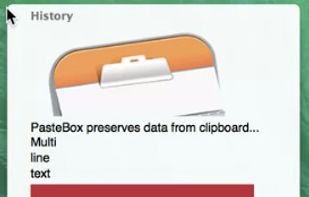
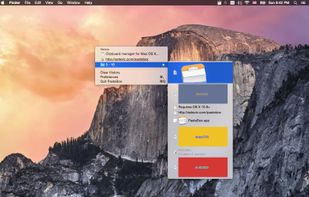
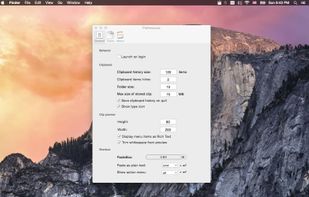
PasteBox preserves data from clipboard and allows easy access to those data through shortcut. You can record various clipboard types, from plain text to images.


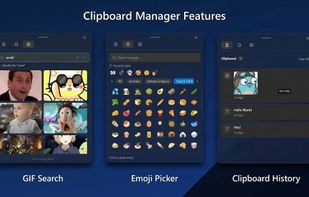


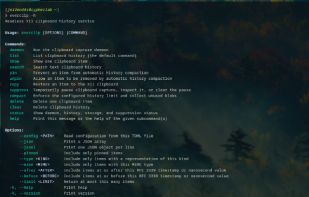
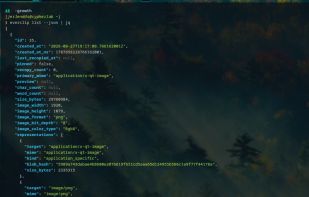
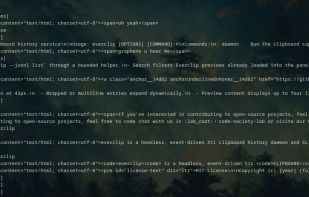
everclip is a headless, event-driven X11 CLIPBOARD history daemon and pipe-first CLI. It stores stable history records in a Turso database (sqlite3) while keeping each original X11 target payload in a deduplicated blob store.

A lightweight, minimal, and fast clipboard manager for macOS built with Python and PySide6.
 India
India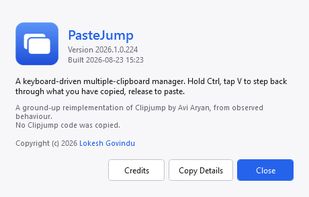
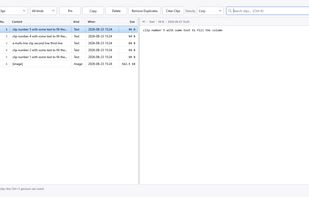
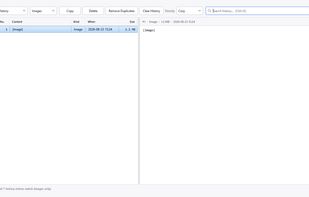
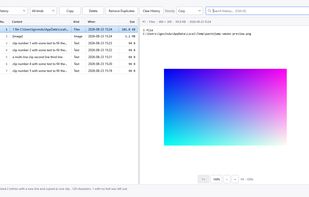

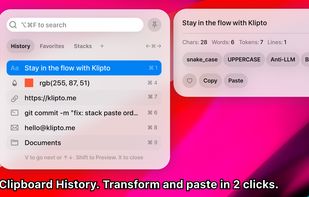
Clipboard history remains searchable and actionable with local network sync, no cloud, content-aware actions, OCR, previews, batch copy, merge, split, paste queue, keyboard controls, URL cleanup, metadata inspection, color conversions, and privacy.
 China
China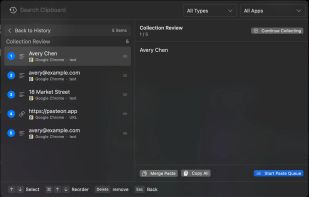



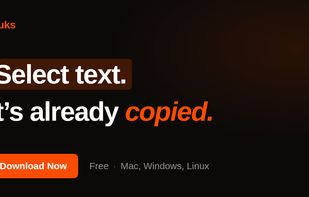
Auto-copies any text the moment you select it — no Ctrl+C needed. Provides deep click paste and a searchable local clipboard history. Works on Mac and Windows.