





PositionPro
Like
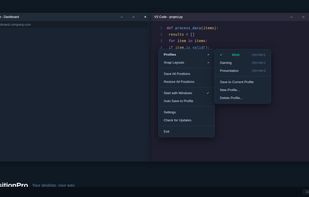
Save, restore and manage window positions on Windows 10 & 11. Create desktop profiles, auto-detect monitors, snap layouts, and switch workspaces with hotkeys. One-time $9.99 purchase.

Cost / License
- Pay once
- Proprietary
Application type
Platforms
- Windows


Features
PositionPro News & Activities
Highlights All activities
Recent activities
- PositionPro added PositionPro
 PositionPro added PositionPro as alternative to DisplayFusion, SnapZones, AquaSnap and Divvy

PositionPro information
Developed by
UnknownLicensing
Proprietary and Commercial product.Pricing
One time purchase (perpetual license) that costs $10.Alternatives
11 alternatives listedBadge
Get an embeddable badge for PositionProSupported Languages
AlternativeTo Category
OS & Utilities

No comments or reviews, maybe you want to be first?
