Power Text for Google Chrome AlternativesText Expanders and other similar apps like Power Text for Google Chrome

Power Text for Google Chrome is described as 'Based on the Auto Text Expander by carlinyuen (https://github.com/carlinyuen/ChromeAutoTextExpander), Power Text is a Google Chrome Extension that allows you to define text shortcuts' and is a Text Expander in the web browsers category. There are more than 25 alternatives to Power Text for Google Chrome for a variety of platforms, including Windows, Mac, Google Chrome, Web-based and Android apps. The best Power Text for Google Chrome alternative is AutoHotkey, which is both free and Open Source. Other great apps like Power Text for Google Chrome are espanso, PhraseExpress, FastKeys and TextExpander.

Copy a direct link to this comment to your clipboard
Power Text for Google Chrome alternatives page was last updated

Alternatives list

  1. AutoHotkey icon
     893 likes

    AutoHotkey is an open-source Windows scripting language for task automation. It crafts scripts for operations like form filling and auto-clicking, initially starting with hotkeys yet evolving into a complete script language. Converts scripts to executables, works offline, and supports debugging.

    162 AutoHotkey alternatives

    Cost / License

    Application type

    Platforms

    • Windows
     
  2. PhraseExpress icon
     202 likes

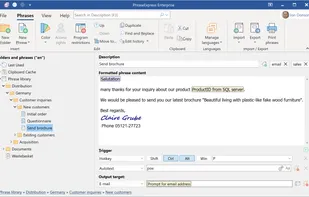
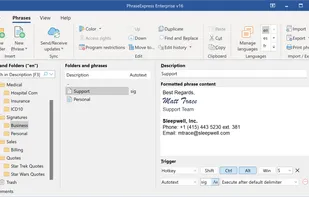
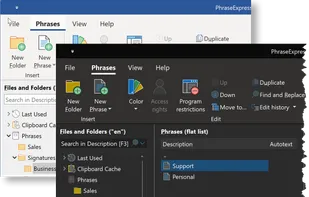
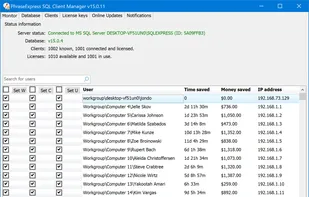
    Autotext and snippet expander organizes reusable phrases in folders, inserts text by shortcuts or abbreviations, syncs phrase libraries across devices, includes macros, clipboard management, email integration, dynamic templates, and supports AES encryption for data.

    57 PhraseExpress alternatives

    Cost / License

    • Free Personal
    • Proprietary

    Application type

    Platforms

    • Mac
    • Windows
    • iPhone
    • iPad
     
  3. FastKeys icon
     119 likes

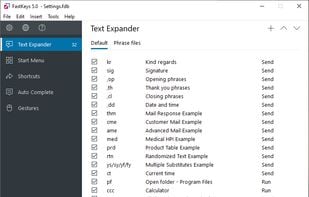
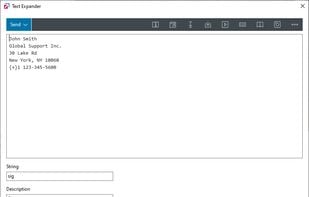
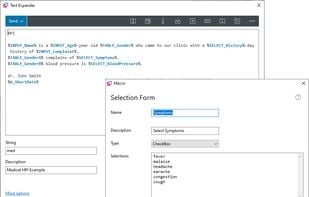
    All in one Windows automation software. Fully configurable text expander, start menu, shortcuts, auto complete and mouse gestures. User-defined commands to run files, open webpages, send macros or automate anything. Incredibly powerful but yet simple to use.

    125 FastKeys alternatives

    Cost / License

    • Paid
    • Proprietary

    Application type

    Platforms

    • Windows
     
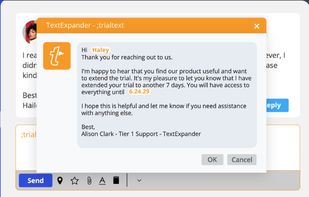
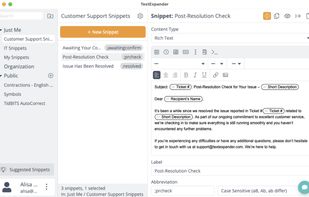
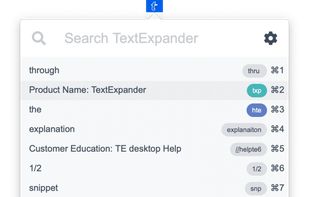
  4. TextExpander icon
     67 likes

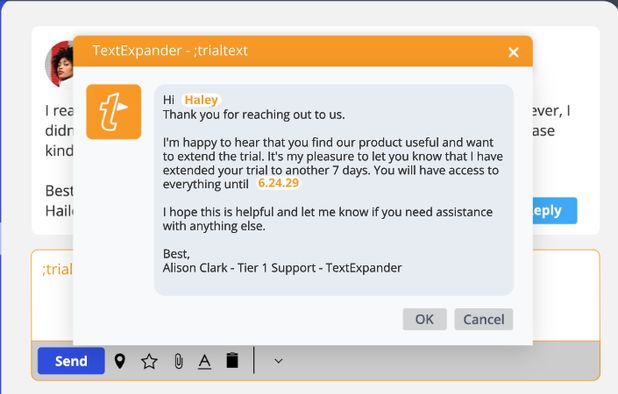
    Boosts team efficiency by managing, creating, and sharing reusable text snippets across all platforms with support for fill-in fields, advanced customization, and insightful analytics to drive productivity and performance enhancement.

    76 TextExpander alternatives

    Cost / License

    • Paid
    • Proprietary

    Application type

    Platforms

    • Mac
    • Windows
    • Google Chrome
    • Software as a Service (SaaS)
     
  5. aText icon
     40 likes

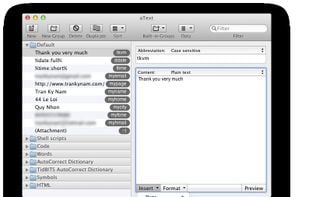
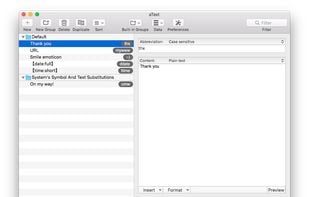
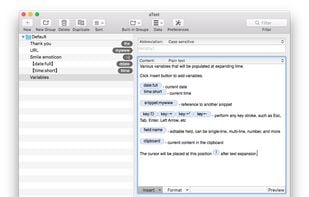
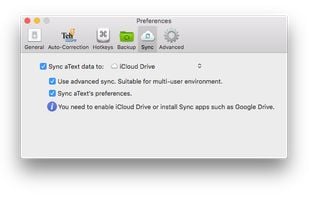
    aText accelerates your typing by replacing abbreviations with frequently used phrases you define.

    50 aText alternatives

    Cost / License

    • Paid
    • Proprietary

    Application type

    Platforms

    • Mac
    • Windows
    • Parallels Desktop
     
  6. Beeftext icon
     39 likes

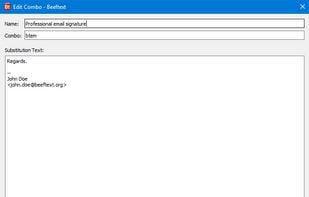
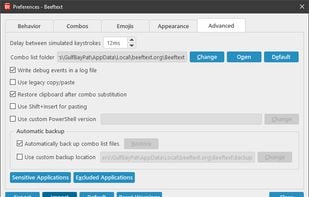
    Beeftext is an open-source text substitution tool for Windows.

    59 Beeftext alternatives

    Cost / License

    • Free
    • Open Source (MIT)

    Application type

    Alerts

    • Discontinued

    Platforms

    • Windows
     
  7. Text Blaze icon
     7 likes

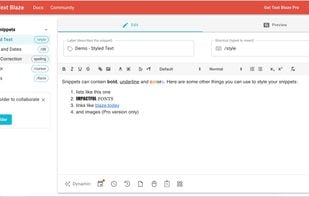
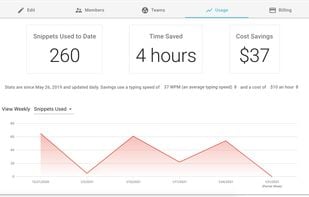
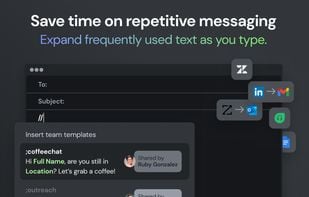
    Streamlines repetitive typing using keyboard shortcuts and custom dynamic snippets. Provides browser-based integration, shared team snippets with commenting, granular access control, usage statistics, and works across Windows, macOS, and Linux platforms for multiple professions.

    45 Text Blaze alternatives

    Cost / License

    • Freemium
    • Proprietary

    Application type

    Platforms

    • Mac
    • Windows
    • Online
    • Chrome OS
    • Google Chrome
    • Software as a Service (SaaS)
     
  8. Repeat icon
     8 likes

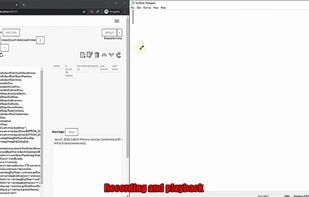
    Repeat is a full-fledged, Java mouse/keyboard record/replay and automation hotkeys/macros creation using modern programming languages, and more advanced automation features. Working across three major OSes: Windows, OSX, and Linux.

    Cost / License

    Application type

    Platforms

    • Mac
    • Windows
    • Linux
    • Java
     
  9. Magical icon
     10 likes

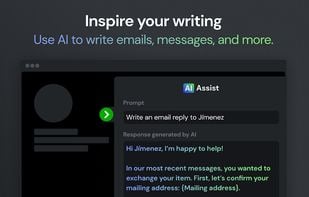
    Magical is a browser extension compatible with Google Chrome and Edge, designed to automate repetitive tasks using artificial intelligence and GPT-4. It allows users to create AI-generated messages, emails, and responses, store frequently used messages as templates, and expand...

    52 Magical alternatives

    Cost / License

    • Freemium
    • Proprietary (MIT)

    Application type

    Platforms

    • Online
    • Chrome OS
    • Microsoft Edge
    • Google Chrome
     
  10. TyperTask icon
     16 likes

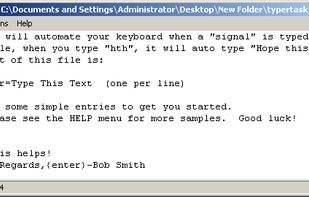
    Increase your efficiency by automating your keyboard with TyperTask! This tool simulates keyboard typing, and can be used to instantly type common phrases. Use it to automate chat conversations, website logins, programming code blocks, HTML tags, or anything else you can imagine.

    56 TyperTask alternatives

    Cost / License

    • Free
    • Proprietary

    Application type

    Alerts

    • Discontinued

    Platforms

    • Windows
     
  11. Briskine icon
     1 like

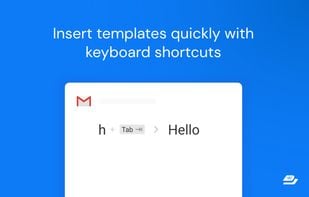
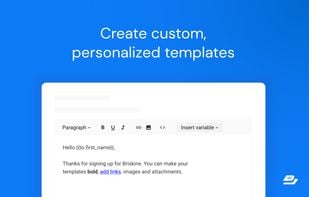
    Write emails faster! Increase your productivity with templates and keyboard shortcuts on Gmail, Outlook, or LinkedIn.

    Cost / License

    • Freemium
    • Proprietary

    Application type

    Platforms

    • Online
    • Microsoft Edge
    • Google Chrome
    • Safari
    • Software as a Service (SaaS)
    • Opera
    • Firefox
     
12 of 35 Power Text for Google Chrome alternatives