


Make a screenshot, add your notes on top and share it instantly. Need to show some action? Record what you do, and share a GIF in a few seconds.
Platforms
- Windows


puush is described as 'Super-quick way to share screenshots and files. Quickly capture any portion of your screen, upload any file, and share them with a short URL automatically placed in your clipboard. Share them with the world or make them private, for your eyes only' and is a screenshot capture tool in the photos & graphics category. There are more than 50 alternatives to puush for a variety of platforms, including Windows, Mac, Linux, Web-based and Google Chrome apps. The best puush alternative is ShareX, which is both free and Open Source. Other great apps like puush are Greenshot, Flameshot, Ksnip and Lightshot.
Make a screenshot, add your notes on top and share it instantly. Need to show some action? Record what you do, and share a GIF in a few seconds.

 United States

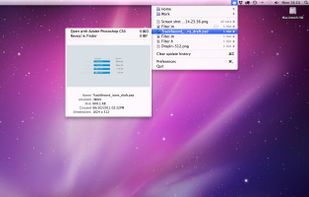


The easiest way to send files. No folders, no syncing, no waiting. Simple, secure and fast.


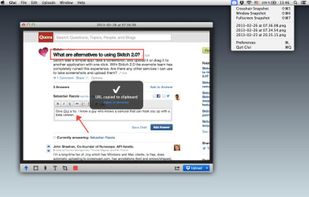
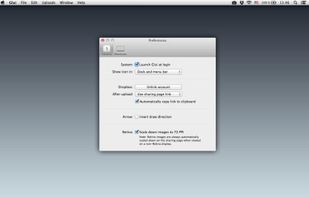
Glui is the simplest way to capture, annotate and share screenshots.
Key features: • Capture crosshair, window or fullscreen screenshots, or drag and drop existing images. • Annotate with arrow, rectangle, pen and text tool. • Instantly upload to .



Floatr is a unique type of file hosting and URL shortening service URLs!
Pass messages and spread ideas in unique ways Use URLs in humouristic ways for fun Make your links stand out for their originality uniqueness and possibly cleverness.


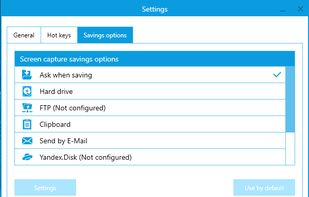
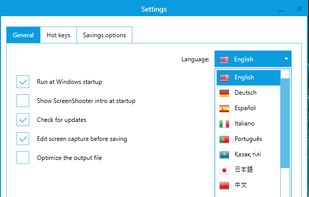
Simple, but powerful application for taking screenshots, editing them with included editor, and saving using multiple options, such as local storage, cloud, FTP-server, or direct copying to the clipboard or E-mail message.
 Russia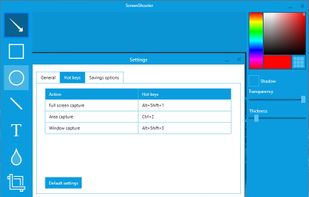


Upload, get URLs to share.
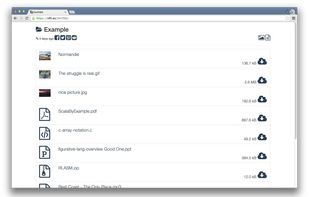
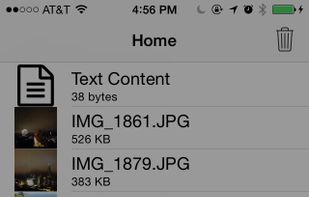
Need direct download links of files? Use nFiles iOS app or mail to i@nfil.es, get short URL to share. No signup, unlimited & no expiration.



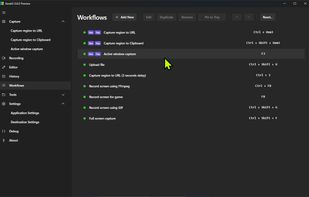
The most advanced screen capture tool for Windows, macOS, and Linux. ShareX reimagined with modern UI technologies, built from the ground up for cross-platform performance.
United States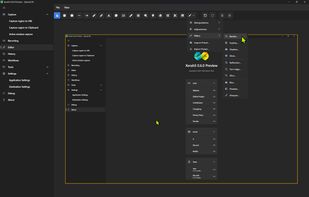


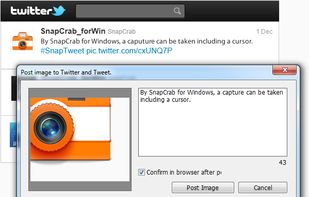
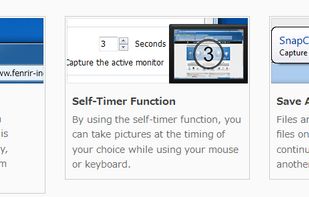
SnapCrab is a photo capture software that can capture any part of your screen. Files are saved in PNG format. Capture the whole screen, specified windows or areas, or wherever you like. With SnapCrab you can directly post captured images to Twitter, or save them to Evernote.
United States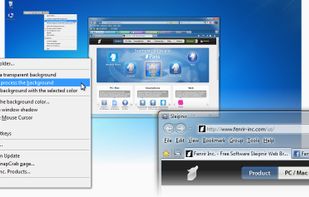


A macOS app for capturing, annotating and sharing screenshots. Quickly add comments, highlight what matters or blur any sensitive content. Upload screenshots to Google Drive or Dropbox. Copy screenshots to the clipboard and paste them directly into Slack, Skype, Jira, Trello and...


