

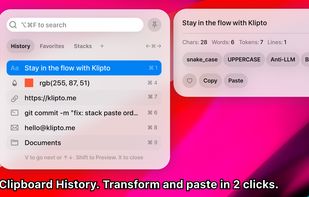
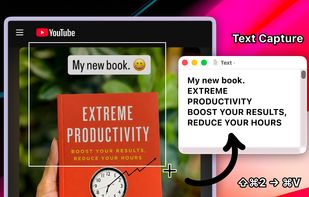
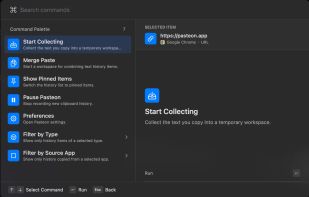
Clipboard tool for macOS built around a paste queue: collect several items, then paste them back one at a time in order, with text transformations and text capture from images.
Cost / License
- Freemium
- Proprietary
Application type
Platforms
- Mac



Raycast is described as 'Access tools with shortcuts, automate tasks with AI, and streamline productivity with Raycast's. Enhance efficiency with snippets, quicklinks, and integrated commands' and is a popular application launcher in the office & productivity category. There are more than 100 alternatives to Raycast for a variety of platforms, including Mac, Windows, Linux, Google Chrome and Web-based apps. The best Raycast alternative is Microsoft PowerToys, which is both free and Open Source. Other great apps like Raycast are Vicinae, Flow Launcher, Alfred and Vorssaint.
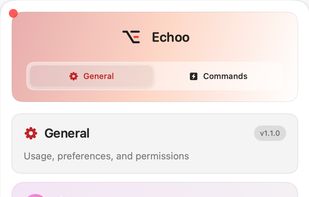
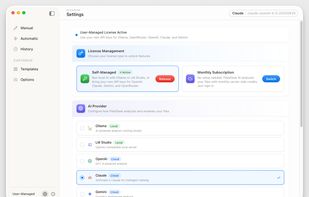
Clipboard tool for macOS built around a paste queue: collect several items, then paste them back one at a time in order, with text transformations and text capture from images.

Write in your native language, AI gives you natural English inline in any Mac app - same tone, your style. Never stored, never training data. Your original. Keep it.
 Israel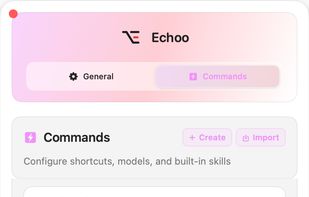




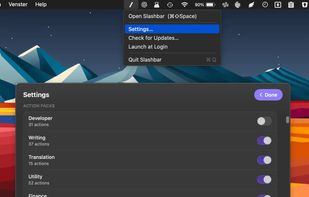
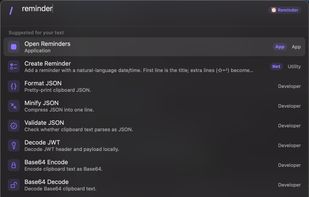
Command bar for macOS — press a hotkey and run 200+ text, window, and AI actions using the AI subscriptions you already pay for.



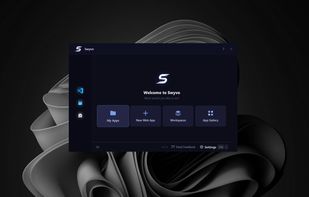
Swyvo is a keyboard-driven app launcher for Windows that runs quietly in the background. Press Alt+Q to instantly bring up your apps and sites right over your current window — press it again to send them away just as fast. No flicker, no losing your focus.
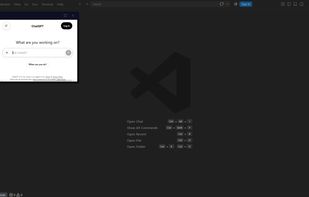




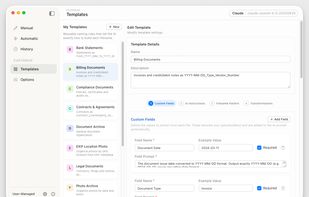
FilesDesk is an AI-powered file renaming app that automatically analyzes and renames your documents based on their actual content, turning messy folders into organized, searchable clarity.
 India
India


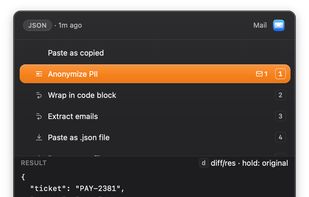
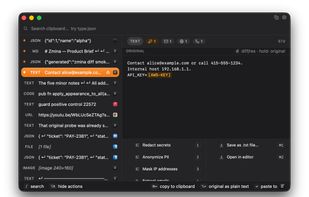
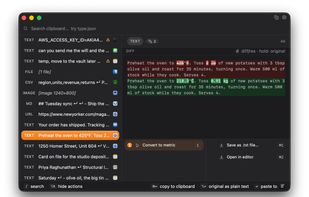
Zmina is a clipboard for people who copy and paste all day. Instead of just storing history, it sees what you copied and which app you're pasting into, then offers a short list of relevant actions.
 Canada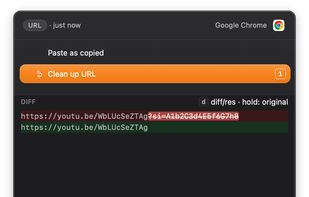


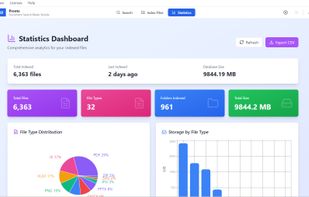
AI-powered desktop search for Windows that finds files by meaning, not just keywords. Search across 59 file types with semantic search.
 United Kingdom


Emoji Picker for macOS is built for keyboard flow: type, filter, and insert quickly. It supports pins, custom shortcodes, emoji packs, and a dedicated Glyphs tab for arrows, math, and layout symbols. Built native in Swift to stay local and fast.
 Switzerland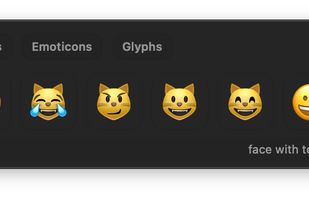


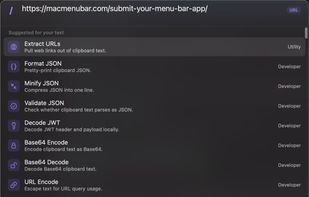
Clipboard history remains searchable and actionable with local network sync, no cloud, content-aware actions, OCR, previews, batch copy, merge, split, paste queue, keyboard controls, URL cleanup, metadata inspection, color conversions, and privacy.
 China
China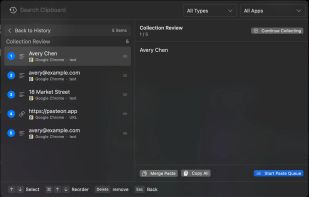



Deskmat replaces the default macOS dock with a fast, customizable bar. Live widgets, animated effects, and a icon customization — free to download.
 United States

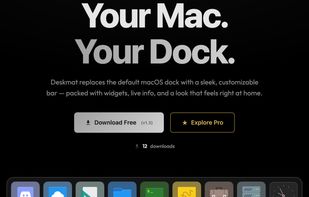
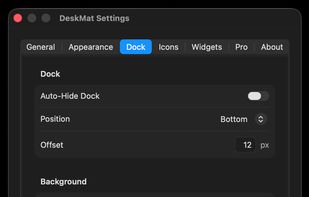

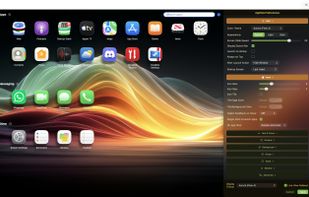
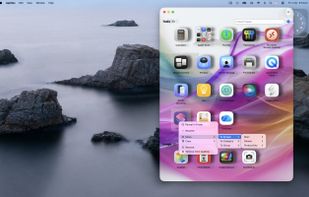
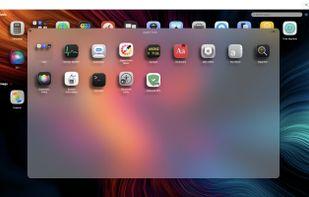
Customizable workspace organizer for macOS offering deep app categorization into Screens, Groups, and Stacks, drag and drop management, quick right-click actions, extensive color and display themes, instant search, behavior options, and settings retention.
United Kingdom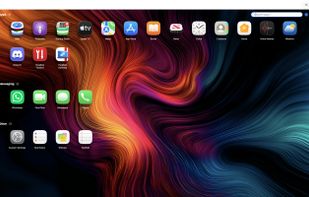


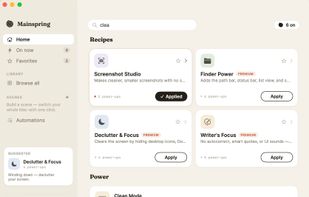
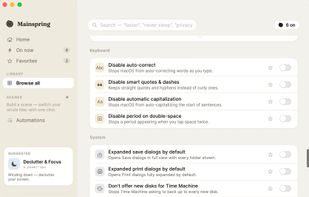
Mainspring reveals the settings macOS keeps hidden and turns them into simple, labelled switches, each with an undo button. No Terminal, no defaults write commands, and nothing you cannot put back.
United States