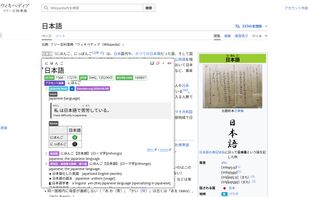
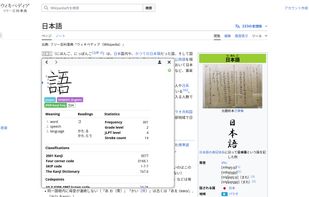
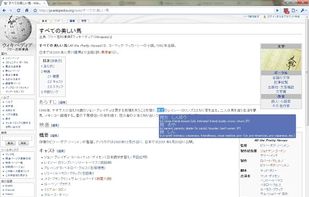
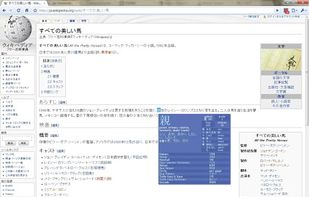
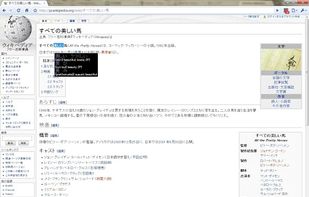
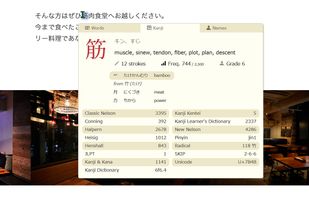
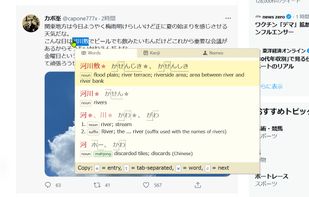
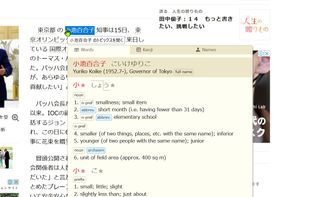
Look up Japanese words with the hover of a mouse.
Cost / License
- Free
- Open Source (GPL-3.0)
Application typeApplication types
Platforms
- Online
- Google Chrome
- Mozilla Firefox
- Thunderbird
- Safari
- Microsoft Edge
 United States



+6


Read in Romaji is described as 'A browser extension that converts Japanese text into romaji while you browse, helping beginners read Japanese websites, kana, and kanji more easily' and is a Translator in the education & reference category. There are four alternatives to Read in Romaji for a variety of platforms, including Google Chrome, Mozilla Firefox, Web-based, Windows and Microsoft Edge apps. The best Read in Romaji alternative is 10ten Japanese Reader (Rikaichamp), which is both free and Open Source. Other great apps like Read in Romaji are Yomitan, rikaikun and kuroshiro.
Look up Japanese words with the hover of a mouse.
United States
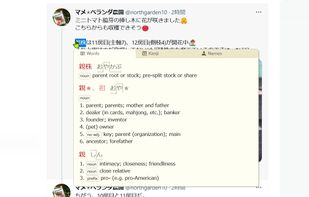
Yomitan turns your web browser into a tool for building language literacy by helping you read texts that would otherwise be too difficult to tackle in a variety of supported languages.