Cost / License
- Freemium
- Proprietary
Platforms
- Mac
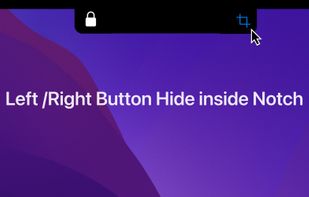

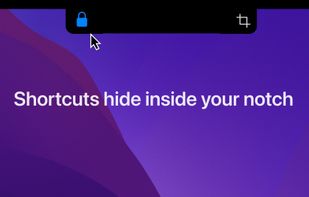

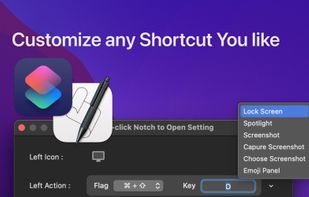


Say No to Notch is described as 'Application that can fully disable the notch* that comes with MacBook Air with M2 (2022), MacBook Pro 14? and 16? with M1 Pro and M1 Max processors (2021)' and is an app. There are more than 10 alternatives to Say No to Notch for Mac, Linux and iPhone. The best Say No to Notch alternative is Alcove. It's not free, so if you're looking for a free alternative, you could try ActivSpot or The Boring Notch. Other great apps like Say No to Notch are NotchNook, vaho, QuakeNotch and DynamicNotch.

Don't hide the notch - use it. Transforms the MacBook notch into a tactile, hover-to-expand system hub for media controls and clipboard / system stats shortcuts. Ad-free and lightweight.
 Ireland
 EU
EU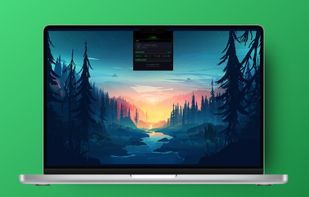
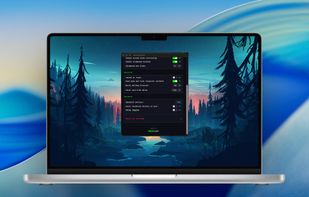


Are you missing out on the new Notch Mac lifestyle? Not anymore! Notch Pro will make your Mac cool.
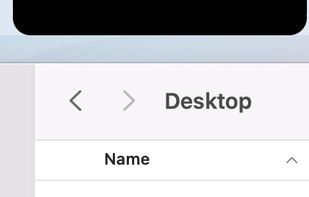


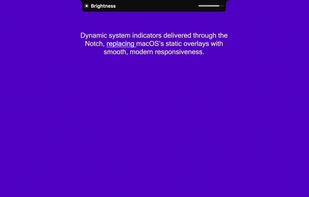
A premium macOS utility that transforms the notch into an interactive, functional space. Unify your media controls, system indicators, notifications, and lock-screen widgets into one smooth, fully native interface.
 Brazil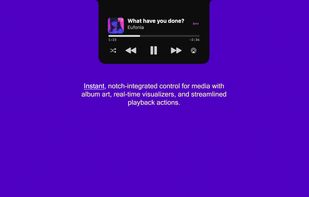
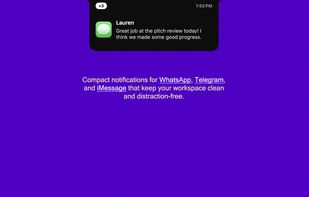
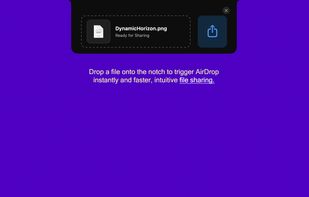


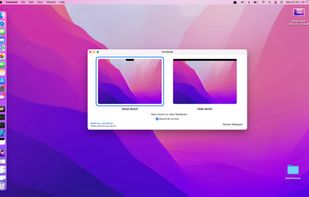
Apple announced the new MacBook Pro yesterday, and I can't wait to receive mine next week. I saw some people complain about the notch (I like it but tastes differ), so I made a little utility that makes the menu bar black so the Notch fades away in the background.
 NetherlandsEU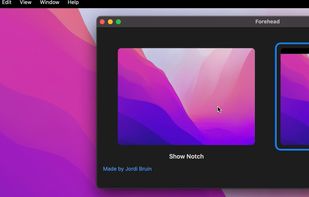

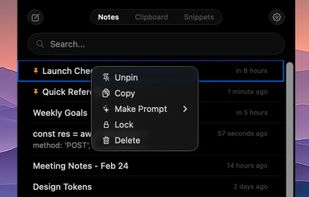
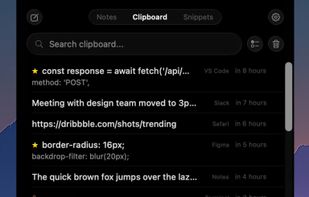
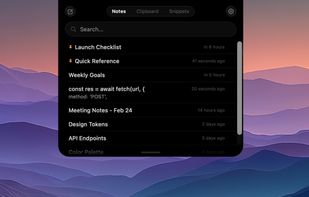
NotchPad turns the MacBook notch into something actually useful — a quick-access notepad, clipboard manager, and snippets tool that's always one hover away.