Screen Filter AlternativesScreen Dimmers and other similar apps like Screen Filter

Screen Filter is described as 'Applies a shade that acts as a dimmer to ensure your eyes don't hurt. Far more powerful than Android's built-in brightness setting. Great for low-light gaming, web browsing, and eBook reading. It even saves battery life for AMOLED displays!' and is a Screen Dimmer. There are more than 25 alternatives to Screen Filter for a variety of platforms, including Windows, Mac, Linux, Android and Wayland apps. The best Screen Filter alternative is f.lux, which is free. Other great apps like Screen Filter are Redshift, LightBulb, Red Moon and Dimmer.

Copy a direct link to this comment to your clipboard
Screen Filter alternatives page was last updated

Alternatives list

  1. f.lux icon
     979 likes

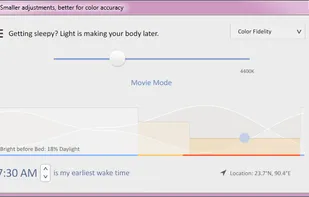
    Software that makes the color of your computer's display adapt to the time of day, warm at night and like sunlight during the day.

    57 f.lux alternatives

    Cost / License

    • Free
    • Proprietary

    Platforms

    • Mac
    • Windows
    • Linux
     
    |
    1
    Comments about f.lux as an Alternative to Screen Filter
    Guest
    Positive
    0

    What makes it so good is that it's so versatile. You can set it and forget it. Or if you decide to watch a movie, and you don't want the screen dimmed, you can temporarily turn it off. I've used other screen filters, but F.Lux is the best by far!

    Review by a new / low-activity user.
    f.lux icon
    f.lux icon
    • f.lux is Free and ProprietaryScreen Filter is also Free and Proprietary
    • f.lux is LightweightScreen Filter is not according to our users
  2. Redshift icon
     259 likes

    Redshift adjusts the color temperature according to the position of the sun. A different color temperature is set during night and daytime.

    49 Redshift alternatives

    Cost / License

    • Free
    • Open Source

    Alerts

    • Discontinued

    Platforms

    • Mac
    • Windows
    • Linux
    • BSD
     
  3. Red Moon icon
     53 likes

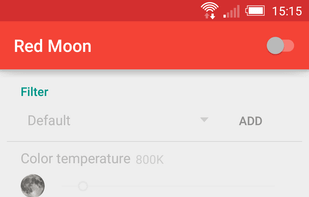
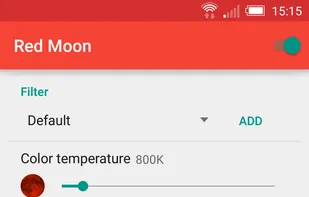
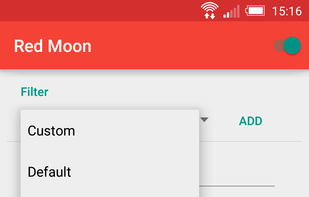
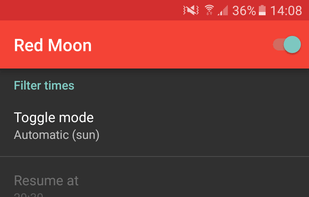
    The app is free on F-Droid and on GitHub but you can buy it on the Google Play Store to support the developer.

    Cost / License

    Platforms

    • Android
    • F-Droid
     
  4. Dimmer icon
     29 likes

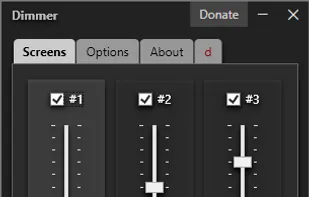
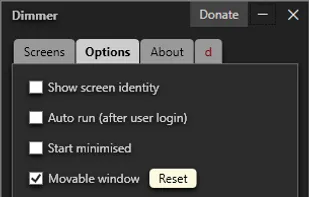
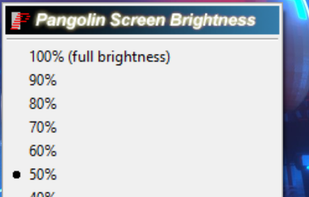
    Adjust the brightness of all monitors, screens and displays.

    65 Dimmer alternatives

    Cost / License

    • Free
    • Proprietary

    Application type

    Platforms

    • Windows
     
  5. RedshiftGUI icon
     92 likes

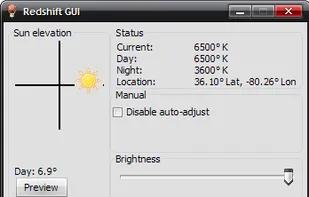
    RedshiftGUI changes the color temperature of your monitor to better match that of your surrounding. This means that it sets a cooler color temperature during the daytime (due to natural lighting) and sets a warmer temperature at night (due to indoor lighting). Similar to f.

    Cost / License

    • Free
    • Open Source

    Application type

    Alerts

    • Discontinued

    Platforms

    • Windows
    • Linux
     
  6. BlinkMore icon
     3 likes

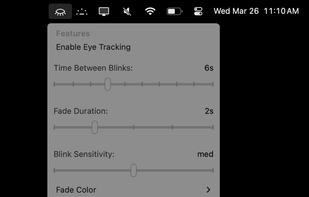
    BlinkMoreFree is an open source macOS menu bar application that helps reduce eye strain by fading your screen when you stare at it for too long without blinking. Using automated eye-tracking and customized settings to encourage you to blink more.

    Cost / License

    • Freemium
    • Open Source (MIT)

    Application type

    Platforms

    • Mac
     
  7. Twilight icon
     56 likes

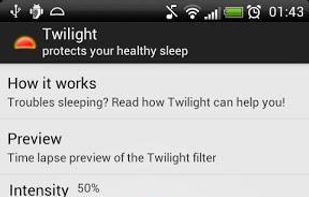
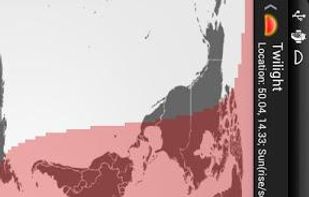
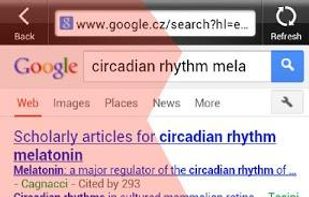
    The app filters the blue spectrum on your phone or tablet after sunset and protects your eyes with a red filter. The filter intensity is smoothly adjusted to the sun cycle based on your local sunset and sunrise times.

    43 Twilight alternatives

    Cost / License

    • Free
    • Proprietary

    Application type

    Platforms

    • Android
     
  8. Iris mini icon
     19 likes

    Enjoy free cross-platform blue light reduction and PWM flicker-free brightness control with Iris mini. Minimalistic design, portable, and automatic for no-hassle, eyestrain-relief across all devices. Simply double-click to activate, perfect for every lighting condition.

    Cost / License

    • Freemium
    • Proprietary

    Application type

    Platforms

    • Mac
    • Windows
    • Linux
     
  9. SunsetScreen icon
     35 likes

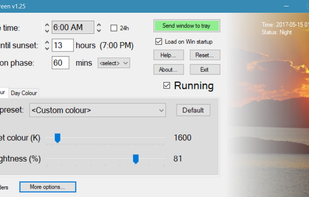
    Whether you're a morning lark or night owl, SunsetScreen allows you to set the time of the sunset and sunrise, so you can have full control over your sleep cycle.

    Cost / License

    • Paid
    • Proprietary

    Application type

    Platforms

    • Windows
     
  10. Gammy icon
     24 likes

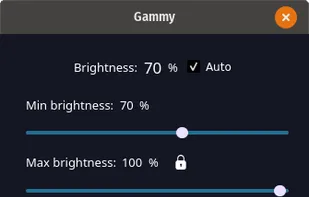
    Adaptive screen brightness and temperature for Windows and Linux.

    Cost / License

    Alerts

    • Discontinued

    Platforms

    • Windows
    • Linux
     
12 of 44 Screen Filter alternatives