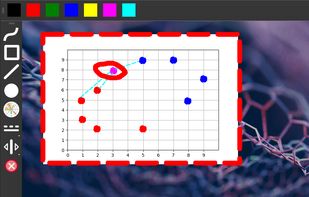
Menu bar presentation overlay for macOS — draw, zoom, highlight and record on any screen, and control it all from your iPhone.
Cost / License
- Freemium
- Proprietary
Platforms
- Mac
 Türkiye


+7


ScreenBrush is described as 'Quick and useful way to demonstrate something on the screen by drawing' and is an app in the education & reference category. There are more than 25 alternatives to ScreenBrush for a variety of platforms, including Mac, Windows, Linux, Python and PortableApps.com apps. The best ScreenBrush alternative is SHARA, which is free. Other great apps like ScreenBrush are RePen, EpicPencil, ZoomIt and Epic Pen.
Menu bar presentation overlay for macOS — draw, zoom, highlight and record on any screen, and control it all from your iPhone.
Türkiye
It is a an application which helps the user to annotate anywhere on the mac's screen. It can be used while presentation, video tutorials, screen recordings to draw the audience attention.
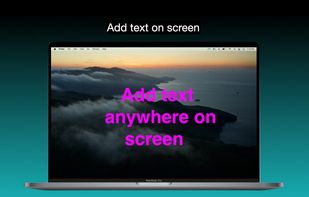
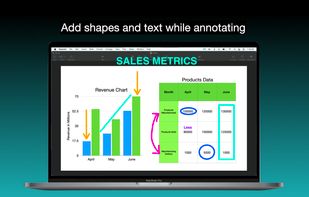
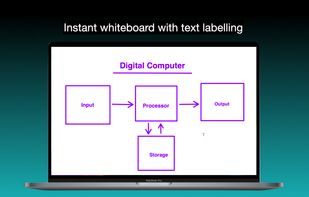
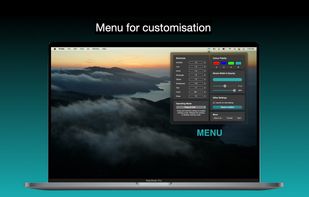


bananotate is a powerful application that allows you to edit and annotate your screen live. Zoom in, highlight, draw shapes, add text, capture your screen, create mock UI, and much more.


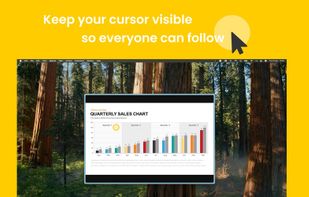
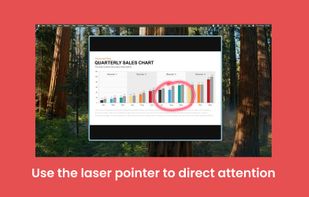
A menu bar utility that lets you highlight your cursor, point at stuff with a laser or a spotlight effect, and annotate your screen. Useful when presenting content while you are sharing your screen or recording a video.
 Italy
Italy EU
EU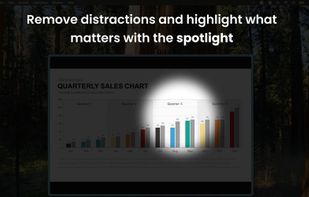
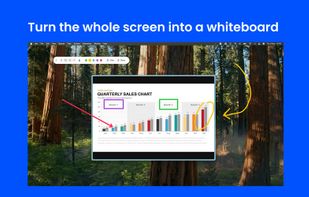


Draw Over It gives presenters, trainers, and any professional an always-ready overlay for live markups. Open it with a hotkey, sketch directly on top of any app, and jump back to work without leaving a trace.
 PolandEU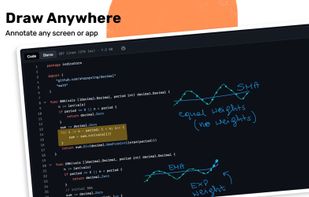
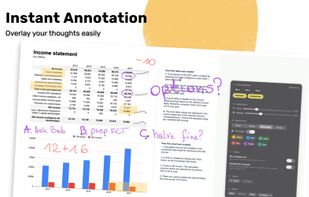
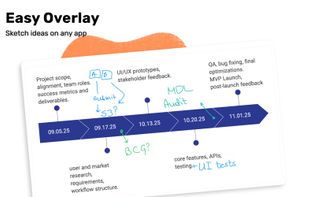
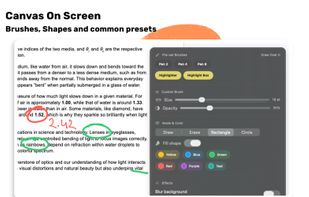

Lightweight screen annotation tool for Windows. Draw on your screen over any application with fading ink, spotlight mode, laser pointer, and shapes. Perfect for presentations, teaching, and streaming.
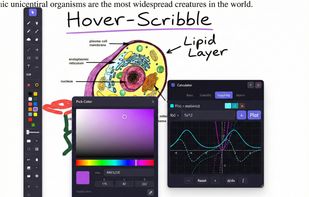
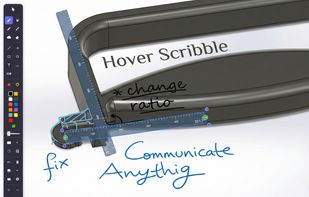
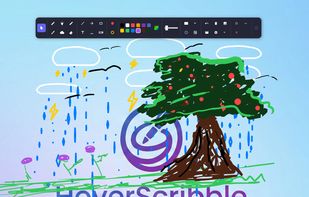
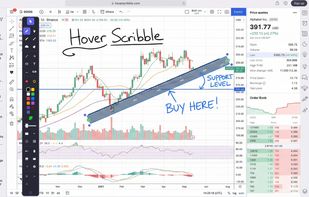


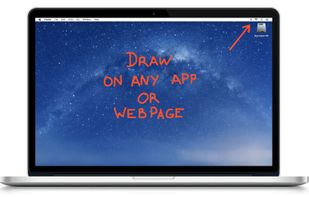
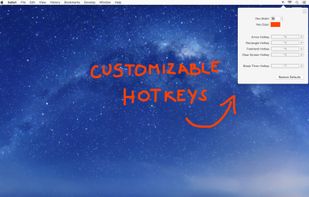
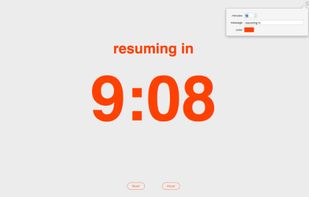
DemoPro is a simple and unobtrusive screen annotation tool for the Mac ideal for live demonstrations. Just press a customizable hotkey to draw on the screen. Release it to continue your demonstration. DemoPro also includes a countdown timer.



Turn every screen share into a polished presentation. Cursaura adds beautiful cursor highlights, click effects, zoom, annotations, keystroke display, and focus tools directly on your screen — perfect for demos, tutorials, livestreams, online courses, and remote meetings.
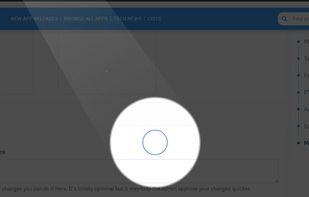
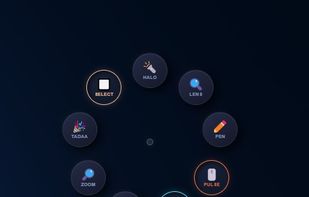

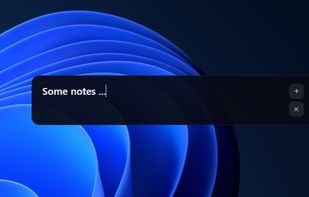


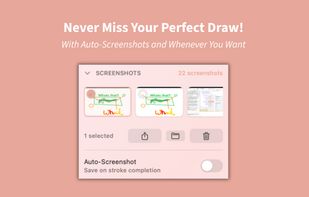
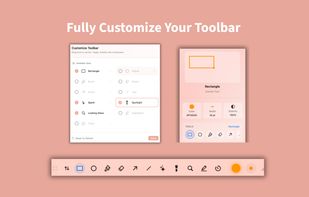
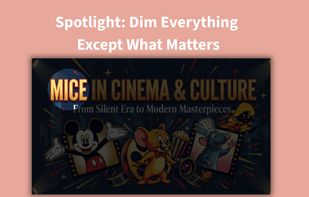
SketchMouse turns your Mac screen into a live annotation canvas for presentations, demos, and teaching. Spotlight dims your entire screen except where your cursor is — so your audience can only look where you're pointing.
 AustriaEU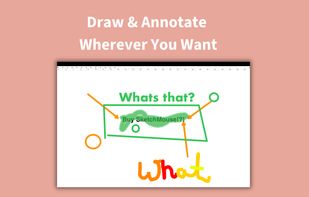


Screen annotation software which allows drawing directly on the screen. It is an open source and multiplatform (all systems that support Python) alternative to tools such as Epic Pen.