

Cost / License
- Free
- Open Source (GPL-3.0)
Application type
 Belgium
 EU
EUPlatforms
- Linux
- Arch Linux
- Flathub
- Flatpak
- Snapcraft
+2
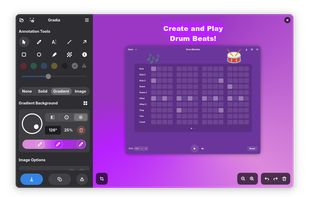



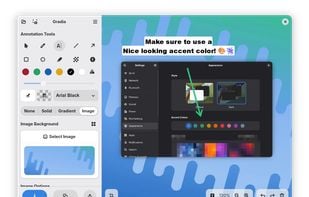
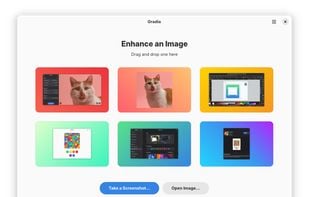
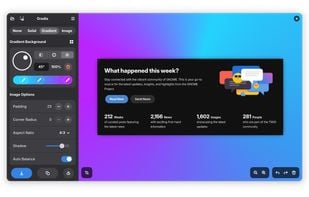
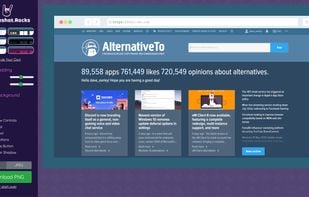
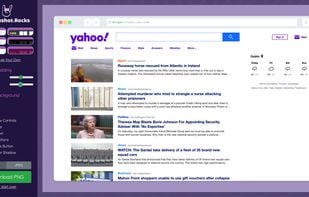
Shotmockr is described as 'ShotMockr helps you take screenshots & turn images into real-life design mockups without Sketch, Photoshop or Behance' and is a screenshot capture tool in the photos & graphics category. There are more than 10 alternatives to Shotmockr for a variety of platforms, including Web-based, Mac, Linux, iPhone and Snapcraft apps. The best Shotmockr alternative is Gradia, which is both free and Open Source. Other great apps like Shotmockr are MakeShot Pro, Screenshot.rocks, Capcha Screenshot and SocialScreenshots.
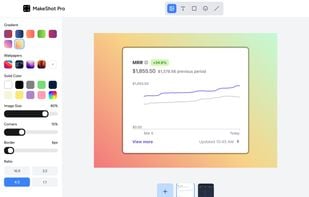
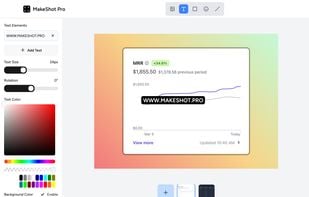
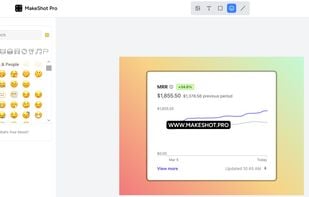
Instantly edit screenshots online with MakeShot Pro. Upload your screenshot. Add a background, text, rounded corners, or emojis. Download or share on social media. Simple, fast, and free!.





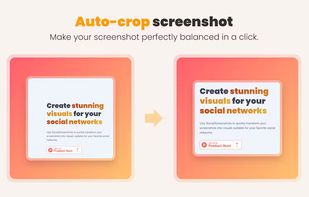
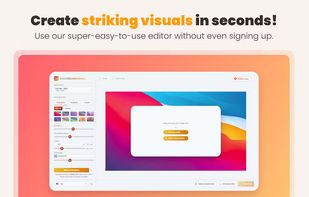
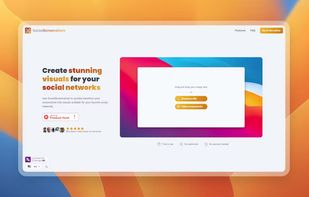
Use SocialScreenshots to quickly transform your screenshots into visuals suitable for your favorite social networks.
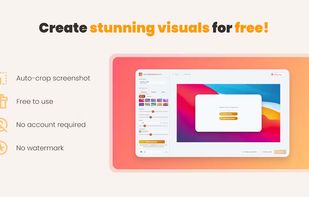

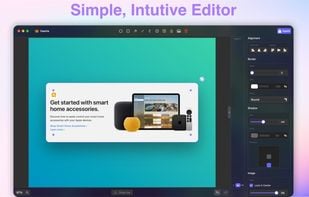
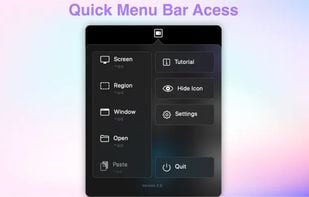
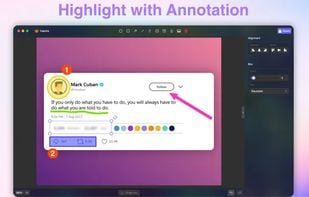
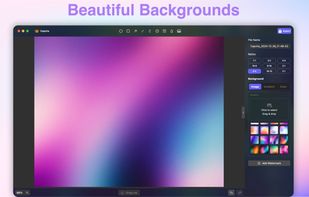
Capture your screen, windows, or regions on macOS, record with audio, edit screenshots and videos using built-in tools like shapes, blur, and redaction, export in various formats with multiple quality presets, enjoy ad-free usage, offline access, and no registration.

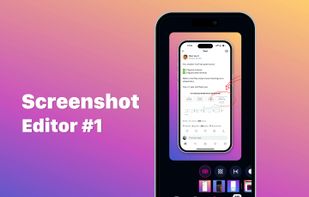
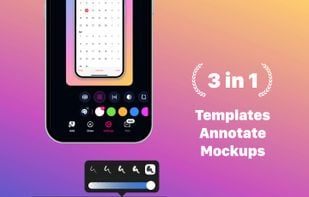
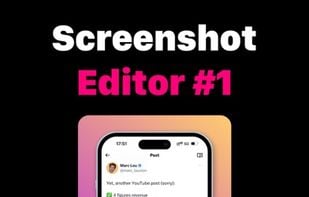
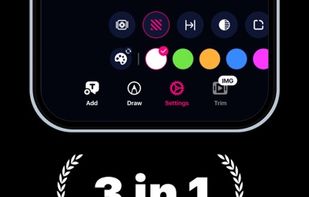
Screencut is useful app for iPhone for creating amazing image for a viral posts. Easily create screenshots in a powerful editor that supports photos and videos, adding notes, overlaying text and GIF animations, and flexible settings for shadows and fillets.

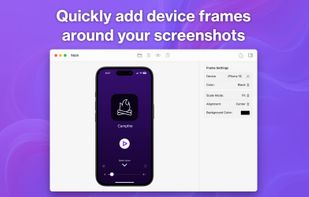
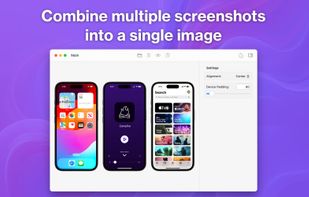
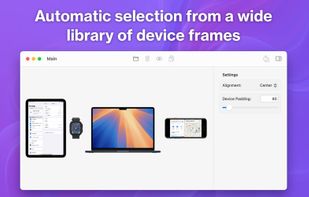
Framous is the easiest way to quickly add device frames around your screenshots! Drag and drop or copy and paste to throw your screenshots in and yank them back out perfectly set into device frames to make them look great.


Want to share what you've worked on with friends or co-workers but think a plain screenshot is a bit bland? Screely instantly turns your screenshot into a beautiful image you can share.
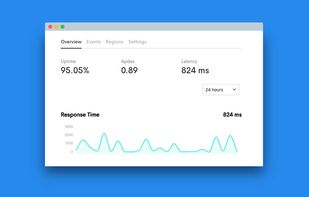

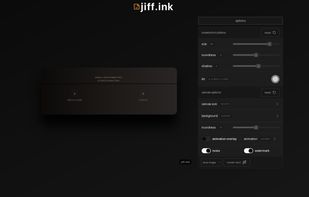

This app is designed to quickly convert images and create a screenshot with watermarks and gorgeous backgrounds. It supports all major image formats such as JPG, PNG, GIF and WEBP. The conversion process is very fast and easy to use.
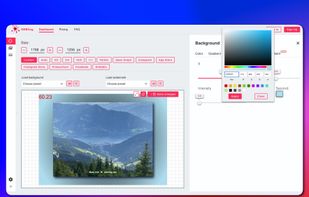
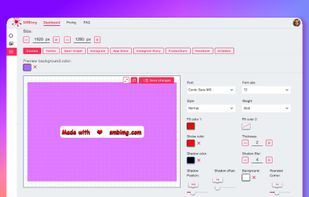
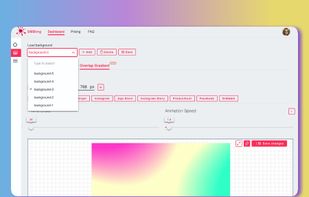


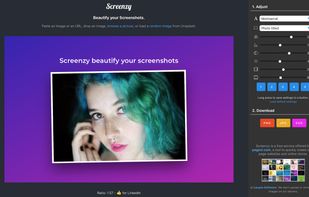
Screenzy instantly transform you pictures and screenshots into beautiful mockups ready to be shared on social media.


 Germany
 Peru
Peru
 United States


 France