Simple web based ascii flow diagram drawing tool, draw boxes, lines, arrows and type, then export straight to text/html.
Cost / License
- Free
- Open Source (MIT)
Application type
Platforms
- Online
- Global

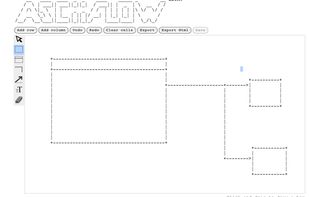


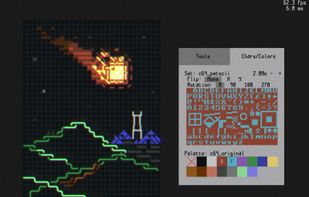
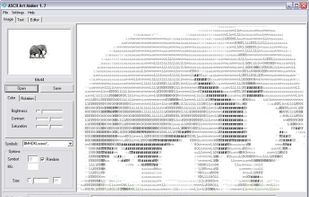
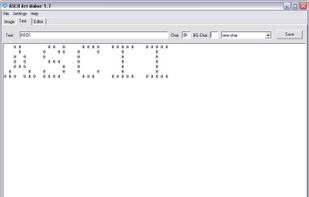
Sixteen Colors Draw is described as 'Open-source HTML5-based ANSI/ASCII editor' and is an app. There are more than 10 alternatives to Sixteen Colors Draw for a variety of platforms, including Windows, Linux, Mac, Web-based and Flathub apps. The best Sixteen Colors Draw alternative is ASCIIFlow, which is both free and Open Source. Other great apps like Sixteen Colors Draw are Monodraw, Ascii Generator 2, Playscii and ASCII Art Maker.
Simple web based ascii flow diagram drawing tool, draw boxes, lines, arrows and type, then export straight to text/html.

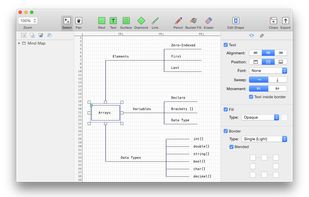
Monodraw allows you to easily create text-based art (like diagrams, layouts, flow charts) and visually represent algorithms, data structures, binary formats and more. Because it's all just text, it can be easily embedded almost anywhere.
 Sweden
 EU
EU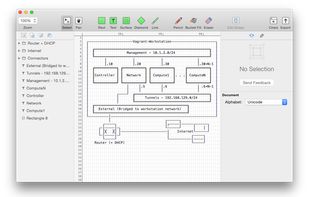



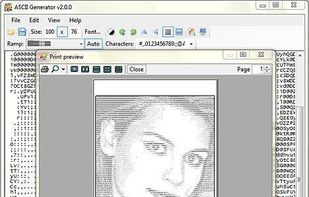
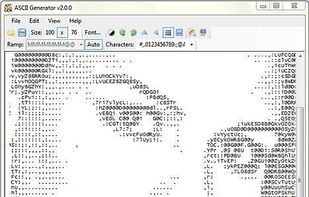
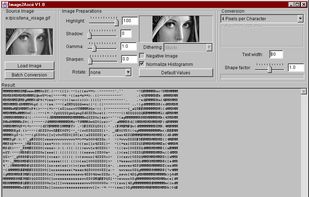
Ascii Generator 2 (Ascgen2) is an application to convert images into high quality ASCII art - text that accurately represents the original image. The only program of its kind to support variable width fonts and real-time output adjustment and more.
 United Kingdom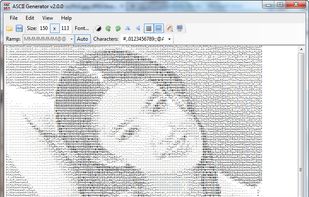



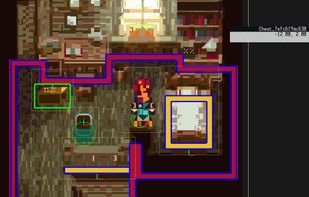
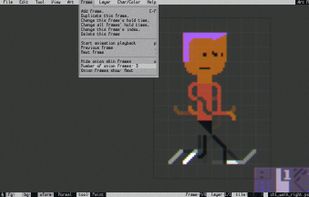
Playscii is a powerful, open-source ASCII-based art, animation, and game creation tool. Advanced layer-based tools and import and export options are available through a familiar window system with the appeal of classic DOS development tools like QBasic.
 United States


 Russia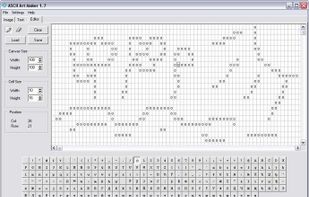


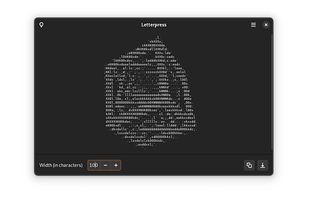
Letterpress converts your images into a picture made up of ASCII characters. You can save the output to a file, copy it, and even change its resolution! High-res output can still be viewed comfortably by lowering the zoom factor.
United States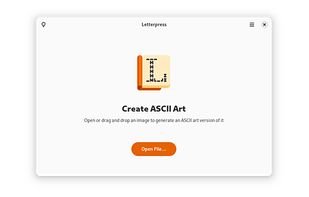


PabloDraw is a cross-platform text editor designed for creating ANSI and ASCII art, similar to that of its DOS-based predecessors; ACiDDraw (1994) and TheDraw (1986).


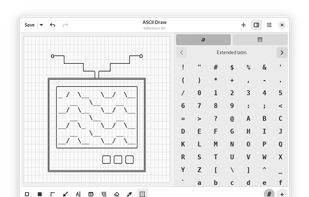
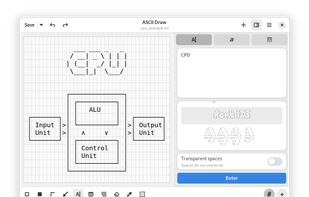
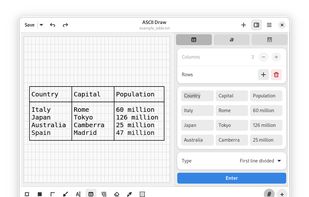
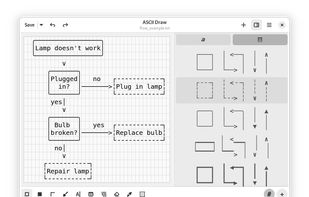
This app lets you draw diagrams, tables, tree view, art and more using only characters. There are many stiles to choose from and multiple tools available to use such as:


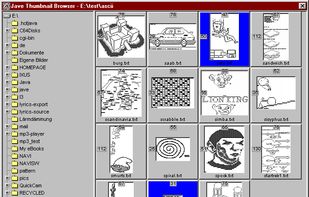
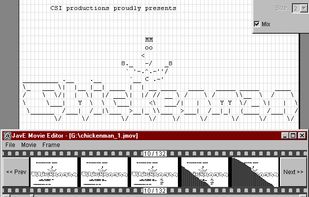
JavE (Java Ascii Versatile Editor) is a free Ascii Editor. Rather than for editing texts, it is intended for drawing simple diagrams by using Ascii characters.
 GermanyEU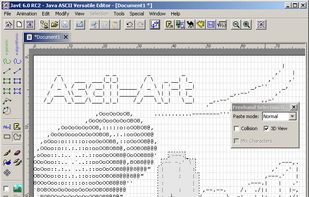


Moebius is a new ANSI and ASCII Editor for MacOS, Windows, and Linux. The major feature that differentiates it from PabloDraw is the 'half-block' brush which allows editing in a style closer to Photoshop than a text editor, although you can still use the function and...
United States




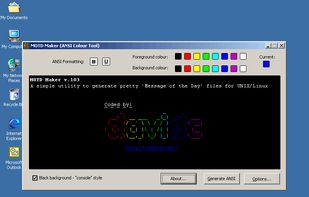
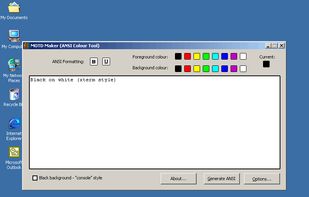
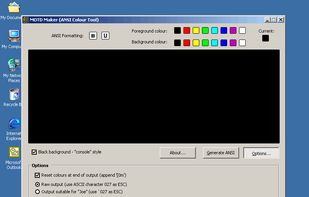
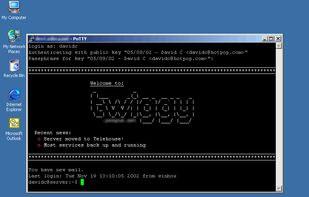
This program was written to make it easy to generate MOTD files that contain bold and underline formatting along with the 8 colours you can use. Currently the program allows you to output as raw ASCII (control characters saved as ASCII 027) or as the characters `027 (this is...