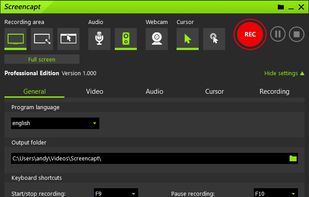
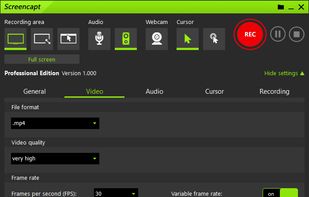
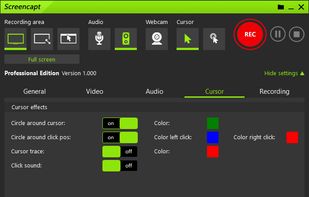
Powerful Windows software for screen recording that allows you to accurately and easily record any activity on your screen.
Cost / License
- Free Personal
- Proprietary
Platforms
- Windows
 Germany
 EU
EU



+3


Snagit is described as 'Capture and edit any image or video from the screen, add callouts and effects, and easily organize and share visual content across various applications' and is a very popular screenshot capture tool in the photos & graphics category. There are more than 100 alternatives to Snagit for a variety of platforms, including Windows, Mac, Linux, Web-based and Google Chrome apps. The best Snagit alternative is ShareX, which is both free and Open Source. Other great apps like Snagit are Greenshot, Flameshot, OSS Document Scanner and MakeACopy.
Powerful Windows software for screen recording that allows you to accurately and easily record any activity on your screen.
GermanyEU
Scan Thing is the quickest way to capture and save anything around you. Scan Thing is available on iOS, iPadOS, and MacOS.
 United States



Easy Screen Capture and Annotation lets you capture and annotate any part of the screen. The main goal of the product is to speed up the capture and editing process saving you valuable time by automating repetitive tasks.
United States
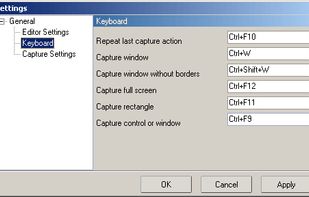


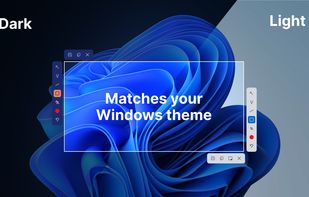
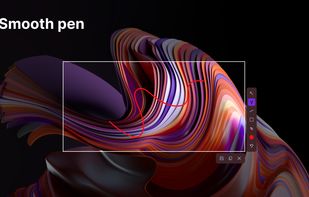
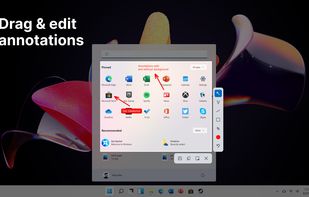
This screenshot tool is made just for Windows 10/11 and lets you take and mark up screenshots really quickly. Right after you take a screenshot, you can start editing it because the editing area shows up around what you've captured.
 Russia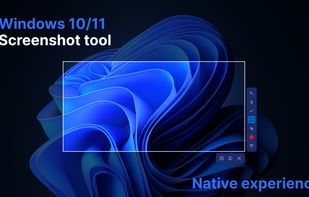


Capture, Customize, and Share Effortlessly with PixEase. We understand the value of your time, which is why we've designed our app to make the process of creating stunning visuals quick and seamless.
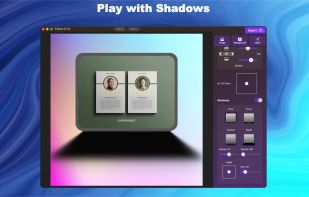
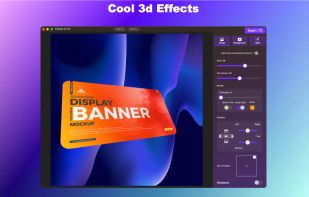
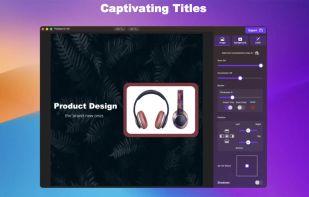
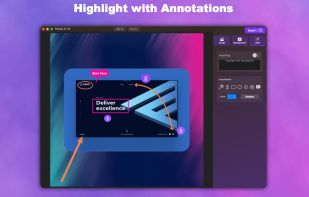


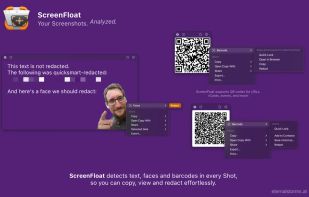
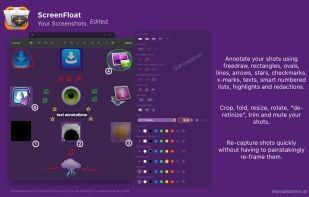
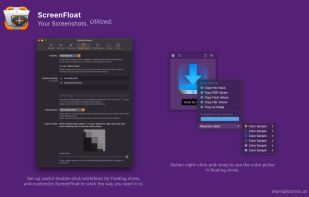
Maximize productivity on Mac with intuitive screen captures, Picture in Picture, and versatile annotation capabilities.
 AustriaEU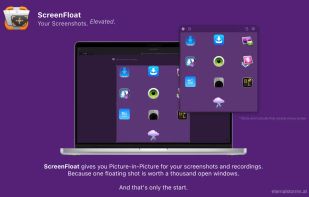


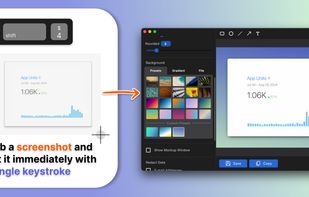
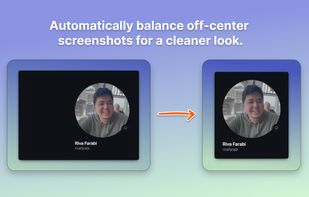
Capture attention with stunning screenshots! Savvyshot, a lightweight app for Windows and MacOS, lets you instantly edit, auto-align, and create shareable screenshots—no design skills or complicated tools needed. Make your screenshots shine effortlessly! ?🚀.
 Indonesia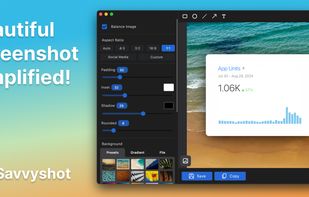


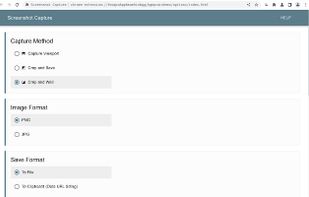
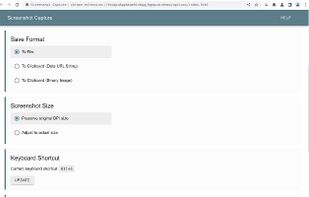


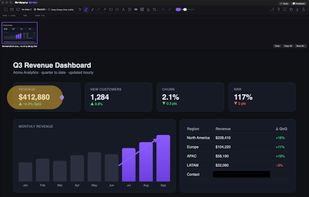
Snippy Snip is the snipping tool your Mac always needed: paste-ready screenshots that land on your clipboard instantly, a full annotation editor that keeps the clipboard in sync as you edit, and screen recording you can watch before you keep it.
United States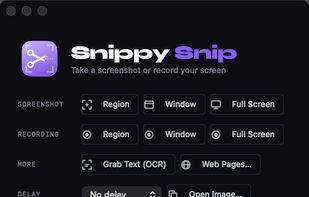


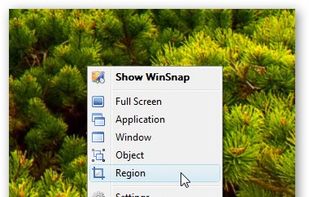
WinSnap is a small enhancement utility for taking and editing screenshots. Standard features include easy capture of non-rectangular windows with customized and transparent backgrounds, simple and automatic canvas transformations, coloring effects, and the addition of eye-candy...
Russia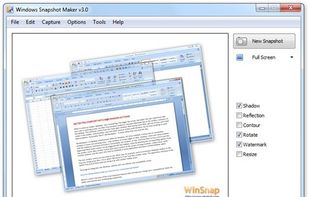



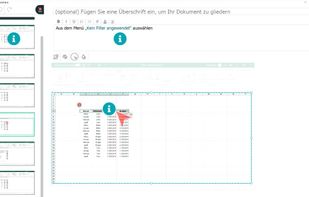
FlowShare will help you get your documentation done in just a few hours instead of days or weeks. It works with any type of software on Windows, and can be used to distribute guides quickly allowing employees to train on complex tasks and processes.


Tipard Screen Capture is able to capture any video/audio. This software allows you to record any video like webcam video, streaming video or other video tutorials on PC. Besides, it allows you to adjust the size of your screen.
 Hong Kong SAR China