





Snapback
Like
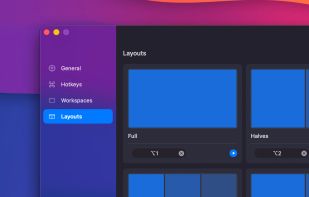
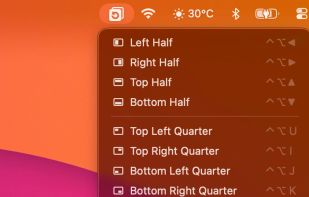
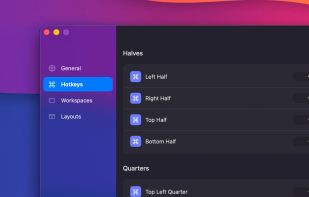
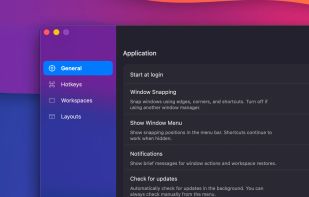
Free macOS window manager that saves and restores your entire workspace layout with one keystroke. Every app, every window position, every display. Includes window snapping, drag-to-snap, and unlimited named workspaces.

Cost / License
- Freemium (Pay once)
- Proprietary
Platforms
- Mac


+2

Add Alternatives


Snapback
Like
0likes
0alternatives
0articles
Features
Snapback News & Activities
Highlights All activities
Recent activities
- Ricka7x added Snapback
 Ricka7x added Snapback as alternative to Rectangle, Loop - Window Management, SnapZones and Spencer for Mac

Snapback information
Developed by
 Snapback
 Licensing
Proprietary and Freemium product.Pricing
One time purchase (perpetual license) that costs up to $10 + free version with limited functionality.Alternatives
0 alternatives listedBadge
Get an embeddable badge for SnapbackSupported Languages
No comments or reviews, maybe you want to be first?