SQL Spreads icon
SQL Spreads icon

SQL Spreads

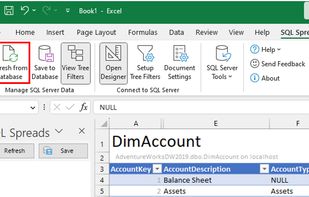
SQL Spreads is an Excel Add-In that allows your end-users to easily update SQL Server data using controlled, locked-down Excel documents.
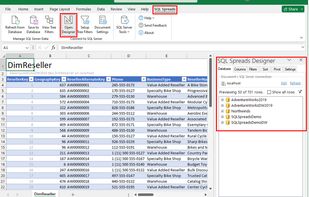
Quick to download, connect to your SQL Server DB and load your tables into Excel - ready to start editing.

Cost / License

  • Subscription
  • Proprietary

Platforms

  • Windows
  • Microsoft Excel
Easily make changes to the table and save back to the database. Two roles available - Designer and Data Editor (Designer settings locked down).
Features available: Tree Filters, Key Look-ups with drop down lists, automatic data validation and more.
Alternatives
0likes
0alternatives
0articles

Features

  1. Microsoft Excel icon  Export to Excel
  2. Microsoft Excel icon  Import From Excel
  3.  Excel Add-in

SQL Spreads News & Activities

Highlights All activities

Recent activities

SQL Spreads information

AlternativeTo Category

Development
SQL Spreads was added to AlternativeTo by Kerri Gascoigne on and this page was last updated .
No comments or reviews, maybe you want to be first?

Official Links

What is SQL Spreads?

SQL Spreads is an Excel Add-in that allows non-technical end users to easily Update and Insert data in SQL Server tables directly from within Excel.

A SQL Spreads Designer creates controlled SQL Spreads Excel documents that are connected to a SQL Server database and then shared with Data Editors (non-technical end users) where they take ownership and update the centralized data in SQL Server themselves.

Some of our benefits:

  • Well-known Excel interface
  • No coding required
  • Designer and Data Editor roles
  • Automatic data validation
  • On-premise and Azure SQL Server support
  • Key Look-ups with Drop down lists
  • Change Tracking and Conflict Detection
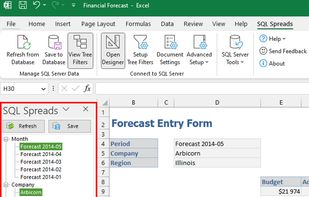
  • Tree Filters to select which data to import
  • Excellent support

SQL Spreads Videos