


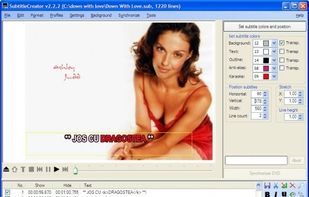
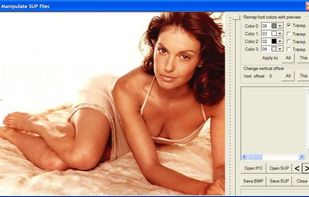
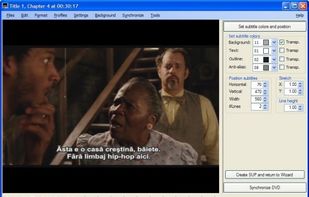
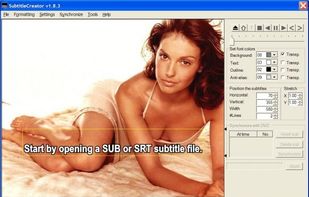
SubtitleCreator allows you to create new subtitles for your DVD's. It has a Wizard interface, advanced synchronization features, DVD preview, and a simple WYSIWYG editor.
Cost / License
- Free
- Open Source
Platforms
- Windows



+3


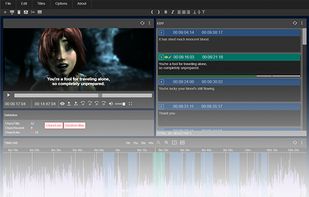
Subtitld is described as 'Software to create, transcribe and edit subtitles' and is a Subtitle Editor in the video & movies category. There are more than 25 alternatives to Subtitld for a variety of platforms, including Windows, Linux, Mac, Web-based and BSD apps. The best Subtitld alternative is Subtitle Edit, which is both free and Open Source. Other great apps like Subtitld are Aegisub, SubTypo, ffsubsync and alass.
SubtitleCreator allows you to create new subtitles for your DVD's. It has a Wizard interface, advanced synchronization features, DVD preview, and a simple WYSIWYG editor.

Create, edit and correct subtitle files easily with DivXLand Media Subtitler. Freeware and multilanguage application for Windows.


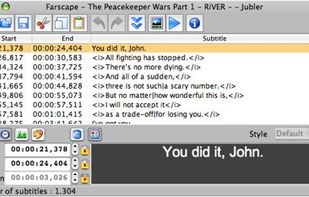
Jubler is a tool to edit text-based subtitles. It can be used as an authoring software for new subtitles or as a tool to convert, transform, correct and refine existing subtitles. The most popular subtitle formats can be used.
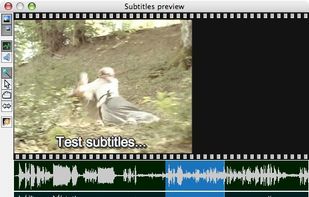


AHD Subtitles Maker is a powerful tool designed to work with Windows. It permits you to create the most common text-based subtitle formats in minutes.
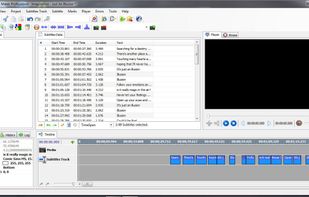


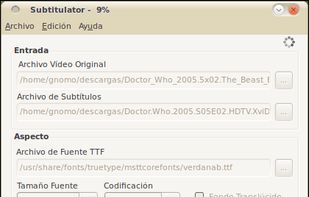


SubCreator supports creation of subtitles from scratch or basing on existing text script. The application handles most common subtitle formats like time format, frame format, SRT, SSA or SAMI. It offers many addition features supporting timing processing, converting and...
 Poland
 EU
EU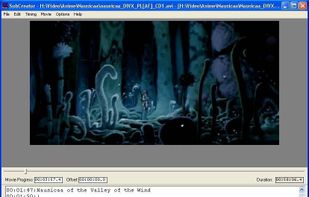


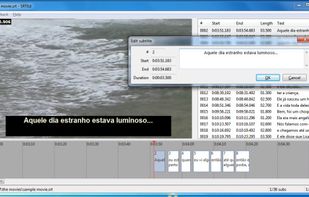
SRTEd is a graphical editor for SRT subtitles, the most simple and widespread subtitle file format for movies, and which can also be uploaded into YouTube videos as Closed Captions. The intuitive user interface makes it easy to work with small and large files, making sub editing...


Underword is a visual editor for subtitles in the WebVTT (.vtt) and SubRip (.srt) file formats.
 GermanyEU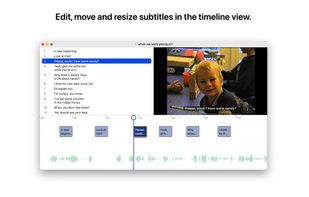
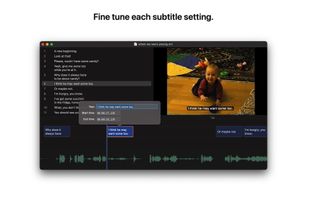


CaptionMaker and MacCaption allow you to easily author, edit, create subtitles, and encode and repurpose video captions for television, web and mobile delivery


YouTube's built-in subtitle editor doesn't support styling of any kind. If you want formatting such as bold, italic and coloring, you need to upload a subtitle file instead. The site accepts a number of file formats such as RealText, WebVTT and TTML, but all of these...
GermanyEU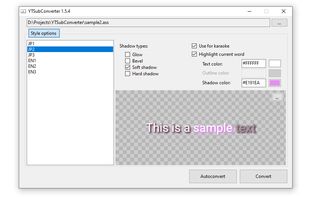
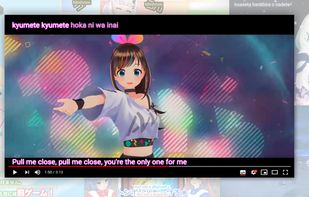


Subtitle editor with AI functions like automatic subtitle generation. It can recognize speech in different languages, automatically generate subtitles, automatically synchronize misaligned subtitles to audio, easily translate subtitles to different languages.
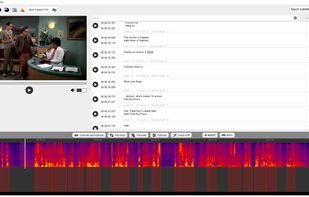


Browser-based subtitle editor to create subtitles and captions online. Videos can be loaded from URL, disc or YouTube. The editor can be integrated into your CMS.


 United States


