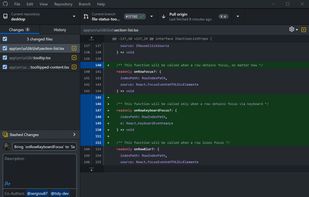
GitHub Desktop is a native Git client for Mac OS X and Windows with a graphical user interface.
Cost / License
- Free
- Open Source (MIT)
Application typeApplication types
Platforms
- Mac
- Windows
 United States


TortoiseGit is described as 'Windows Shell Interface to Git and based on TortoiseSVN. It's open source and can fully be build with freely available software' and is a very popular Version Control system in the development category. There are more than 50 alternatives to TortoiseGit for a variety of platforms, including Mac, Linux, Windows, Flathub and Android apps. The best TortoiseGit alternative is GitHub Desktop, which is both free and Open Source. Other great apps like TortoiseGit are Sourcetree, GitKraken, SmartGit and Fork.
GitHub Desktop is a native Git client for Mac OS X and Windows with a graphical user interface.
United States
A powerful Mac and Windows client for Mercurial and Git distributed version control systems.
 Australia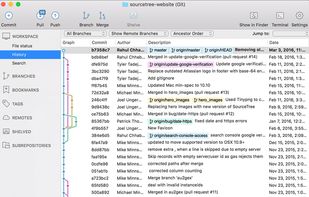
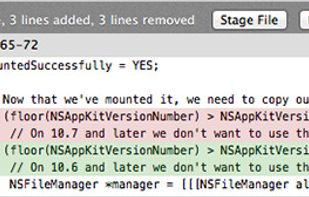
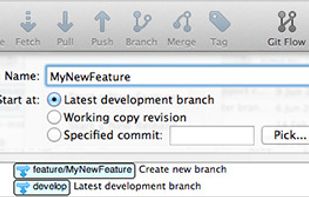
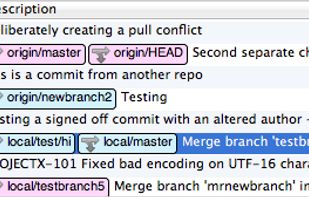


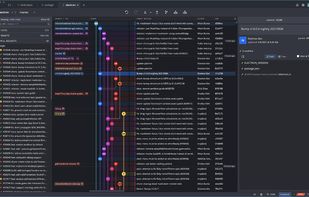
Millions of developers and teams around the world choose GitKraken Client to make Git more visual and accessible with an intuitive UI, the flexibility to switch between a GUI or a terminal, and a seamless experience across operating systems.
United States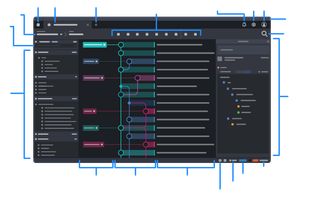


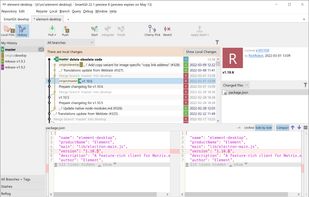
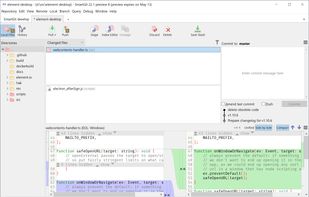
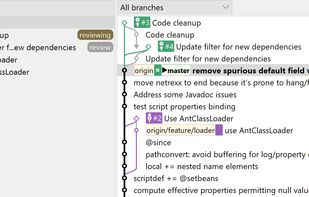
SmartGit is a front-end for the distributed version control system Git and runs on Windows, macOS and Linux. SmartGit is intended for developers who prefer a graphical user interface over a command line client, to be even more productive with Git.
 Germany
 EU
EU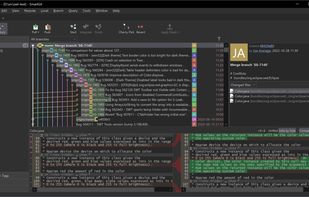


 CzechiaEU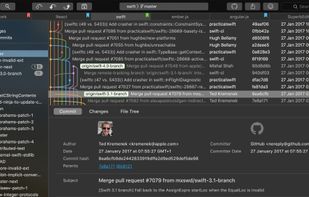
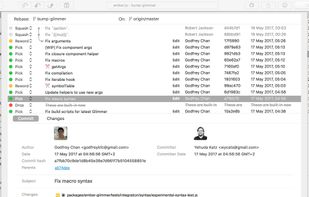

 GermanyEU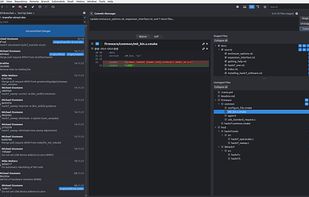
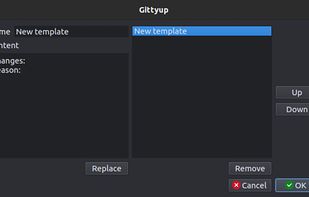
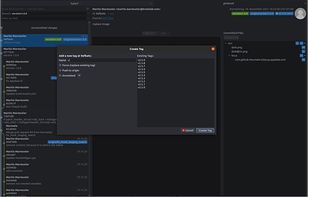


Modern graphical Git client featuring advanced tooling, support for GitHub, GitLab, Codeberg, detailed project popout views, dynamic workflow automation, and extensive theme customization for enhanced adaptability and user-driven workflow management.
Australia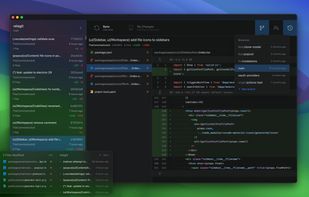
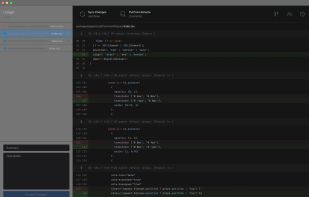


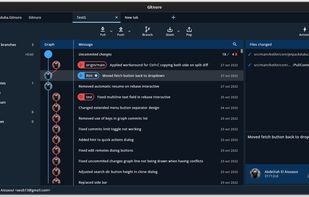


Native Git client for macOS, Windows, and Linux featuring advanced merge conflict resolution with automated patterns, AI-powered pull request and commit message tools, visual diff and image diff viewing, hunk-level staging, integrated GitHub PR review, CLI, and VS Code extension.
 FranceEU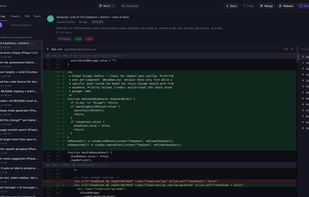
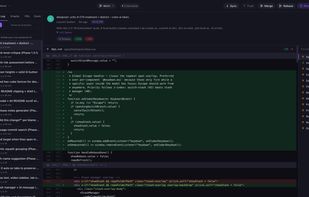
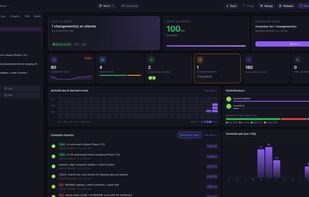

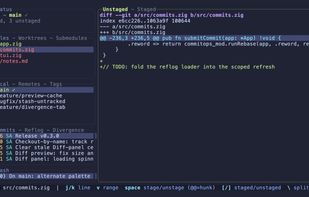
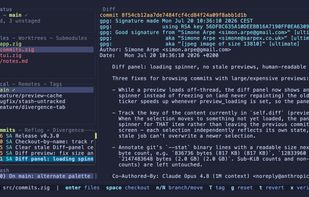
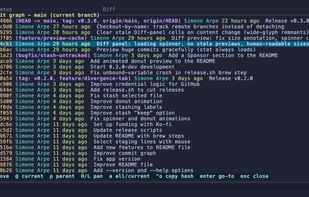
Ultra-fast Git terminal UI built in Zig offering line and hunk staging, interactive rebases, diff previews, DAG history, multi-selection, customizable themes, background fetch, and non-blocking operations for a streamlined, keyboard-first Git workflow.
 United Kingdom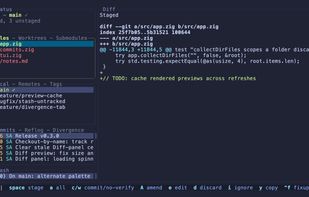
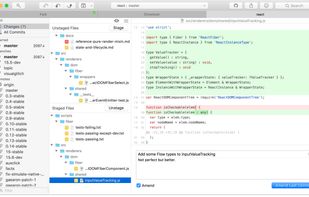
Native desktop Git client for macOS and Windows offering GUI access to full Git functionality including Pull Requests, Interactive Rebase, Image Diffing, Undo, Quick Actions, and seamless integration with leading code hosting services and external diff tools.
United States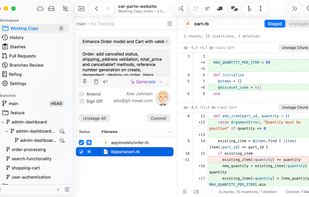
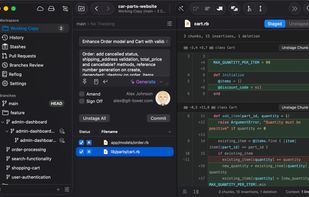


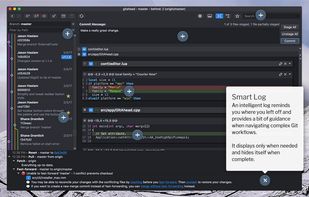
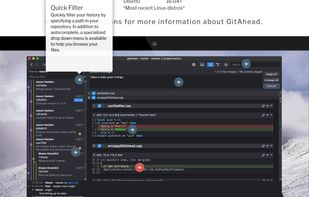
GitAhead lets you filter results and performs advanced searches. It shows you exactly what you need to see and makes navigating through thousands of commits a piece of cake.
United States