Cost / License
- Free
- Open Source
Application type
Platforms
- Linux

D


VokoscreenNG is described as 'User friendly screencaster for Linux and Windows. It is a continuation of the now discontinued Vokoscreen project that has been totally rewritten from scratch using Qt and GStreamer' and is a popular Screen Recorder in the video & movies category. There are more than 100 alternatives to VokoscreenNG for a variety of platforms, including Windows, Mac, Linux, Web-based and Android apps. The best VokoscreenNG alternative is OBS Studio, which is both free and Open Source. Other great apps like VokoscreenNG are ShareX, OpenScreen, Recordly and GPU Screen Recorder.

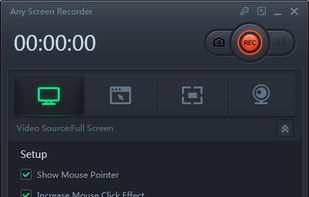
Any Screen Recorder can complete all the video and audio recording work for you, including gameplay, webcam, online video conference, Video lectures, online video tutorial, web seminar, online teaching, online video, online music, desktop activities, microphone, audio and any...




All-in-one streaming software with an amazing community, 24 hour support team, and 50% less CPU than OBS. Stop streaming like it's 1998, download it now!
 United States


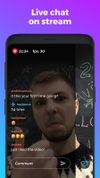
An app that allows you broadcasting live videos to your Youtube channel in one click and share it to your friends!
United States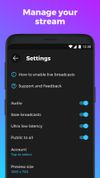




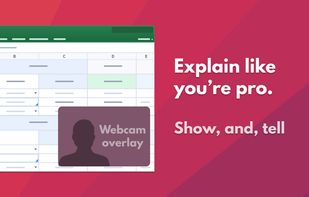
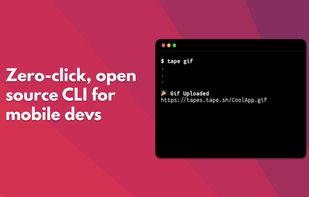


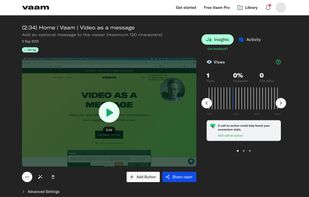
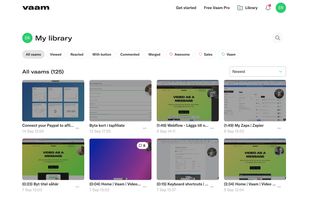
Vaam, video as a message, lets users create and access a shareable video in seconds, with the click of a button. It's a fun and beautiful experience where every company can have their own branding.


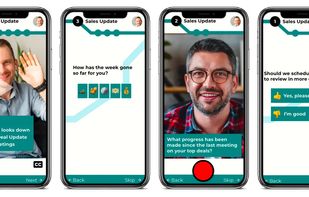
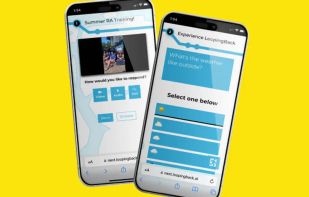
LoopingBack enables video as a message and response type for surveys, emails, stand ups, and other communications. It also uses AI to help users get from collection of information to results faster.
United States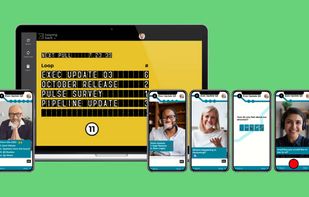


oRipa Screen Recorder is a handy tool to record your Windows desktop activities in real time and save it as a video file. oRipa Screen Recorder also captures anything you can hear on your PC, such as, music and talking through the PCs microphone.
United States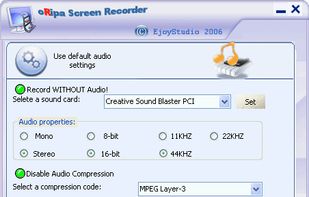


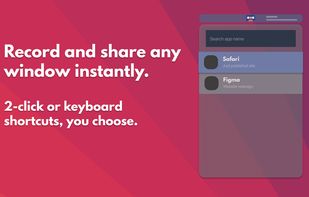
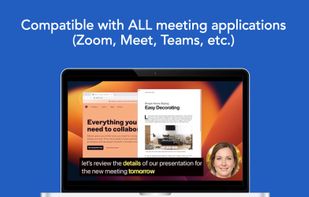
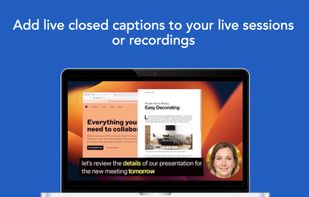
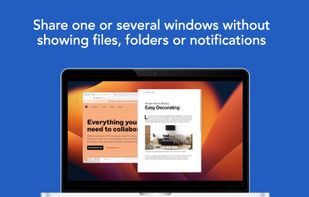
Share or record any number of windows over a clean background, without icons, folders or notifications.
United States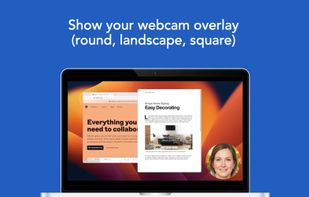


StreamYard is a live streaming studio in your browser. Interview guests, share your screen, and much more. Stream directly to Facebook, YouTube, LinkedIn, Periscope, Twitch or custom RTMP outputs.
United States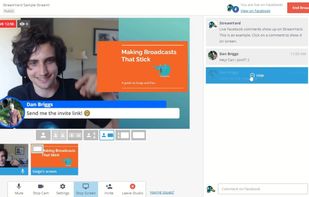


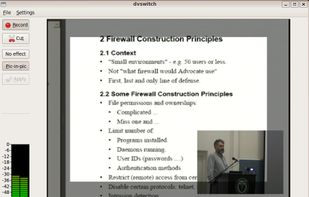
Record your desktop, speaker output and microphone at once, then output it to WebM, Ogg, or Matroska files. If you have the necessary codecs, you can even output to an AVI file or Matroska and h264. Control the size of the capture area, get a visual countdown to the start of...


Shot Management - Copernicus doesnt just take screenshots, its a virtual photo gallery too. Take as many pictures as you like, then save them one at a time or all at once. Copernicus is perfect for taking many screenshots.