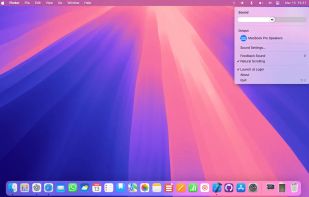
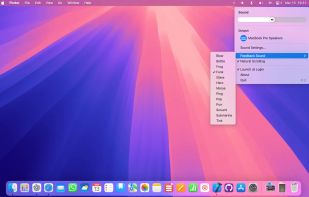
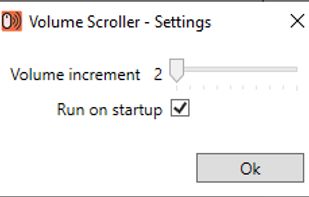
Volume Scroller allows you to quickly change the system volume. All you have to do is hold the mouse pointer over the taskbar and turn the mouse wheel.
Cost / License
- Free
- Open Source (GPL-3.0)
Application type
Platforms
- Windows


Volume Scroll is described as 'Lets you control your main volume by hovering with your mouse cursor over the top menubar and scrolling up or down to change your volume' and is a Volume Control tool in the audio & music category. There are more than 10 alternatives to Volume Scroll for Windows, Linux, Mac, Flathub and Mozilla Firefox. The best Volume Scroll alternative is EarTrumpet, which is both free and Open Source. Other great apps like Volume Scroll are FineTune, 7+ Taskbar Tweaker, Volume2 and Background Music.
Volume Scroller allows you to quickly change the system volume. All you have to do is hold the mouse pointer over the taskbar and turn the mouse wheel.

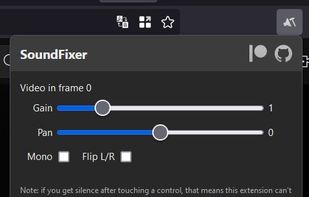
Helps you fix annoying sound problems on sites like YouTube: audio in one channel only, too quiet or too loud.


Instantly adjust your Mac’s volume with a smooth scroll gesture! Elegant, intuitive, and distraction-free—take full control of audio with just your fingertips.