


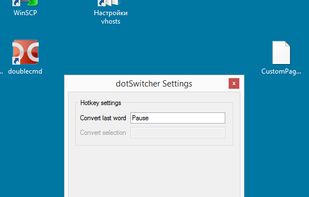
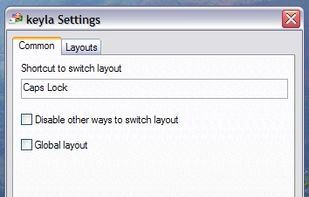
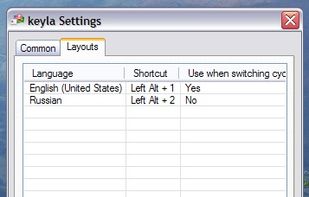
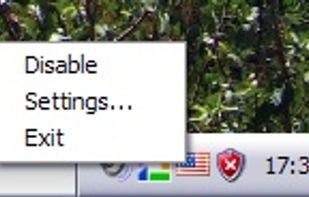
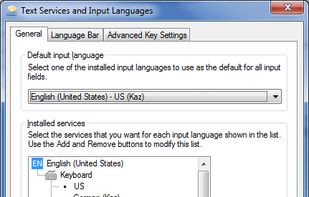
Simple keyboard layout switcher. As lightweight as you can easily ensure it doesn't contain any spyware, even if you're not a programming guru.
Platforms
- Windows



Best alternatives are 

14 alternatives


Simple keyboard layout switcher. As lightweight as you can easily ensure it doesn't contain any spyware, even if you're not a programming guru.

GIPHY Keys is the easiest and fastest way to browse, search, and share GIFs in your text messages — right from your keyboard!
 United States





Boomkey fixes text typed in the wrong keyboard layout on macOS. Type half a sentence before noticing your keyboard was on the wrong layout? Select the gibberish, double-tap Shift - Boomkey converts it to the other layout.

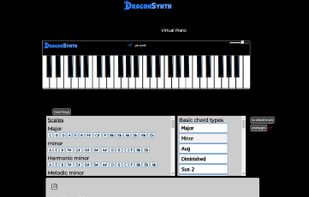
A free Virtual Piano to help you learn to play piano online in your web browser. Thousands of chords and scale diagrams show you where the notes are. Use your mouse or touch devices to play. Create and share animated lessons, melodies and demos.


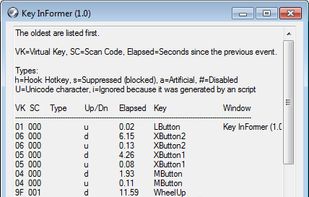
Key InFormer, is a portable tool that shows information of the most recent keystrokes and mouse clicks sent to Windows Os!


The Facemoji keyboard is definitely one of the better keyboards out there. Feature wise, the app does not disappoint, and in fact, has all of the things that users would want from a keyboard app.Experience is smooth and the keyboard works flawlessly.
 HeliBoardand

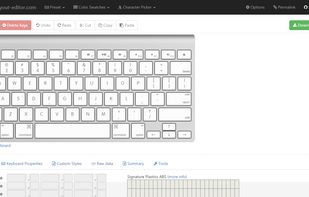
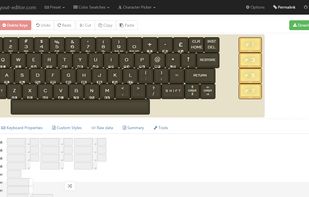
Keyboard-layout-editor.com is a web application that enables the editing of keyboard-layouts, i.e., the position and appearance of each physical key.



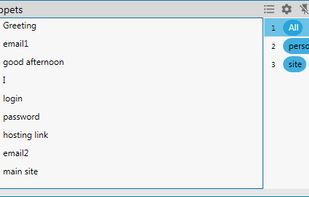
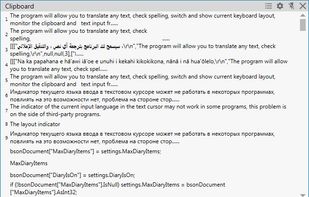
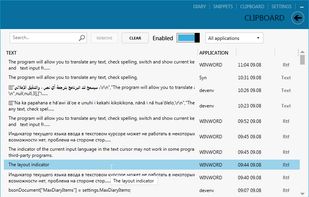
Translater, Check spelling, Keyboard layout switcher and Layout indicator, Clipboard manager, Diary, SmartClick, Text recognizing (OCR).
 Russia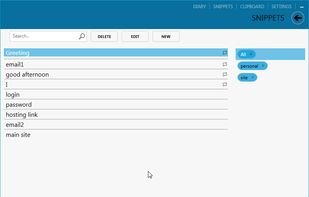
 Google Translate
Hotkeycontrol is the award winning and easy to use solution for creating keyboard shortcuts for routine tasks like opening files, changing system volume, controlling display brightness, typing frequently used text, controlling active windows and recording macros.
 Canada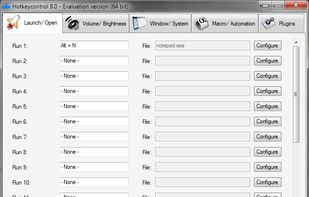
 AutoHotkeyand



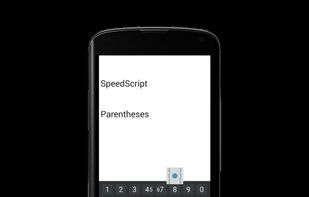
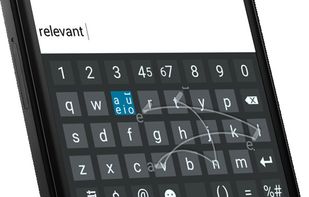


The Big Quick Keyboard is an innovative new keyboard for Android devices. The desktop keyboard arrangement is very easy to use, thus this app replicates that arrangement but on mobile devices.



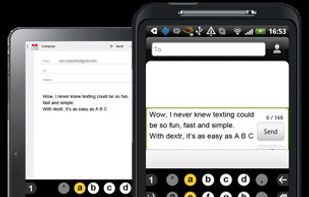
dextr is a revolution in mobile communications — transforming the way you text and type; taking a tiresome, mistake-prone chore into something fun, fast and easy.
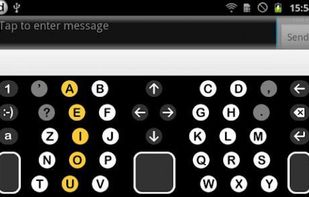

Low-level keyboard switcher (runs as a daemon, no GUI interface) that allows you to bind single key (including modifier keys such as Ctrl, Fn, and CapsLock) to a language.


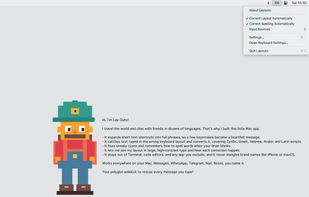
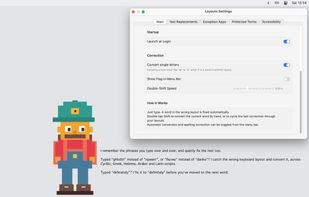
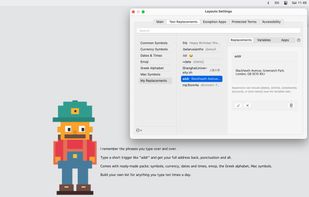
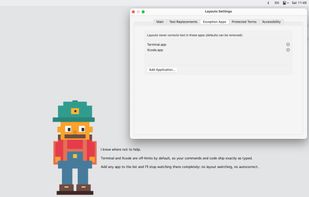
Layouto is a quiet menu-bar app that makes everything you type come out right. Everyday typing wins, one helper.
 AutoHotkeyand

Clear and convenient layout indication for Windows: on-screen, near the text cursor and mouse pointer, and in the taskbar. Switch sounds, taskbar highlighting, and easy configuration. Fully functional 14-day trial — no limitations.
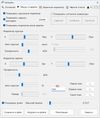
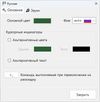

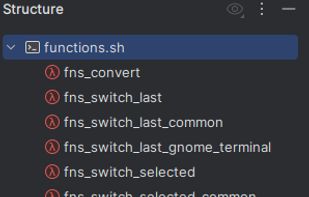
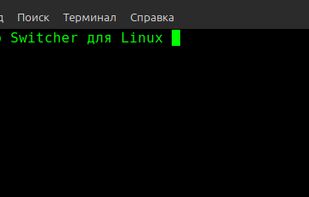
A lightweight Bash-based tool that automatically converts text between two keyboard layouts — for example, between Russian and English.


Arabic Keyboard is a virtual keyboard created with the main aim to help people type in Arabic from any device. This is one of the easiest ways to type, as you don’t need to download the language pack, font pack or any software on your system.


Remap Keyboard lets you modify your Mac keyboard layout by changing the behavior of each key to work like another. You can apply mapping to all your keyboards or just the selected keyboard (e.g. only the MacBook keyboard or only the USB keyboard).
Canada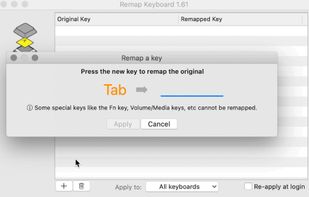

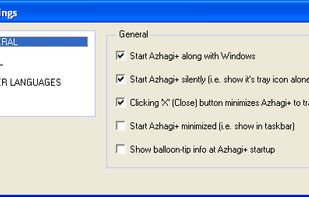
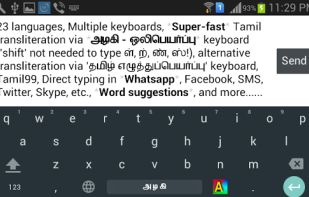
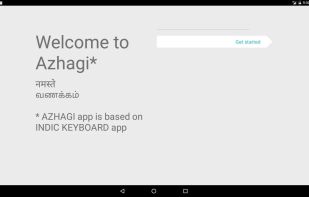
It is a software which allows users to type in many Indian languages like Tamil, Hindi, Sanskrit, Telugu and more. It also supports a phonetic keyboard for these languages.


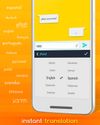
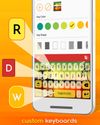
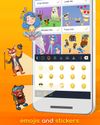
Redraw Keyboard with Emoji has amazing keyboard themes, unique stickers for messenger and can turn your phone into an instant translator and get access to your google drive for instant file sharing.


 Ukraine


