

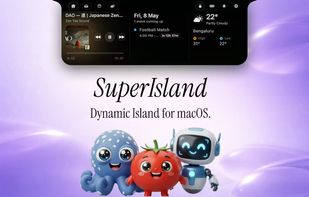
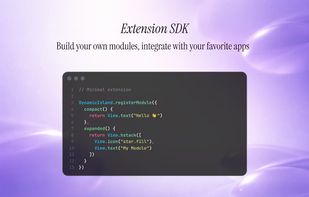
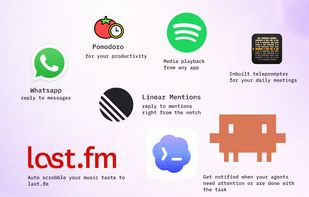
Transforms the MacBook notch with live music, battery, calendar, notification, weather, and file drop activities, customizable modules, and developer SDK support.
Cost / License
- Free
- Open Source
Application type
Platforms
- Mac
 India
India



+1



Transforms the MacBook notch with live music, battery, calendar, notification, weather, and file drop activities, customizable modules, and developer SDK support.
India


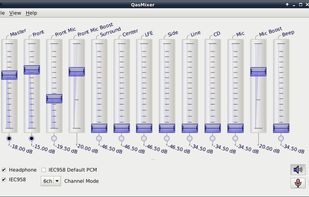
CLI and curses mixer for PulseAudio. Contribute to GeorgeFilipkin/pulsemixer development by creating an account on GitHub.




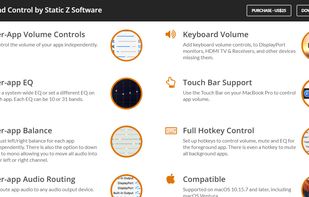
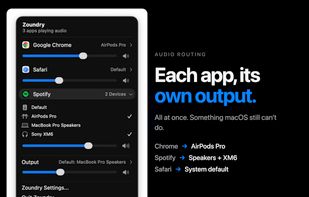
Sound Control adds per-app volume and EQ controls to your Mac apps. Route your apps to different audio devices. Add volume controls to your devices.
 United States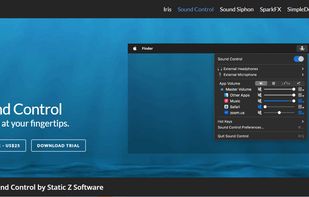
 United States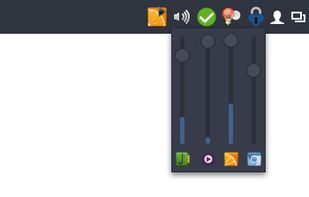


 Croatia
 EU
EU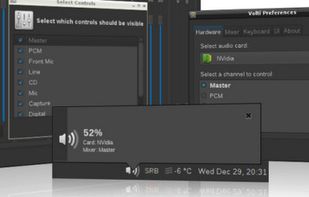


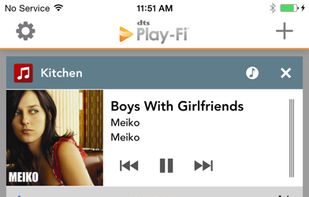
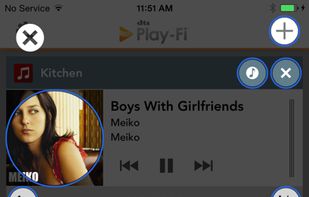
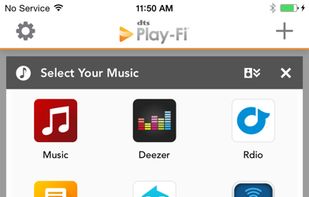
Play-Fi for Windows lets you stream from any audio source on your PC (apps, services, or the Web) including Spotify, Google Play, iTunes, XBox Live, and more! Works with Windows 7, 8, 8.1, and 10.
United States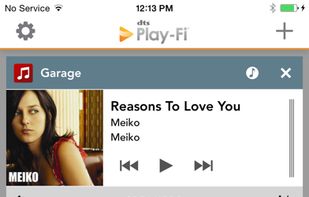
 Beatsyncand

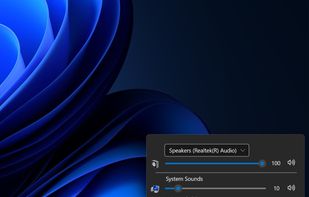
Audio Sliders is a audio control panel that is much smaller than and yet far more feature-rich than the standard Windows version. Features include... basics adjustment of volume/bass/treble levels; preset storage of different audio levels for different tasks; customizable global...
 Australia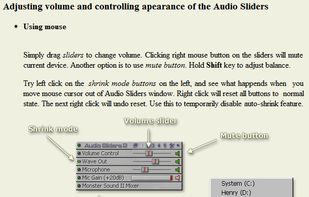




IndieVolume makes Windows programs use separate volume controls independent of other Windows programs.
 Ukraine


The Klipsch Stream App gives you access and full control of your Klipsch Stream Wireless Multi-Room Audio system, delivering high resolution streaming audio to any room of your home where your Klipsch Stream-enabled sound bar, wireless speaker, tabletop stereo speaker system, or...
United States
 Guatemala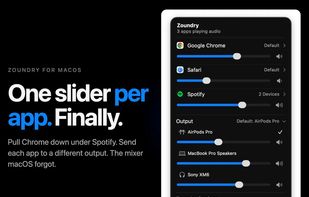

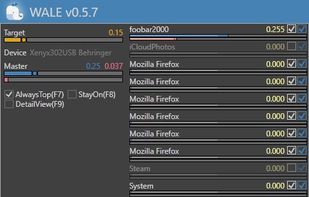
Windows Audio Loudness Equalizer
Wale calculates appropriate volume of each app in real time from app's average peak level and try to equalize peak levels of each app to desired level.


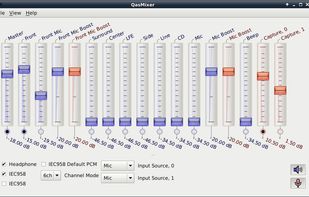
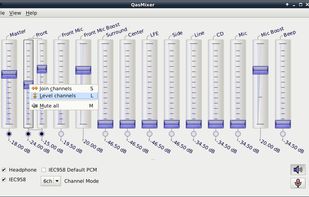
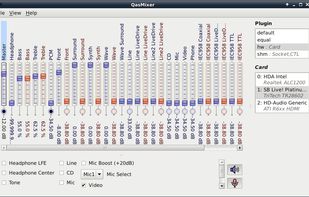

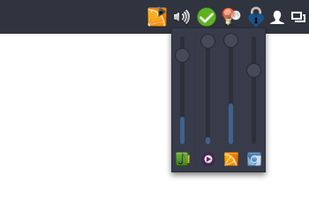
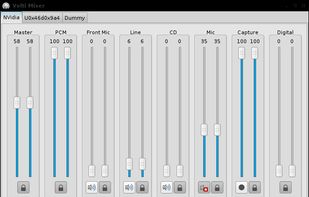
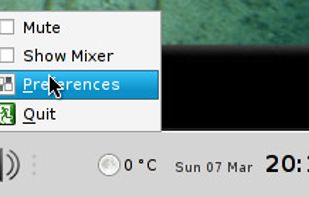
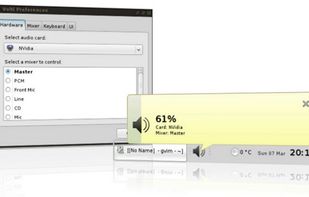
VolWheel is a little application which lets you control the sound volume easily through a tray icon you can scroll on. It is written in Perl/Gtk2 and works both for ALSA and OSS. You can configure it quickly through its configuration interface.
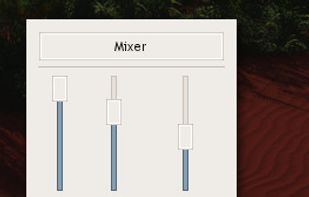

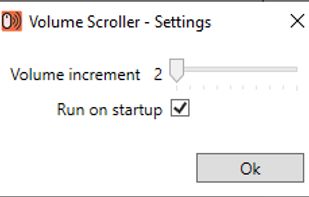
Volume Scroller allows you to quickly change the system volume. All you have to do is hold the mouse pointer over the taskbar and turn the mouse wheel.

KMix is an application to allow you to change the volume of your sound card. Though small, it is full-featured, and it supports several platforms and sound drivers.
 GermanyEU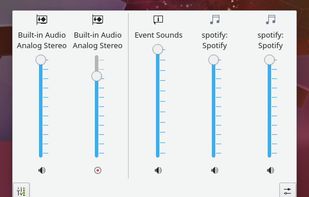

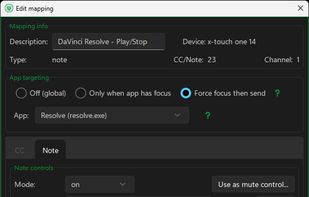
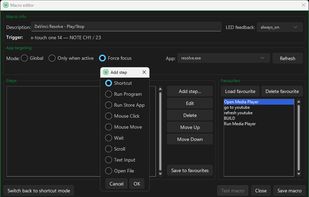
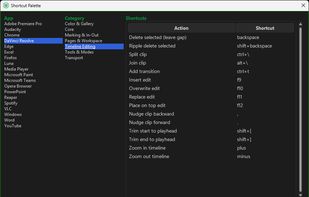
MIDI Command Studio is a Windows app that lets you control Windows software with a MIDI controller. Map buttons, knobs and faders to shortcuts, macros, volume controls, and other actions.
 United Kingdom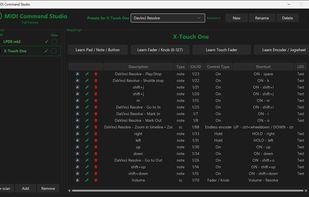


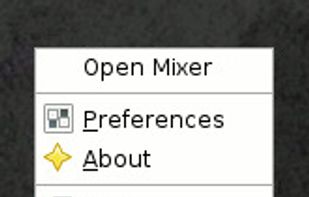
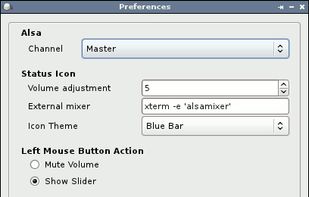
Volume Icon aims to be a lightweight volume control that sits in your systray. It is often used in conjuction with the lightweight tint2 panel/taskbar.

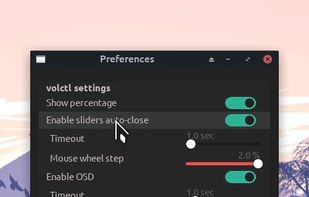
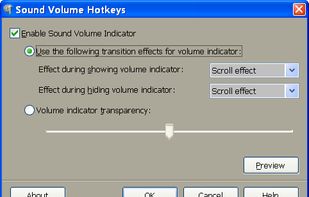
This tool allows to control sound volume using system-wide hotkeys. Customizable on-screen sound volume indicator will show you the current level.
United States


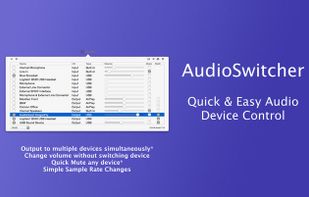
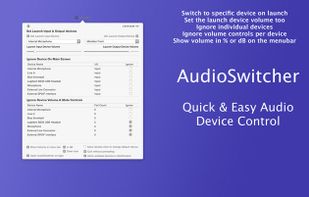
Simple, always ready menubar app that allows you to switch quickly between available input and output devices*

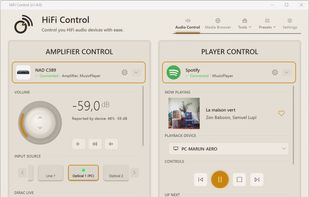
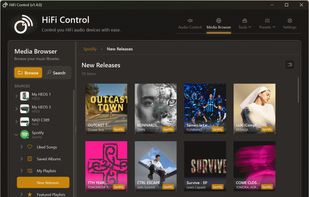
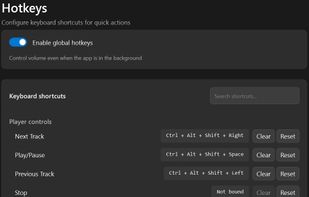
A Windows desktop application for controlling BluOS, HEOS and MusicCast networked audio equipment with system tray integration, global hotkeys, Microsoft Surface Dial support, cross-device presets, and Dirac Live profile switching.
 NetherlandsEU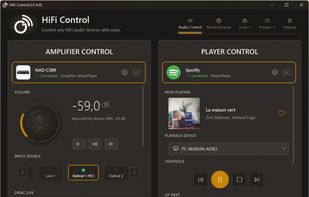



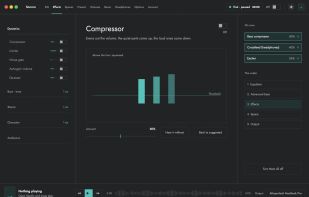
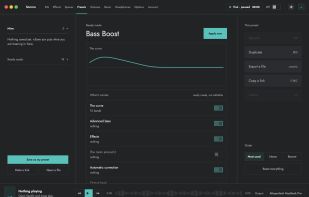
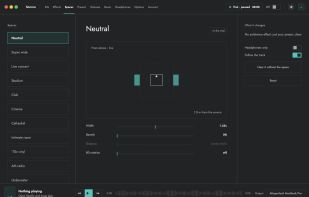
Sonora sits between macOS and its output, so music, films, games, calls and browser audio all pass through the same ten-band equalizer. There is nothing to set up app by app, and no plugin to install: it is not a VST or an AU, and it needs no DAW.
 Switzerland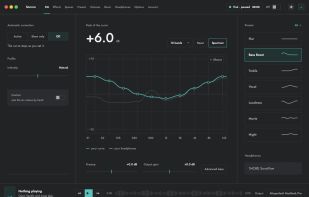


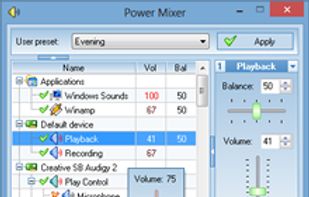
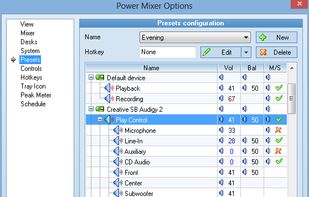
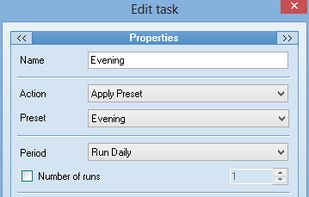
Power Mixer is a complete Windows volume control replacement. It includes audio mixer, scheduler, hot keys support, command line support, the ability to store and recall different presets.