

Cost / License
- Free
- Open Source (MIT)
Application type
Platforms
- Mac
 China
China


Best alternatives are 

54 alternatives

 China
China
Prevent your Mac from falling asleep, dimming your screen or starting the screensaver. Theine keeps macOS awake just like caffeine does with you.
 Germany
 EU
EU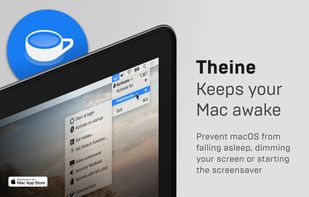
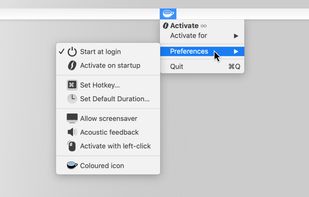
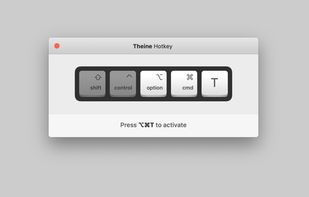
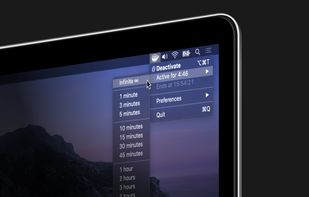

This application is used to prevent the computer from going to sleep without changing system settings

Keep your screen on when your device is running your GPS application, favorite remote control, playing a movie or slideshow, etc... Perfect to keep your screen on without dimming for application development. Your screen will never go back to sleep until you want it to...
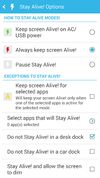
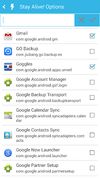
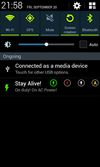


MoccaFaux is a flexible scheduler that prevents the activation of screen savers and power-saving modes when certain conditions are met.

Keeps your computer in an active state. No install required, fully portable and can run from a USB. Completely free for everyone.
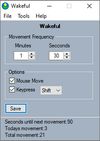
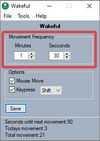
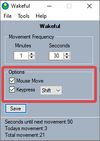

This software helps you keep Windows awake when the PC is in use. Windows will transition to standby if the keyboard and mouse is idle for a long time, except if something is blocking sleep. Programs can signal the system to avoid sleep.


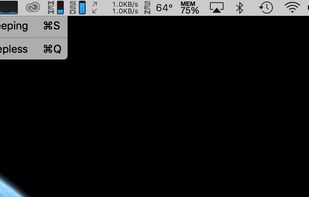

This app will keep your system awake for a defined period of time. It will pause the energy settings and prevent the screensaver from starting.
GermanyEU
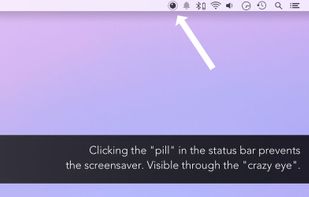


Espresso is a Caffeine alternative with support for retina displays and the black or white menu bar introduced in OS X Yosemite.
GermanyEU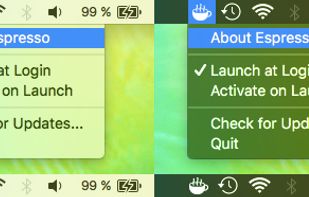

Anti-Sleep App for your Mac.
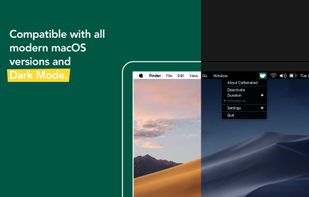
Caffeinated prevents your Mac from going to sleep, dimming your screen or starting the screensaver.
GermanyEU
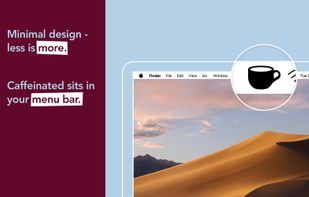


macOS CLI that keeps your Mac awake with the lid closed on battery, so a local Codex, Claude Code, or Cursor session keeps running.
GermanyEU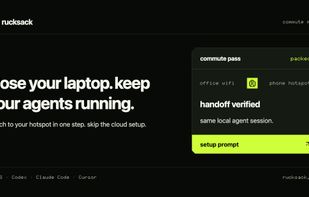
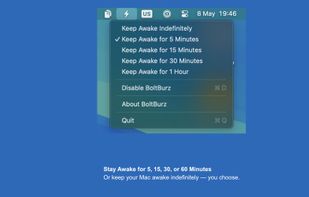
Keep your Mac awake only when needed, with a minimal control surface built for focused workflows.
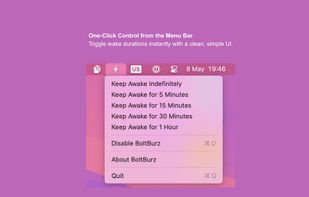
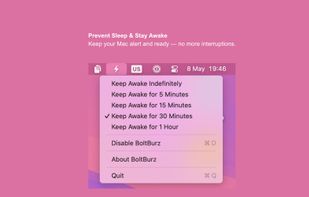
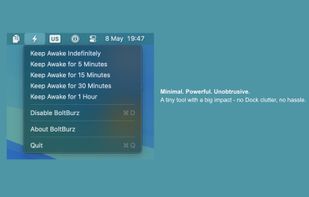

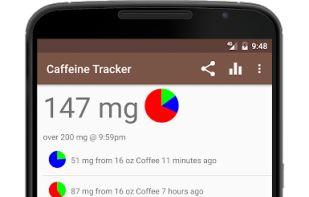
Tracks your current level of caffeine. Simply record each drink you consume. Accounts for the natural metabolism of the caffeine in each drink over time.


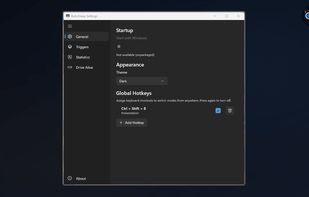
Lightweight Windows tray tool preventing sleep, keeping screens on, and switching power plans using Windows API, with timers, hotkeys, and automatic mode selection.
 Russia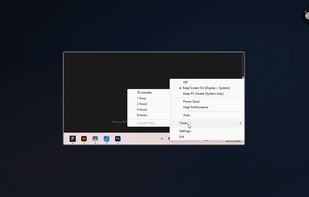


 United Arab Emirates


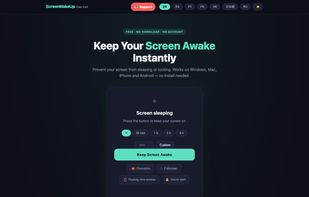
ScreenWakeUp is a free, browser-based tool that keeps your screen from sleeping or locking. It uses the modern Screen Wake Lock API — nothing to install, no admin rights, no account. Open it in any browser on Windows, macOS, Linux, ChromeOS, Android or iPhone and click one...
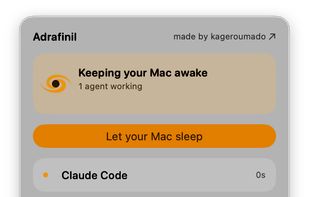
A tiny macOS menu-bar app that keeps your Mac running even with the lid closed — so coding agents (Claude Code, Codex, etc.) keep working while you move around.
 Vietnam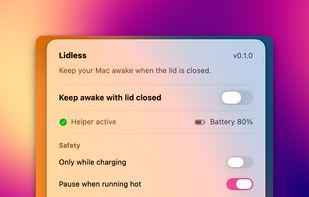

Professional-grade tool that prevents system sleep and idle states with randomized, human-like mouse movements and window rotation.
 India
India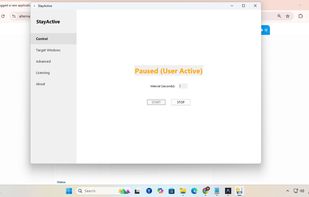

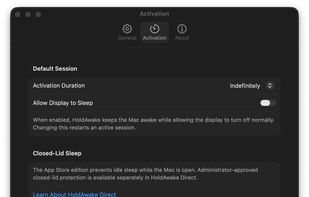
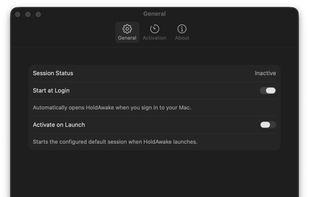
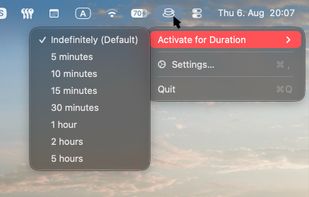
HoldAwake is a lightweight menu-bar utility for keeping your computer awake when you need it, without changing your normal sleep settings permanently.
 Syria
Syria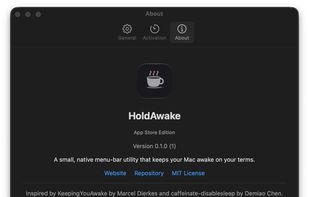
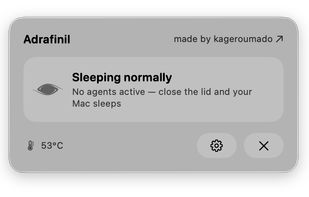
lidawake keeps your Mac awake with the lid closed — for an overnight job with no monitor attached, or an external monitor in clamshell mode on battery. Keeping a Mac awake is easy — stopping safely is the product: it watches heat and battery, and hands sleep back even if the app crashes.
 SlovakiaEU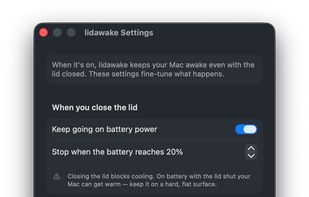

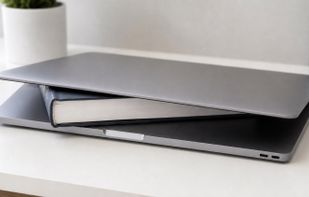
Close the lid. Keep coding. Hold My Lid keeps your Mac awake while Claude Code, Codex, and your other agents finish the job — lid shut, in your bag.
India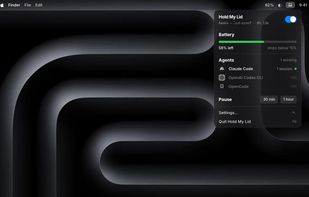
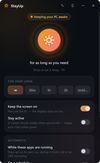
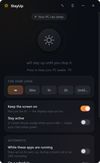
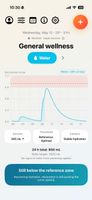
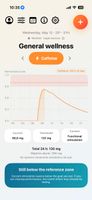
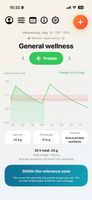
A high-precision pharmacokinetic modeling engine for science-driven supplement optimization. Visualize personalized absorption and decay curves for water, caffeine, creatine, and protein in real time using dynamic compartmental models. Stop guessing, start optimizing. No forced accounts.
 SpainEU