Apps with 'Clipboard History' feature Page 8 of 9

All apps in Apps with 'Clipboard History' feature category. Use the filters below to narrow down your search. 
Copy a direct link to this comment to your clipboard
  1. Berri icon
     Like

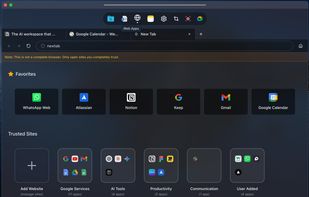
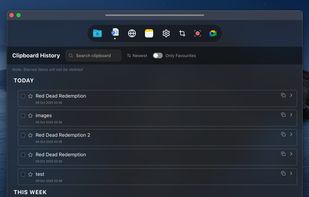
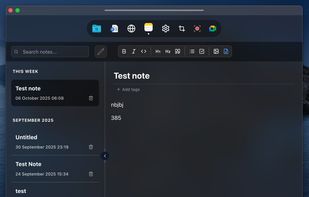
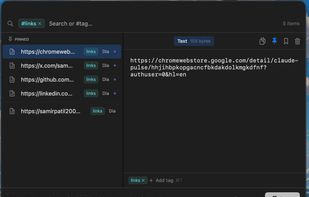
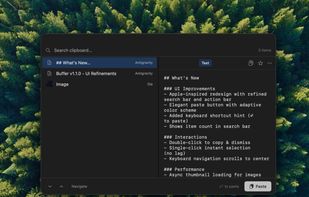
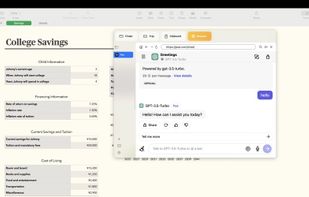
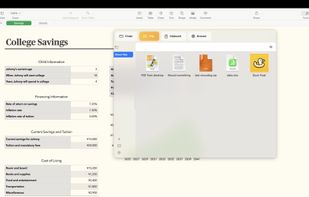
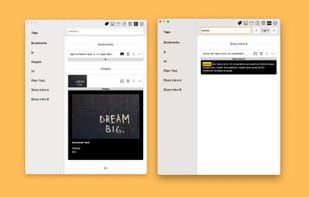
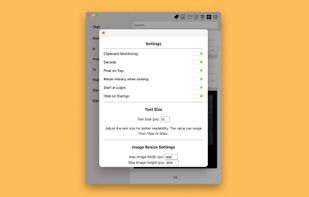
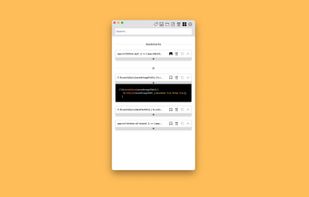
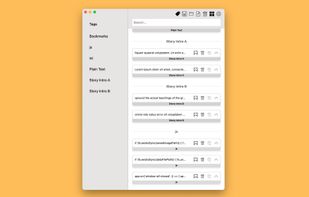
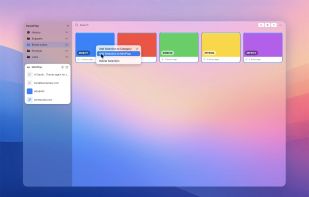
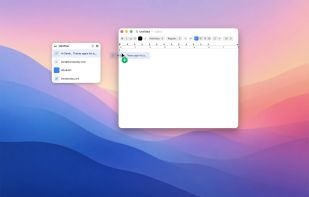
    Berri is an always-on-top workspace for your everyday bits - clipboard history, screenshots, and notes kept tidy and instantly searchable so you can stay in flow.

    Cost / License

    • Freemium
    • Proprietary

    Application type

    Platforms

    • Mac
    Berri screenshot 1
    Berri screenshot 1
    Berri screenshot 2
    3 alternatives
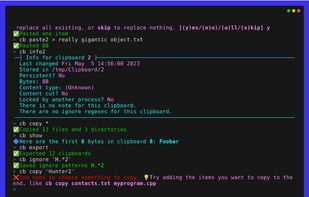
  2. ClipCapsule is a minimalist clipboard manager for Linux. It supercharges your productivity by allowing you to manage and switch clipboard entries using only keyboard shortcuts—no mouse or GUI required.

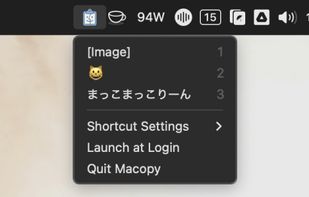
    Cost / License

    • Free
    • Open Source

    Application type

    Platforms

    • Linux
    • Go (Programming Language)
    50 alternatives
  3. uPaste icon
     Like

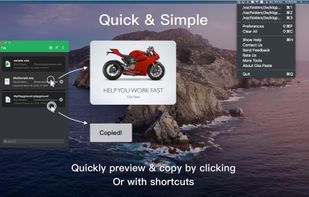
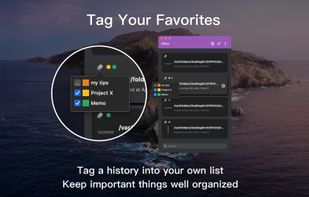
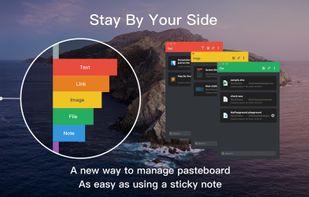
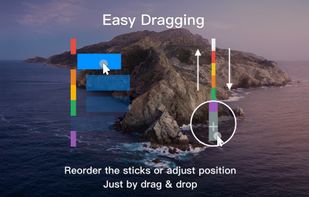
    Oka Paste is a very useful clipboard manager. Intelligent management and Simple operation. It records the content you copied into the system clipboard and makes the content grouped by types for easy management and orderly.
    Cost / License

    • Freemium
    • Proprietary

    Application type

    Platforms

    • Mac
    uPaste screenshot 1
    uPaste screenshot 1
    uPaste screenshot 2
    +2
    uPaste screenshot 3
    24 alternatives
  4. WhimPop icon
     Like

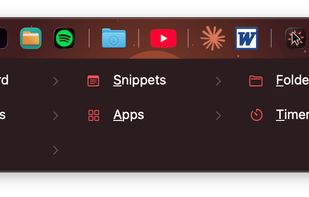
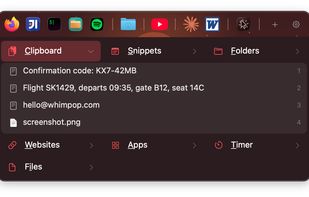
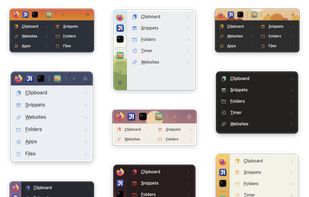
    A native macOS panel that opens at your cursor when you hold the right mouse button, with clipboard history, snippets, favorite apps, folders, files, and a timer.

    Cost / License

    • Paid
    • Proprietary

    Application type

    Platforms

    • Mac
    • SE flagSweden
    • European Union flagEU
    WhimPop screenshot 1
    WhimPop screenshot 1
    WhimPop screenshot 2
    +1
    WhimPop screenshot 3
    5 alternatives
  5. CutBox icon
     Like

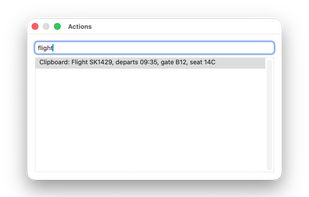
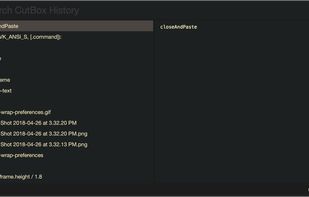
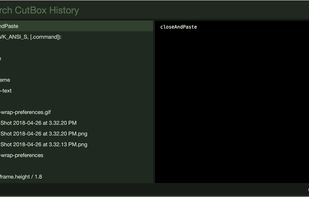
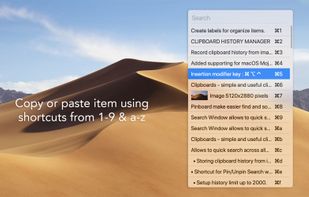
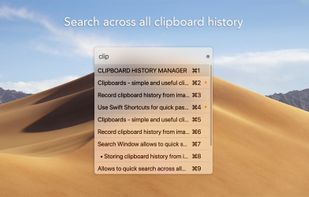
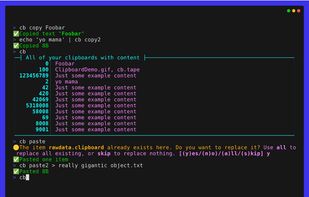
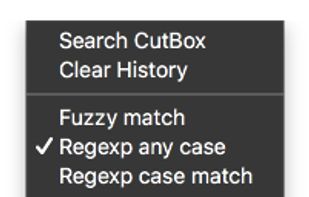
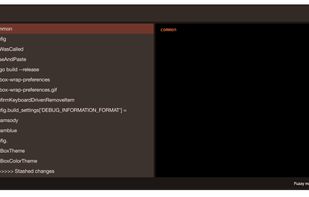
    Pasteboard history for macOS done right. Using the proven UI style of Alfred, Spotlight etc. Use fuzzy searching to find what you want to paste.
    Cost / License

    • Free
    • Open Source

    Application type

    Platforms

    • Mac
    CutBox screenshot 1
    CutBox screenshot 1
    CutBox screenshot 2
    +2
    CutBox screenshot 3
    73 alternatives
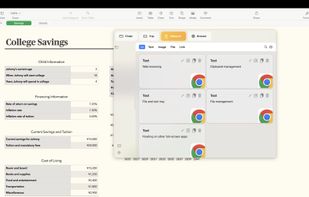
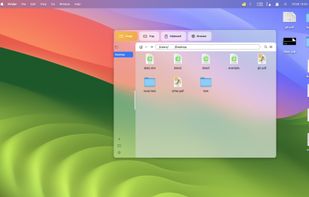
  6. An app that floats above a full-screen app, supporting file management, quick file access, clipboard management, and web browsing.
    Cost / License

    • Freemium
    • Proprietary

    Platforms

    • Mac
    Duck Float screenshot 1
    Duck Float screenshot 1
    Duck Float screenshot 2
    +1
    Duck Float screenshot 3
    13 alternatives
  7. Clip Log icon
     Like

    Say goodbye to losing important snippets of text and images! Clip Log is the ultimate clipboard manager, combining intelligent organization, real-time saving, and privacy-first design. Designed to simplify your workflow, Clip Log ensures that everything you copy is instantly...

    Cost / License

    • Paid
    • Proprietary

    Application type

    Platforms

    • Mac
    • US flagUnited States
    Clip Log screenshot 1
    Clip Log screenshot 1
    Clip Log screenshot 2
    +1
    Clip Log screenshot 3
    50 alternatives
  8. Clipen icon
     Like

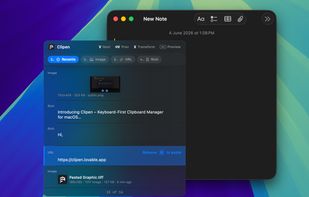
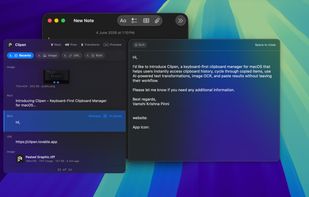
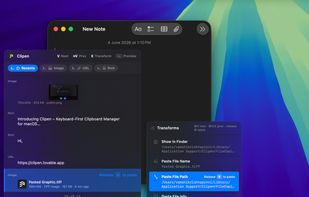
    A keyboard-first clipboard manager for macOS that lets you access clipboard history, cycle through copied items with simple shortcuts, transform content using AI-powered tools, and paste instantly.

    Cost / License

    • Freemium
    • Proprietary

    Platforms

    • Mac
    • IN flagIndia
    Browse and paste clipboard history instantly.
    Preview rich content before pasting.
    Transform clipboard items with quick actions and AI tools.
  9. ClipMax icon
     Like

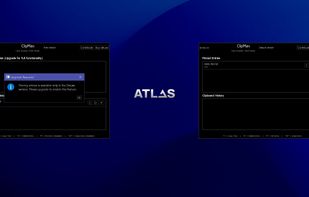
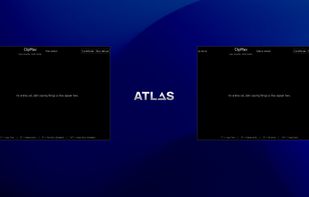
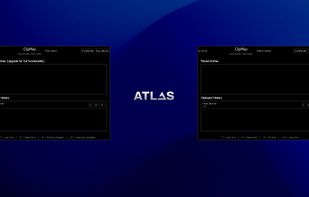
    ClipMax is a next-generation clipboard manager that enhances productivity by automating, organizing, and integrating copied content with AI.
    Cost / License

    • Freemium
    • Proprietary

    Application type

    Platforms

    • Windows
    Interface of free and deluxe version
    Interface of free and deluxe version with entry
    Entry pinning
    58 alternatives
  10. CopyCharm icon
     Like

    CopyCharm is a Windows desktop app that helps users collect and reuse copied text, important clips, and saved prompts for AI work. It stores copied text locally and provides search and favorites to help users find useful material from past work.

    Cost / License

    • Paid
    • Proprietary

    Application type

    Platforms

    • Windows
    3 alternatives
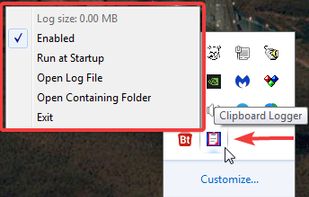
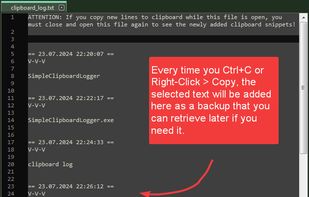
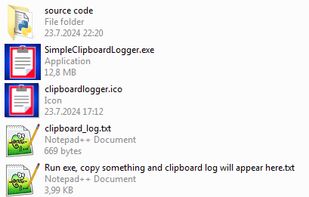
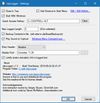
  11. clipLogger logs text copied to the clipboard, putting everything in one textbox for easy access. Clipboard captures can be separated & labeled with a timestamp, or just appended by themselves. It can also log the paths of copied or dragged&dropped files.

    Cost / License

    • Free
    • Proprietary

    Application type

    Platforms

    • Windows
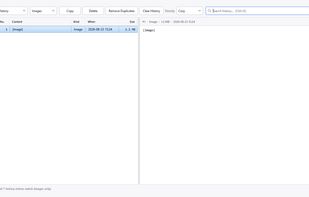
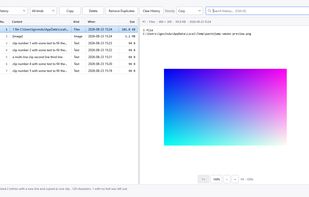
    clipLogger screenshot 1
    clipLogger screenshot 2
    clipLogger screenshot 3
    70 alternatives
  12. PastePlop icon
     Like

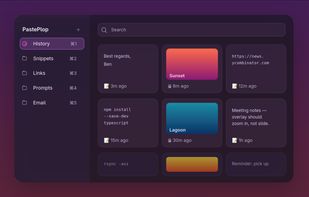
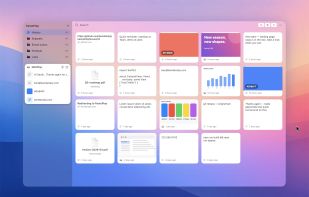
    Your clipboard, but a grid. Hit a keyboard shortcut, see everything you've ever copied, file the keepers into categories, paste with a click.
    Cost / License

    • Free
    • Proprietary

    Platforms

    • Mac
    PastePlop screenshot 1
    PastePlop screenshot 1
    PastePlop screenshot 2
    +1
    PastePlop screenshot 3
    50 alternatives
  13. ReCopied icon
     Like

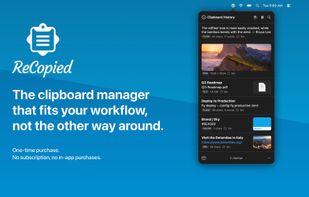
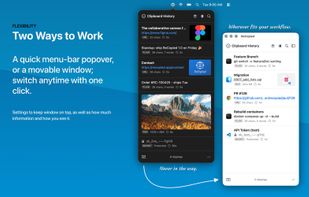
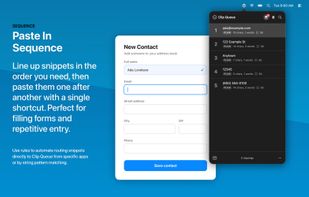
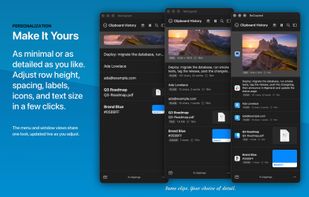
    ReCopied is a fast, private, native macOS clipboard manager with searchable history, Clip Lists, a paste-in-sequence queue, and text formatters — a one-time purchase, no subscription.

    Cost / License

    • Paid
    • Proprietary

    Application type

    Platforms

    • Mac
    • US flagUnited States
    ReCopied screenshot 1
    ReCopied screenshot 1
    ReCopied screenshot 2
    +7
    ReCopied screenshot 3
    2 alternatives
  14. See, search, pin, and paste your clipboard history in one tidy window. Works with Windows' built-in Win+V

    • adds pinning, instant search, previews, and drag-to-paste. Private and fully offline.

    Cost / License

    • Paid
    • Proprietary

    Application type

    Platforms

    • Windows
    • US flagUnited States
    Main window
    Pop-out preview
    Dark Mode
    6 alternatives
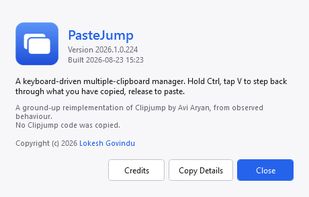
  15. Keyboard-driven multiple-clipboard manager for Windows: hold Ctrl, tap V to walk back through everything you have copied, release to paste - no window, no mouse. A .NET 10 + WPF reimplementation of Clipjump, shipped as one self-contained portable exe.

    Cost / License

    • Free
    • Open Source (MIT)

    Application type

    Platforms

    • Windows
    • IN flagIndia
    PasteJUmp screenshot 1
    PasteJUmp screenshot 1
    PasteJUmp screenshot 2
    +29
    PasteJUmp screenshot 3
    51 alternatives
  16. Copy Log icon
     Like

    Copy Log is a powerful app that makes your every day copy/paste operations much easier. It keeps every text youve copied and lets you access and use your saved text anywhere. More than this, Copy Log records date and hour of your copies and enumerates them.

    Cost / License

    • Paid
    • Proprietary

    Application type

    Platforms

    • Mac
    • RO flagRomania
    • European Union flagEU
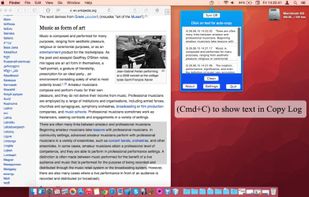
    Copy Log screenshot 1
    Copy Log screenshot 1
    Copy Log screenshot 2
    71 alternatives
  17.  Like

    Macopy keeps a history of what you copy and puts it a keyboard shortcut away. Pick an entry and it pastes straight into whatever app you were using, so you never go hunting for something you copied five minutes ago.

    Cost / License

    • Free
    • Open Source (MIT)

    Application type

    Platforms

    • Mac
    • JP flagJapan
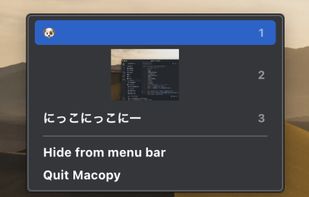
    The clipboard history popup, opened at the cursor
    Picking an entry pastes it into the app you were using
    5 alternatives
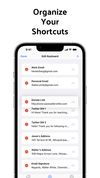
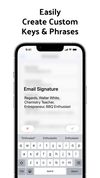
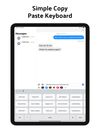
  18. Introducing the ultimate time-saving tool for iPhone users - our custom keyboard extension that allows you to store and paste your own custom shortcuts right from your keyboard.
    Cost / License

    • Paid
    • Proprietary

    Platforms

    • iPhone
    • iPad
    Clipboard Copy and Paste screenshot 1
    Clipboard Copy and Paste screenshot 2
    Clipboard Copy and Paste screenshot 3
  19. Mimer icon
     Like

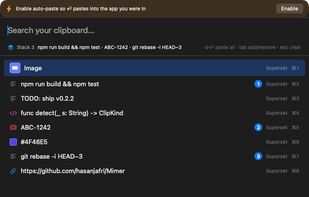
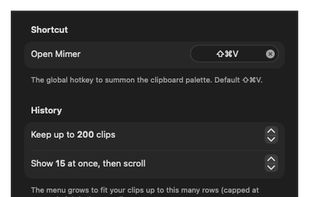
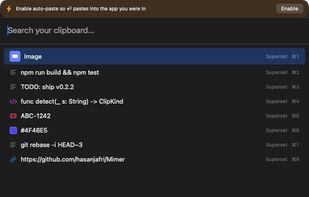
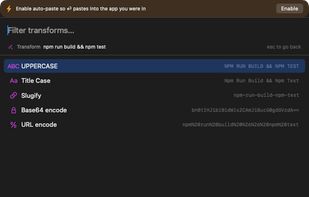
    Mimer is a free, open-source (MIT) clipboard manager that lives in the macOS menu bar. Press Shift-Cmd-V to open a command palette over your clipboard history: search as you type (with type:, app:, is:fav and /regex/ filters), then paste, favorite, or transform any clip.
    Cost / License

    • Free
    • Open Source (MIT)

    Application type

    Platforms

    • Mac
    Mimer screenshot 1
    Mimer screenshot 1
    Mimer screenshot 2
    +1
    Mimer screenshot 3
    6 alternatives
  20. Clipstory icon
     Like

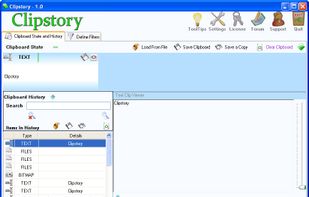
    Clipstory, Clipboard with History - unlimited copy and paste right at your fingertips.

    Cost / License

    • Paid
    • Proprietary

    Application type

    Platforms

    • Windows
    • US flagUnited States
    Clipstory screenshot 1
    81 alternatives