



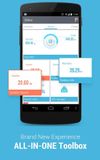
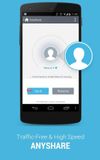
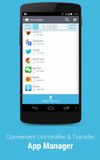
ZDbox is an all-in-one toolbox.It can save your battery and boost your android running speed!
Cost / License
- Freemium
- Proprietary
Application type
Platforms
- Android
- iPhone
 Best alternatives are28 alternatives
Cost / License
- Paid
- Proprietary
Platforms
- Mac
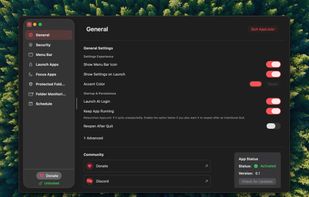
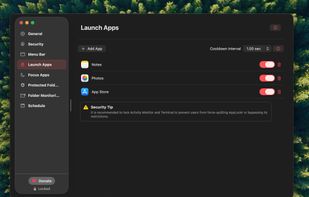
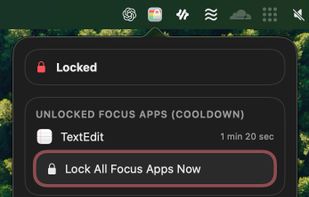 +3
+3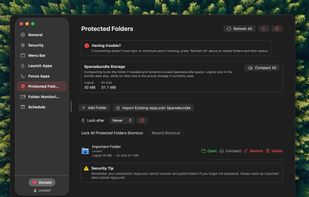 Best alternatives are16 alternatives

Password Door can add password protection to any program on your computer. It will not modify the original programs, so it will never destroy the programs and you will never lose data.
Cost / License
- Paid
- Proprietary
Platforms
- Windows
 China
China
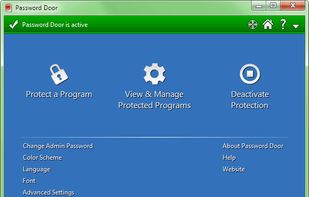
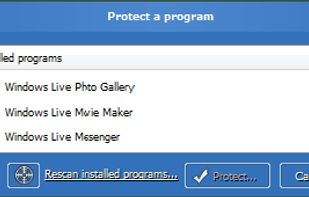
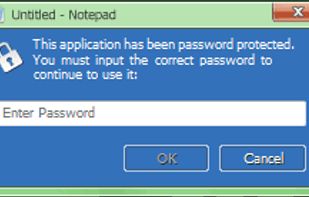 +1
+1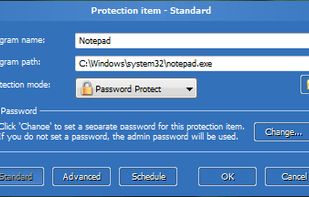
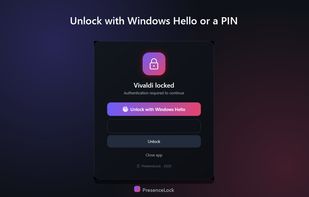
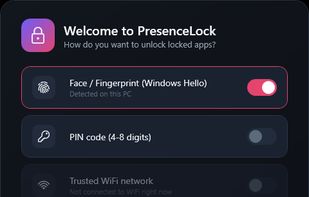
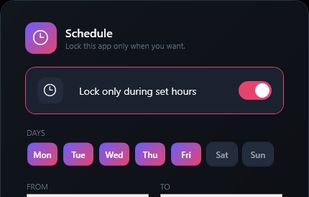
PresenceLock puts a password on individual Windows apps, the way a phone lets you lock a single app. You choose which apps to protect - banking, mail, chat, a journal, work tools - and each one asks to be unlocked before it will open.
Cost / License
- Paid
- Proprietary
Platforms
- Windows
 Israel
 +1
+1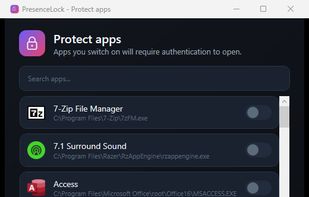 Best alternatives are8 alternatives


