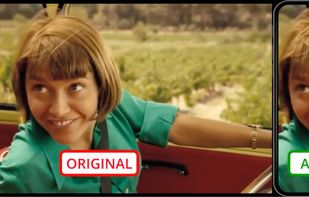
Effortlessly record high-quality audio and video, edit with ease, and share files seamlessly without the need for multiple tools or various formats.
Cost / License
- Freemium
- Proprietary
Application type
Platforms
- Online
- Software as a Service (SaaS)
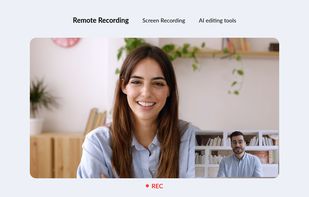

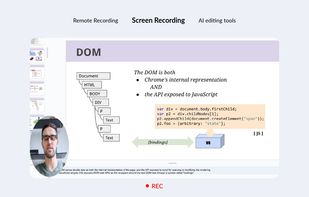

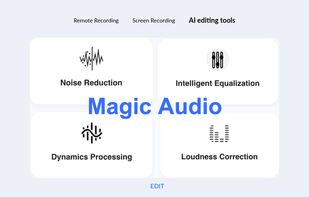


Effortlessly record high-quality audio and video, edit with ease, and share files seamlessly without the need for multiple tools or various formats.

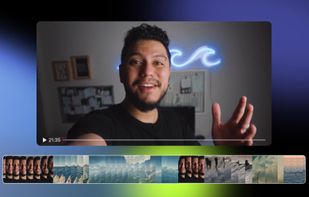
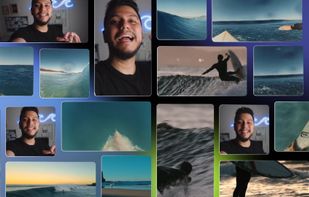
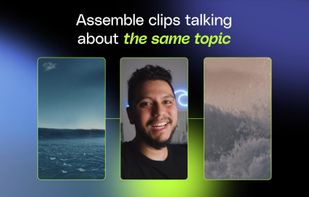
Qlip is an AI-powered productivity platform for video clipping. We help creators save hours repurposing their long videos for TikTok, Instagram Reels and YouTube Shorts. Our AI automates everything, so you just have to pick to publish more consistently and grow your audience...
 Klapand

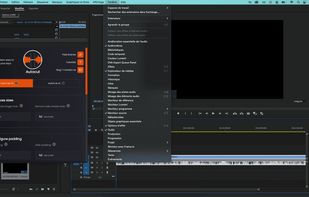
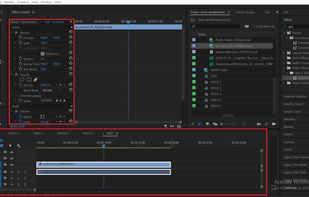
AI-driven plugin automates subtitle animation, removes silences, manages multicam podcasts, detects repetitions, adds zooms, B-roll, and resizes video for social media platforms.
 France
 EU
EU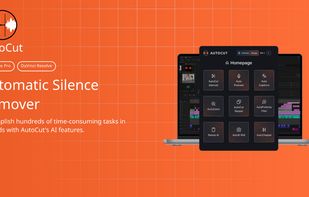



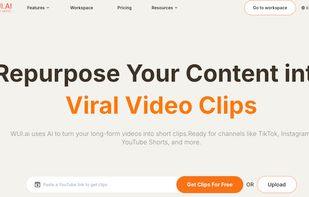
Transform long videos into social clips using AI for resizing, clipping, and auto subtitles. Formerly vidyo.ai, it aids in social media growth.
 India
India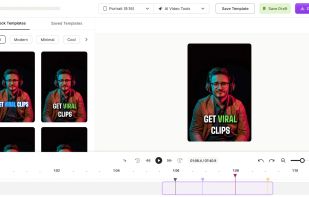
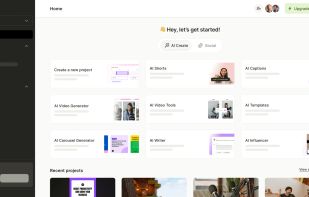
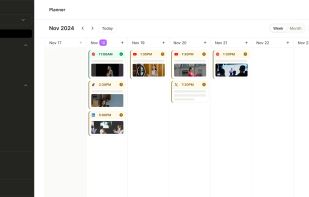

Storysonic finds the best moments in your long video and turns them into ready-to-post clips in minutes. Optimize for strong hooks, engaging content, and virality in one click. Reach your viewers even on mute with automatic subtitles generated by modern industry-leading AI...
 United States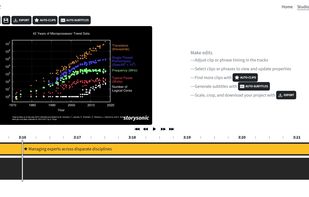
 Adobe Premiere Proand
 CapCut
StreamGen is an AI Clipping, Clip Editing and Post Scheduling tool for streamers. It allows to automatically find viral clips from Twitch streams and to edit them into engaging YouTube Shorts or TikTok videos.
 ItalyEU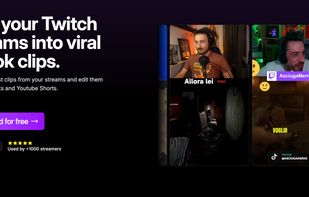
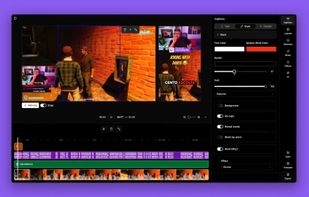
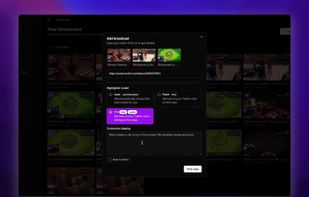

SnapDub takes a long recording - a podcast, an interview, a stream or a YouTube link - and returns a batch of short vertical clips. It picks the moments itself, using the speech, what appears on screen and the audio track, then crops each clip to 9:16 following whoever is...
 BulgariaEU
 Klapand

 Klap
Klap
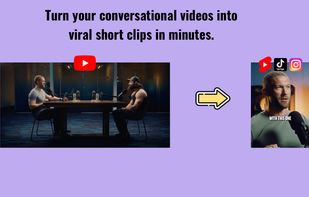
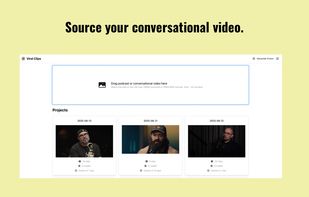
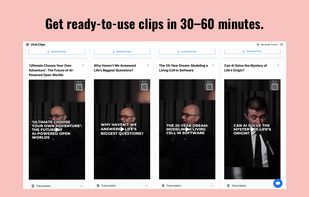
ViralClips is an AI-driven SaaS tool that automatically extracts and edits viral short clips from long-form conversational videos like podcasts and interviews, optimizing them for social media platforms.

 Klapand

Automatically create YouTube shorts and Tiktoks from existing landscape (horizontal) videos with AI crop and reframing.