

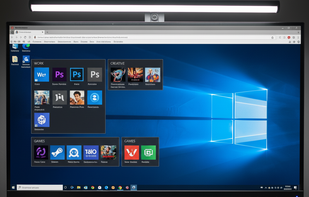
DeskSpace is a 3D desktop visualisation tool, allowing you to seamlessly switch between 9 desktops.
Cost / License
- Paid
- Proprietary
 Australia
Platforms
- Windows
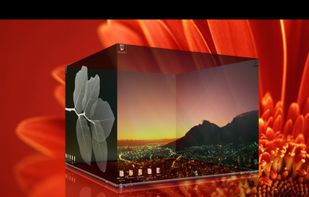
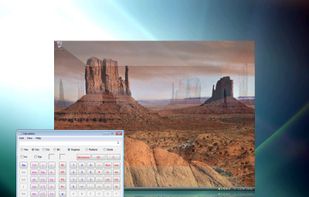


DeskSpace is a 3D desktop visualisation tool, allowing you to seamlessly switch between 9 desktops.

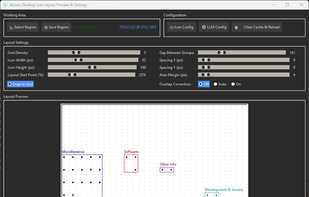
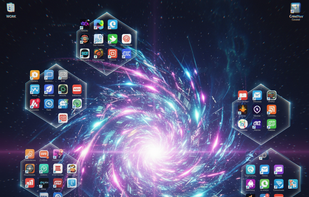
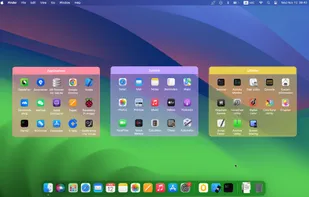
Say goodbye to desktop chaos – Aicono uses cutting-edge AI to automatically group and arrange your icons!

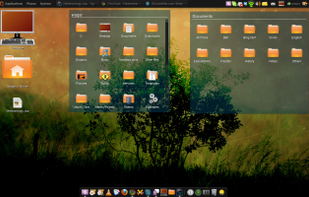
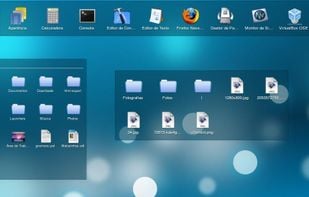

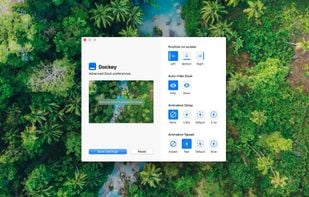
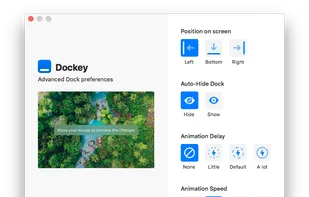
Dockey makes changing some of the more advanced Dock preferences as easy as clicking a button. With integrated preview, you can see how it would look and feel like and save changes you're happy with the result.

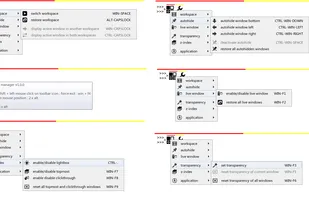
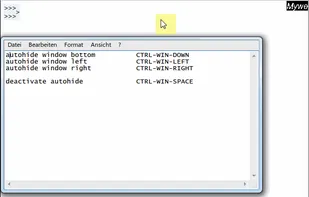
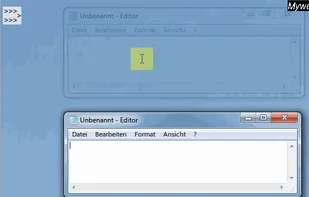
Mywe Desktop manager is an all-around desktop enhancer that aims to improve your productivity, by providing you with a wide range of desktop functionality enhancements (Virtual desktop, autohide, live window, transparency, Lightbox, Z-Index).

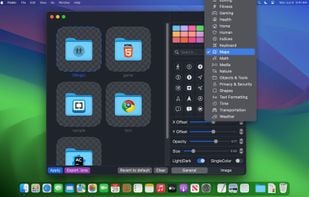
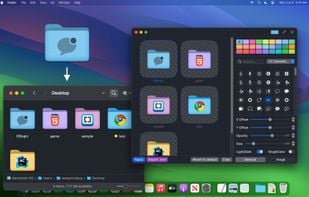
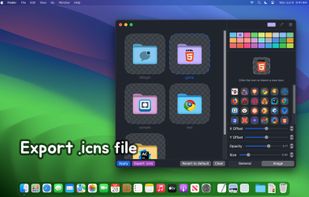
Set folder colors and add small icons to folders with this tool, keeping your files organized and improving efficiency in file management.

A Central Hub for User-Categorized Shortcuts to Apps, Files & Folders, Quick Access to Drives & System Folders with PC Info & Resource Monitoring Dashboards and One-Click Access to Common Windows Operations.
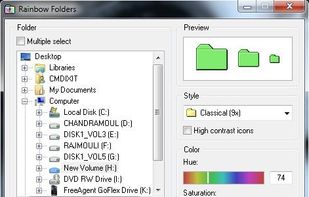
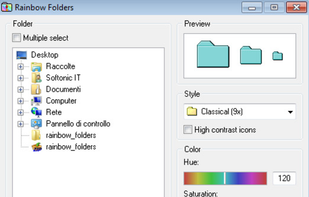
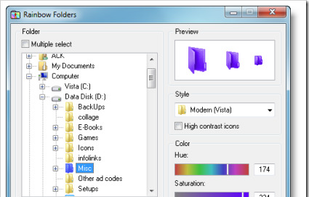
Rainbow Folders (RF) is an easy to use program, which allows you to change the color of the icon representing a chosen folder to any color you like.

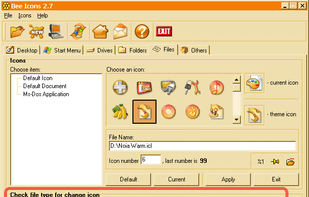
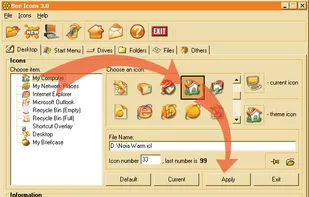
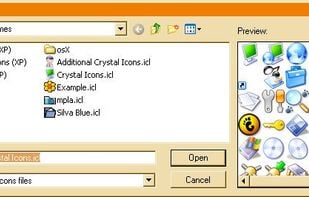
Bee Icons can replace almost any system icon with a more stylish and improved version. You can change Desktop icons, Start Menu, Hard, Floppy and Compact Disk icons. You can also assign unique pictograms to any folder or file type.

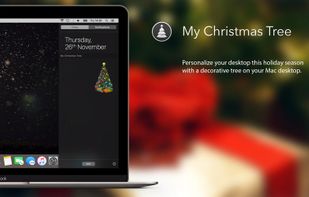
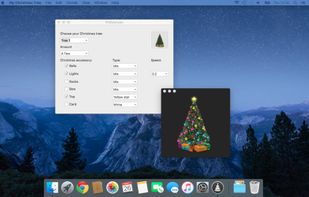
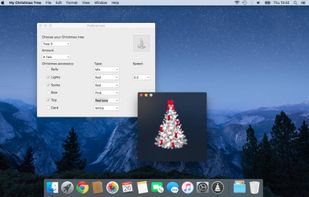
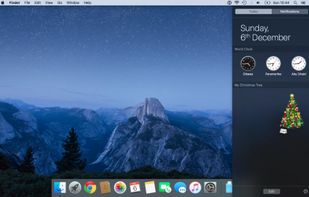
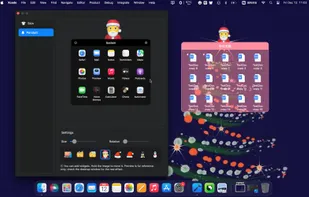
Personalize your desktop this holiday season with a decorative tree on your Mac desktop. Choose lights, bows, stockings, and ornaments for your tree to add a distinctive holiday cheer. Also you can add this tree in your notification sidebar.
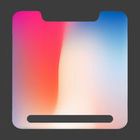
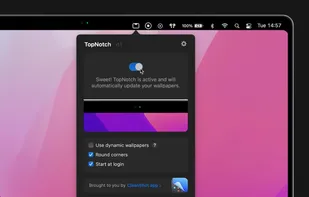
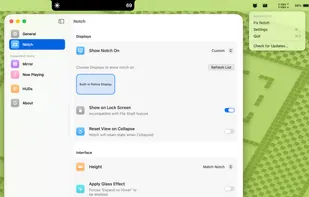
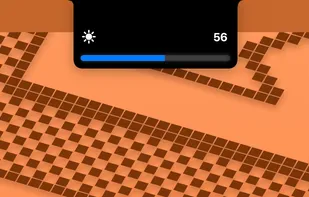
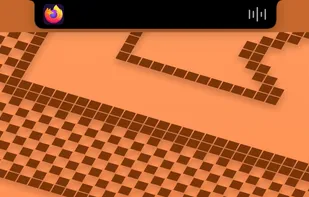
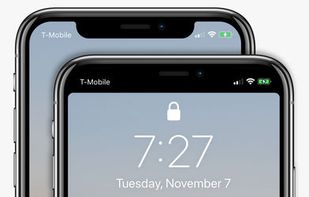
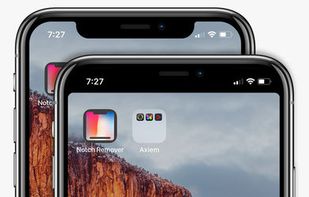
Notch Remover lets you remove the notch from the status bar! Notch Remover modifies your wallpaper to adjust for the notch. Check out some of the amazing results in the screenshots!
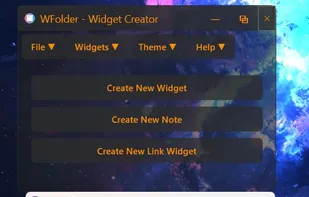
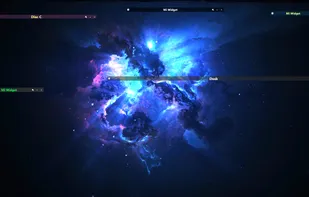
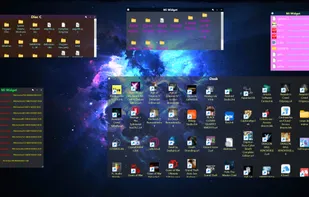
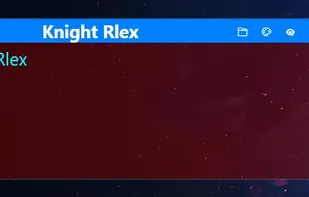
Windows application for creating widgets, which can be linked to folders (except the Recycle Bin), creating notes (WNotes), or creating shortcut containers (WLinks). From within the widgets, you can interact with files and other folders.

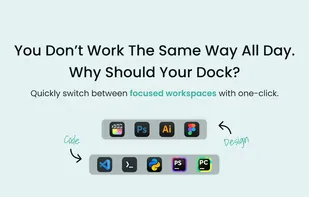
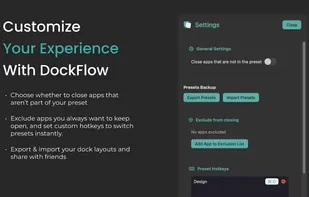
Boost your productivity with DockFlow. Instantly save, manage, and switch between multiple macOS Docks. It's simple and built for focus.



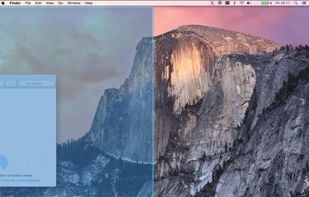
Useful window arrangement ("snap-to-edge") utility that works well with multiple screens.
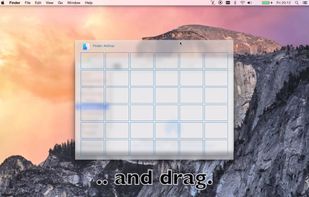

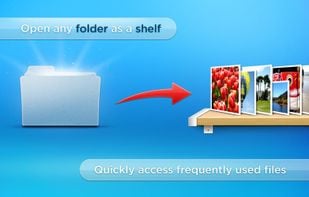
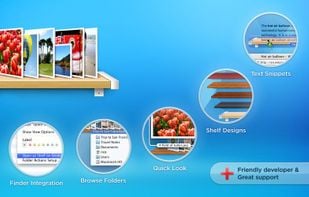
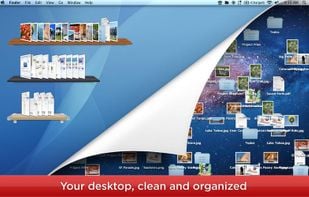
DesktopShelves helps you fight the clutter on your desktop by organizing files on shelves. A shelf the size of 5 icons holds 20 files.

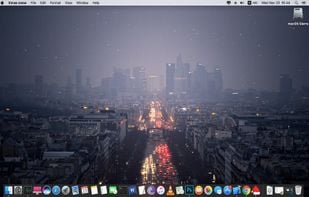
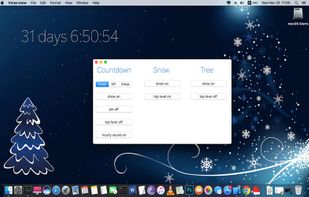
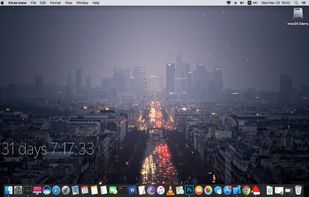
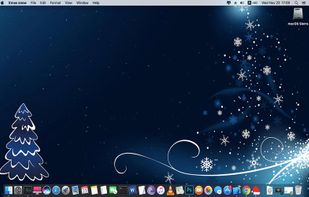
Desktop snow snow on your desktop, know how many days until Christmas or days until new year, you can also add on desktop Christmas tree and listen every hour holiday tune.Xmas snow has, windows level settings, fixing window position,launch at login.

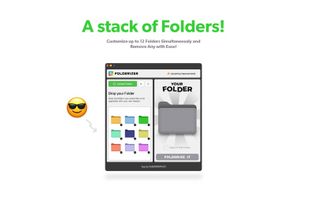
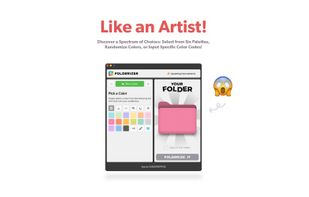
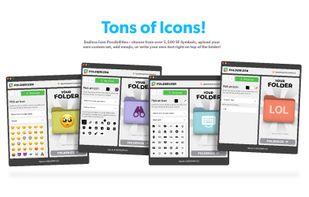
Folderizer is your ultimate solution for adding a touch of personalization to your Mac desktop. With Folderizer, you can easily customize the icons of your folders, making them stand out and reflect your unique style.

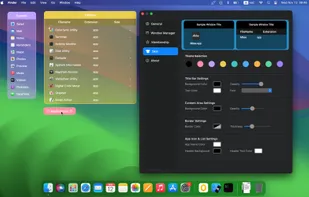
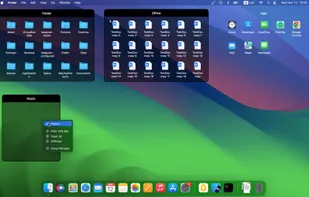

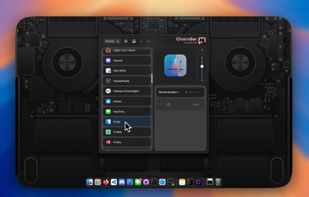

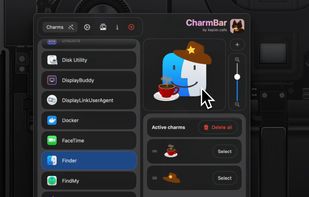

Professional focus enhancement for macOS. Dim background applications or highlight your active window with beautiful colored borders.
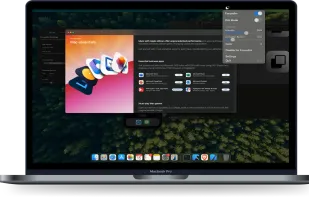
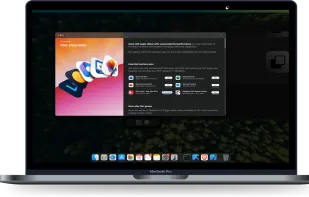
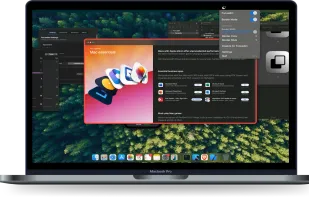
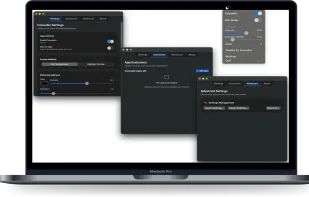

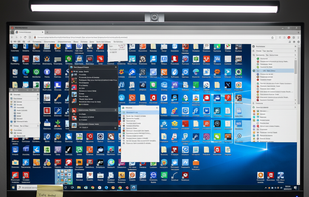
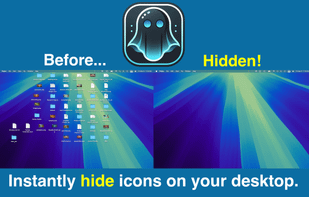
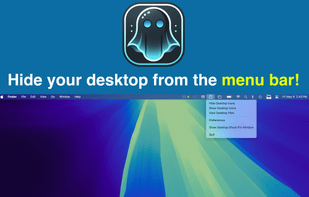
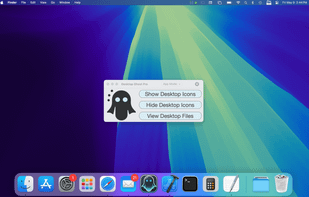
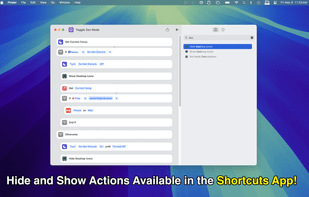
Is your desktop overwhelmed with files and folders? Introducing Desktop Ghost Pro—the ultimate solution to instantly declutter your workspace. With a single click or a customizable hotkey, hide all your desktop items without deleting or moving them.

Dr Hidden is a Mac utility tool that helps to optimize and change some of those annoying hidden OS X settings. Get this Mac OS tool for hidden unlock functionality!

 Sweden
 EU
EU

 Portugal


 China
China
 France

 India
India
 Poland
 Ukraine


 Mexico
 Israel


 United States

 United Kingdom