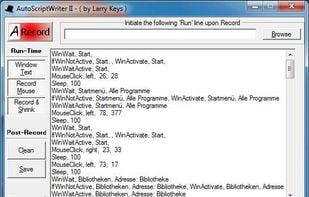
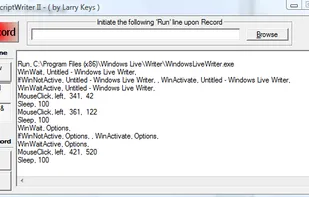
An open-source Windows scripting language enabling task automation through hotkeys, macros, and keystrokes, useful for creating custom forms and automating data entry.
 United States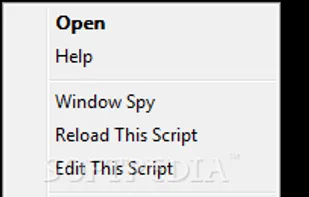
+1
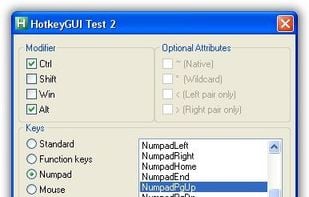


An open-source Windows scripting language enabling task automation through hotkeys, macros, and keystrokes, useful for creating custom forms and automating data entry.

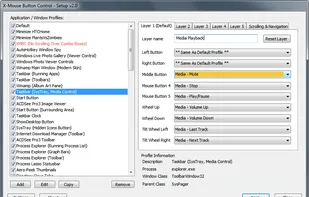
X-Mouse Button Control is a Windows application to remap your mouse buttons and expand the capabilities of your mouse!

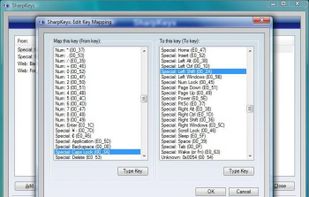
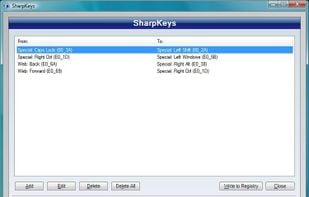
SharpKeys is a utility that manages a Registry key that allows Windows to remap one key to any other key. Included in the application is a list of common keyboard keys and a Type Key feature to automatically recognize most keyboard keys. It was developed in C# using .NET v2.

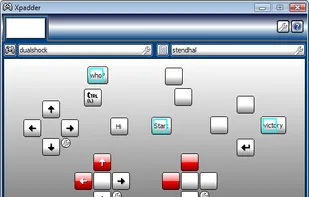
A utility for mapping keyboard keys and mouse button actions to your game controller buttons for PC gaming.

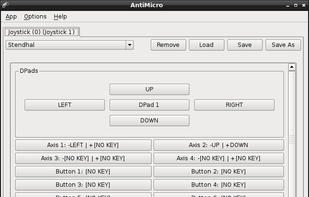
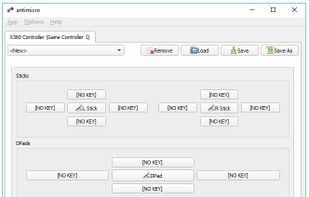
antimicro is a graphical program used to map keyboard keys and mouse controls to a gamepad. This program is useful for playing PC games using a gamepad that do not have any form of built-in gamepad support.

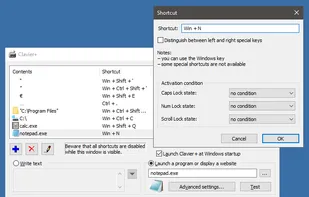
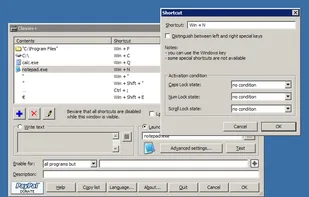
Clavier+ allows you to create global keyboard shortcuts for launching applications, opening folders, writing text and opening websites.

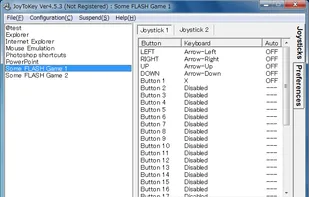
JoyToKey enables you to control any softwares (e.g. browsers, games on the web, Microsoft office applications or even Windows itself) by using your favorite windows joystick! Whenever you press joystick buttons and sticks, JoyToKey will convert the input into keyboard strokes...
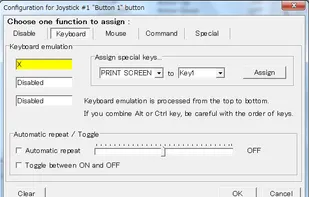
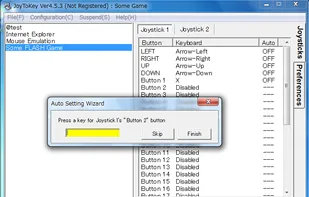
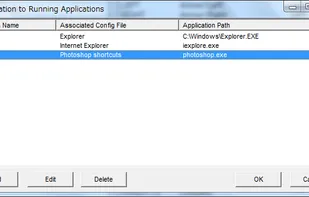

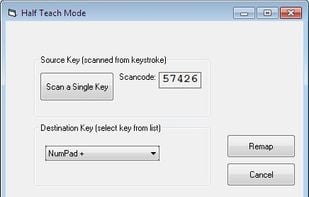
KeyTweak is a free keyboard remapper for Windows NT/2000/XP/Vista/Win 7. It makes use of Microsoft's Scancode Map registry key to remap your keyboard.
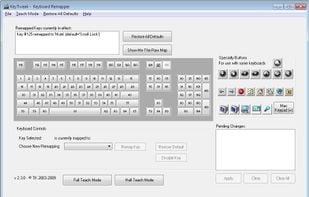
Put mouse, media and keyboard control in the palms of your hands so you'll never have to leave the couch again!
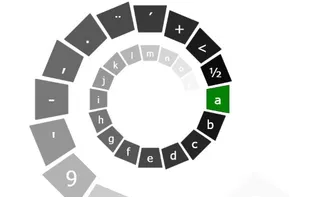
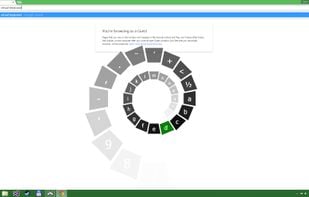

This is a cross-platform software keyboard remapper for Linux, macOS and Windows. A short summary of the features:

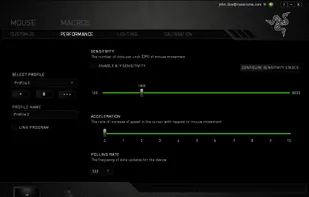
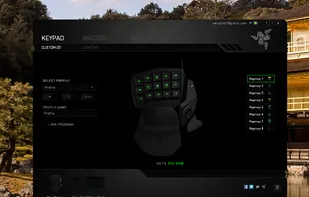
Razer Synapse is unified configuration software that allows users to rebind controls or assign macros to any Razer peripherals and saves those settings automatically in the cloud.

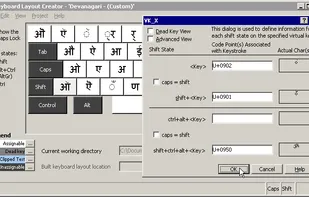
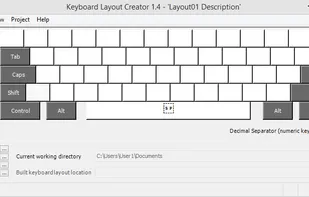
Enables creation, editing, and packaging of multilingual keyboard layouts from scratch or existing setups, supporting various Windows platforms and 64-bit architectures.
Universal Control Remapper is a Windows application which allows the end-user to remap any inputs from devices, such as keyboards, mice, joysticks, racing wheels, eye trackers, etc. to virtual output devices.
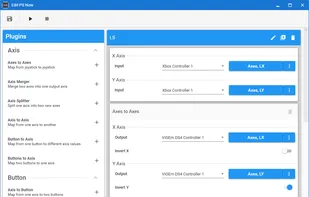

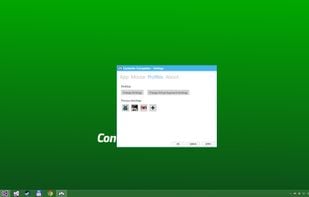
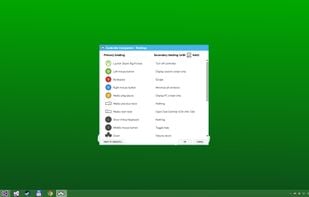
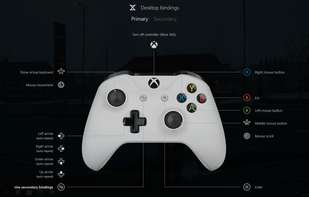
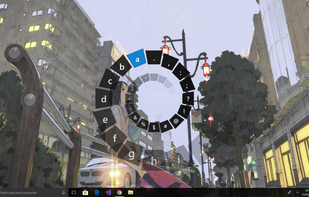
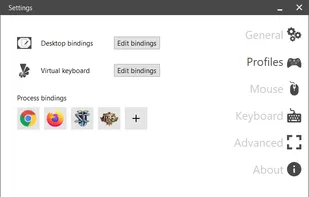
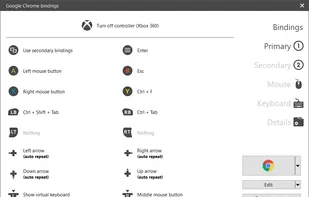
An Xbox Controller Mapper which allows you to simulate mouse and keyboard events, media functions and create process profiles individually, as well as offer the ability to turn off Xbox 360 wireless controller with very low CPU and memory usage.

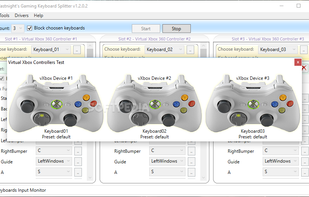
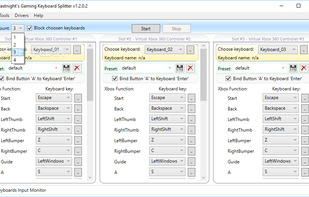
Gaming Keyboard Splitter creates up to 4 virtual xbox 360 controllers and feeds them via one or more keyboards.
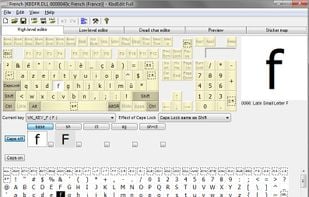
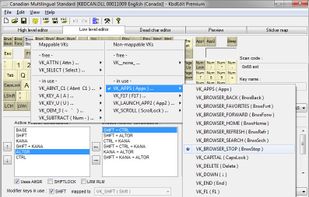
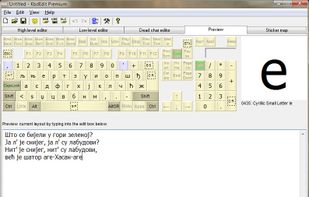
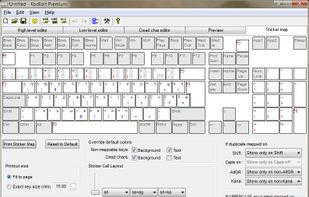


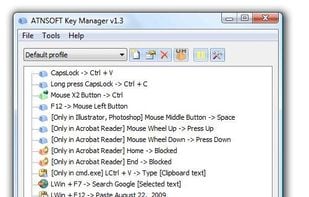
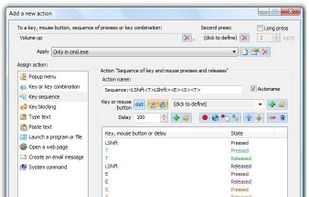
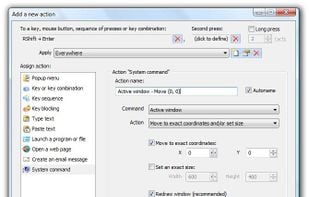
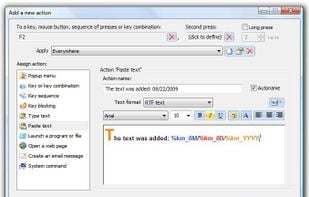
Key Manager reveals the full potential of your keyboard and mouse and allows you to save time and efforts while working with your computer. Thanks to its flexible interface, you can now create various actions and execute them by pressing keys, mouse buttons and combinations of...

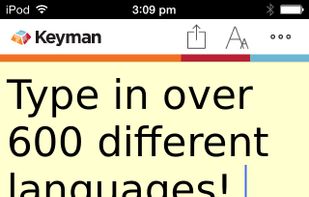
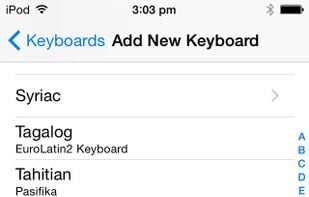
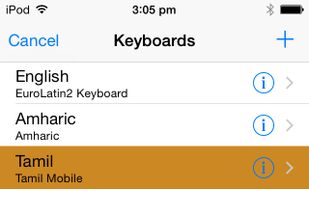
With keyboards for over 2000 languages, Keyman lets you type in your language anywhere. You can create your own keyboards with Keyman Developer. Keyman is completely free and open source, and runs on Windows, macOS, Linux, Android, iOS and web.


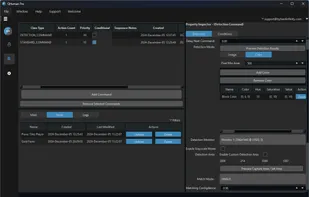
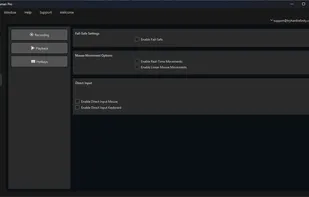
QHuman enables users to automate repetitive tasks by recording mouse movements, keystrokes, and utilizing image/pixel detection with human-like randomness.

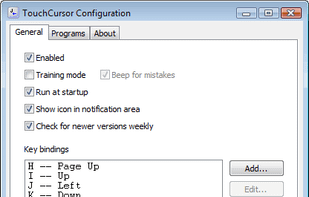
TouchCursor lets you use the home keys as cursor keys – in all Windows programs – keeping your fingers in the best position for fast typing. Its free and open-source.

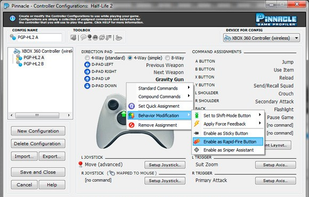
Pinnacle Game Profiler allows you to emulate your keyboard and mouse with your video game controller, and otherwise customize the controller's behavior. Many PC games do not directly support game controllers, but with Pinnacle Game Profiler you can use any controller to play...

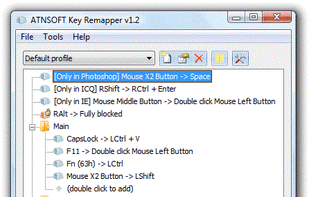
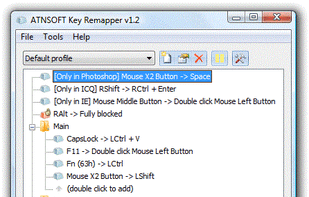
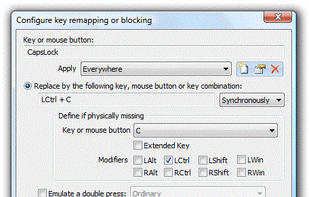
Intended for remapping keys, mouse buttons and mouse wheel actions, Key Remapper allows you to:

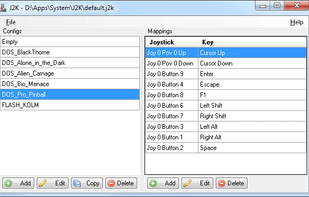
There are already very feature-rich joystick to keyboard mappers out there, be it JoyToKey or XPadder. However, both are not Freeware and both lack the possibility to easily switch configurations from outside the applications, which would be necessary if you use game front-ends...

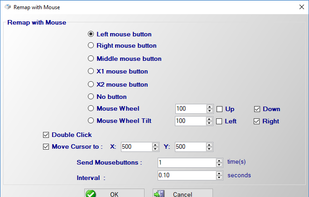
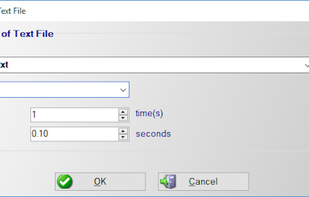
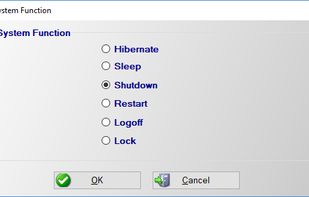
Do you want to remap keyboard keys with another key ? Do you want to remap mouse buttons ? Then try Key Remapper. With Key Remapper you can easily remap key or remap mouse buttons with another key, program, mouse button, custom text.

 United Kingdom


 Canada
 France
 EU
EU
 Japan
Japan

 New Zealand


 Brazil
 Bulgaria


 Russia


 Greece