Secure, private , and anonymous operating systems

moonstonemoonstone8 appsUpdated

When looking for an operating system I mainly think about these three things. I have made this list for anyone the same.

Copy a direct link to this comment to your clipboard
  1. Anontmoinity

  2. Whonix icon
     Like

    Whonix is a desktop operating system designed for advanced security and privacy. Whonix mitigates the threat of common attack vectors while maintaining usability. Online anonymity is realized via fail-safe, automatic, and desktop-wide use of the Tor network.

    Cost / License

    • Free
    • Open Source

    Application type

    Platforms

    • Linux
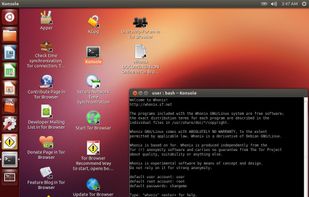
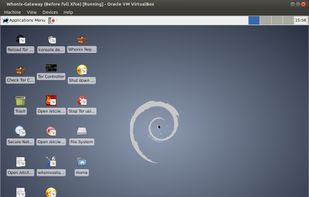
    Whonix Desktop Environment
    Whonix Workstation running on Ubuntu
    Whonix Gateway running on XFCE
    moonstonemoonstone’s note

    Whonix is isolated in the tor network. Everything in the OS is sent throw tor, therefore making almost everything encrypted. You can also install whonix on qubes OS making it even more Sacure.

  3. Tails icon
     Like

    Tails is a Debian based live CD/USB with the goal of providing complete Internet anonymity for the user.

    Cost / License

    • Free
    • Open Source

    Application type

    Platforms

    • Linux
    • Tor Browser
    • GNOME
    • Tor
    • Thunderbird
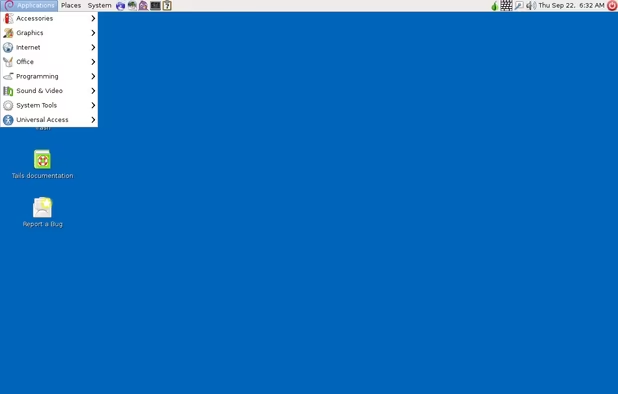
    Tails screenshot 1
    Tails screenshot 1
    moonstonemoonstone’s note

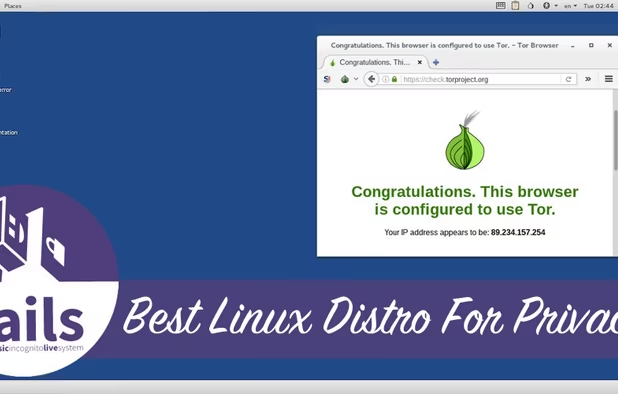
    Tails is a live operating system that routs all traffic throw the tor network making everything you post read and wright as anonymous as possible. When you shut of tails it wipes everything from the storage dvice you installed it on too.

  4. Privacy

  5. Fedora icon
     Like

    Fedora creates an innovative, free, and open source platform for hardware, clouds, and containers that enables software developers and community members to build tailored solutions for their users.

    Cost / License

    • Free
    • Open Source

    Application type

    Platforms

    • Linux
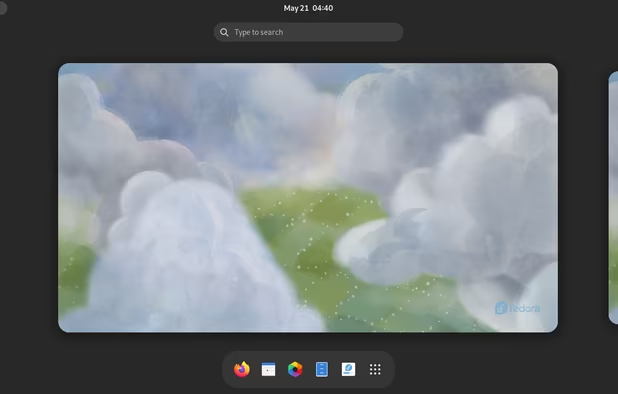
    Fedora 38
    Fedora screenshot 1
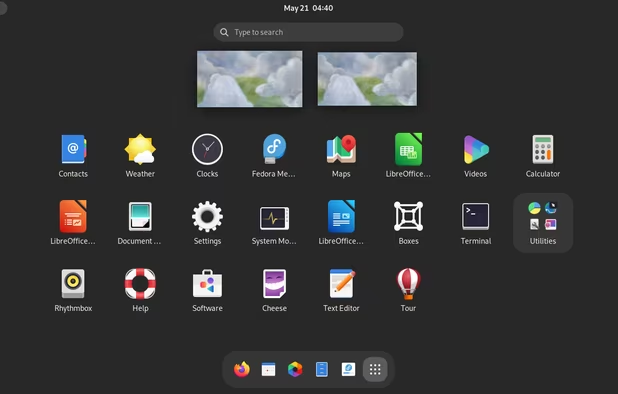
    Fedora screenshot 2
    +9
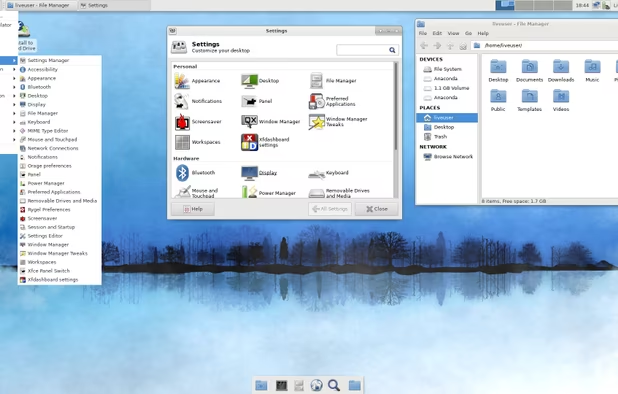
    XFCE spin
    moonstonemoonstone’s note

    Fedora is a good chose for privacy and is my personal recommendation if you want a red hat or cantos alternative. It has no problem with its privacy concerns and it would have the same for you to.

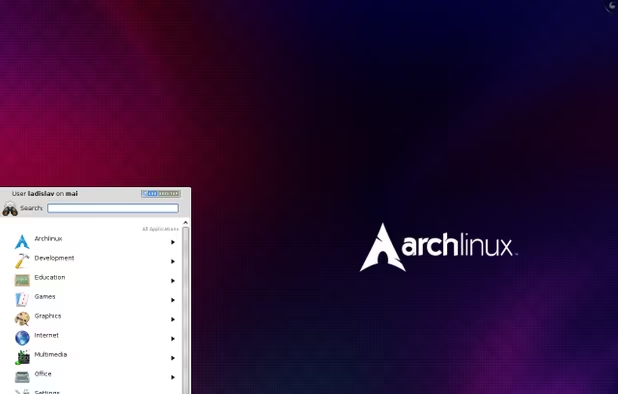
  6. Arch Linux is an independently developed, x86_64 optimized GNU/Linux distribution targeted at competent Linux users. It uses pacman, its home-grown package manager, to provide updates to the latest software applications with full dependency tracking.

    Cost / License

    • Free
    • Open Source

    Application type

    Platforms

    • Linux
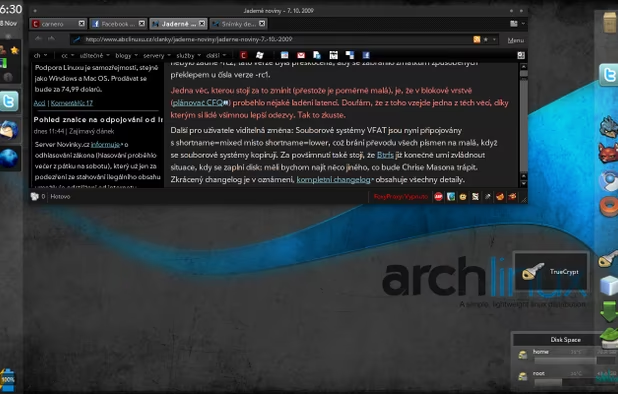
    arch with KDE 4.4 desktop
    another arch with KDE 4.3 desktop
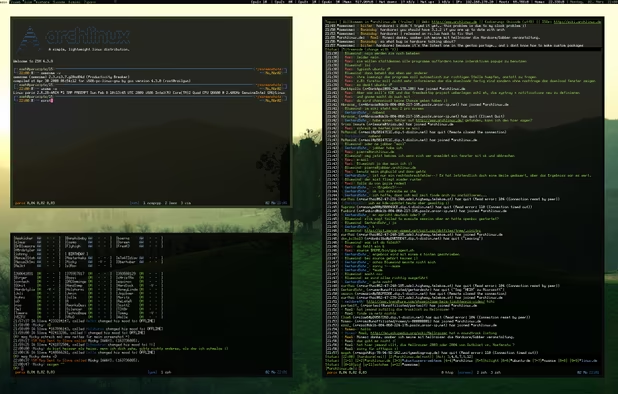
    arch for console addict
    +1
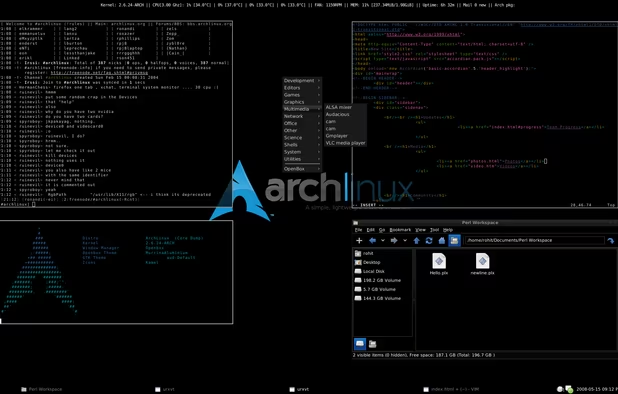
    arch with openbox window manager
    moonstonemoonstone’s note

    Archlinux has absolutely no updates. Arch Linux has only package updates but nothing on the OS. because of this there is probably no back doors that haven't been fixed yet.

  7. Debian icon
     Like

    The Debian Project is an association of individuals who have made common cause to create a free operating system. This operating system that we have created is called Debian.

    Cost / License

    • Free
    • Open Source

    Application type

    Platforms

    • Windows
    • Linux
    • BSD
    • Self-Hosted
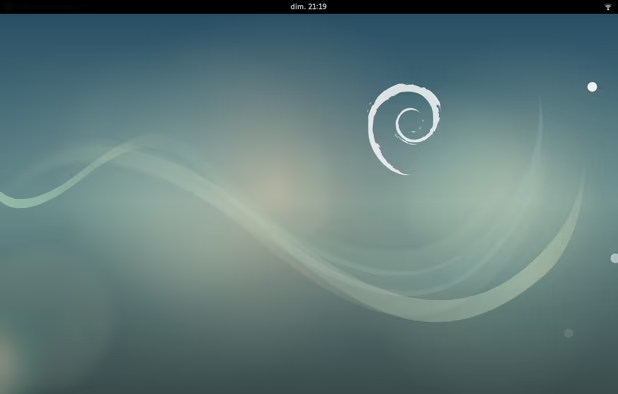
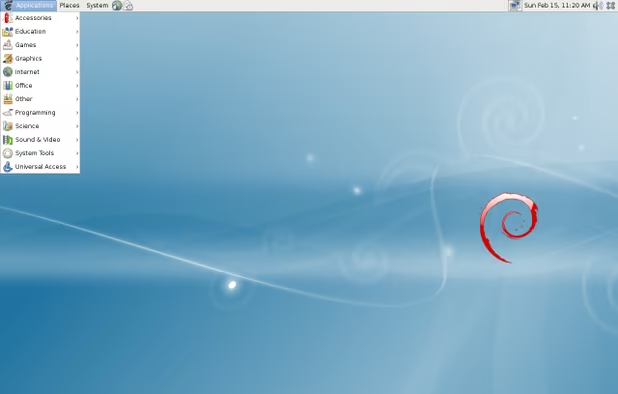
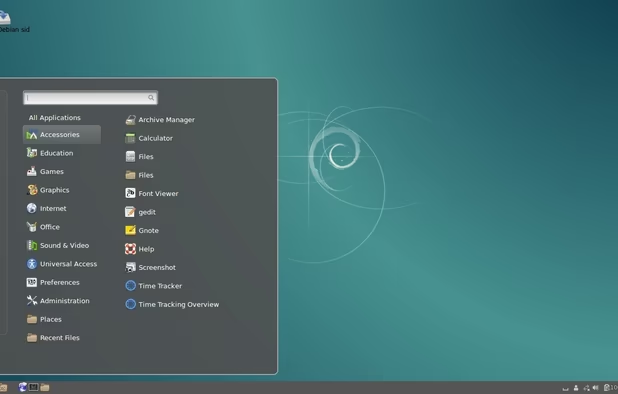
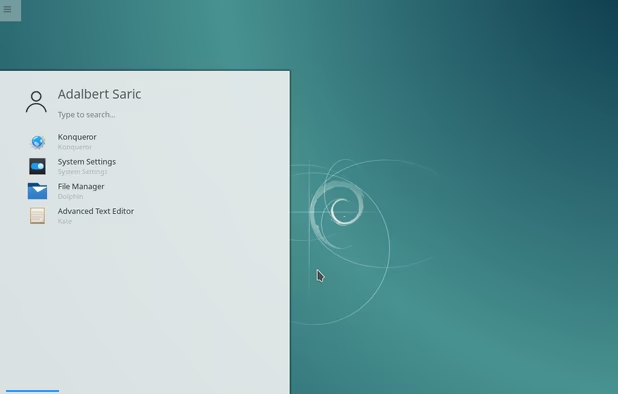
    Debian 9 gnome.
    Debian screenshot 1
    Debian screenshot 2
    +2
    Debian screenshot 3
    moonstonemoonstone’s note

    Debian is a very good privacy focused operating system. With Debian being 100% open source we can tell what is collecting(witch is nopthing) and trust it in the mean time. There is nothing it collects so you can sit back and relax if that is something you are worryed about that.

  8. Security

  9. Qubes OS icon
     Like

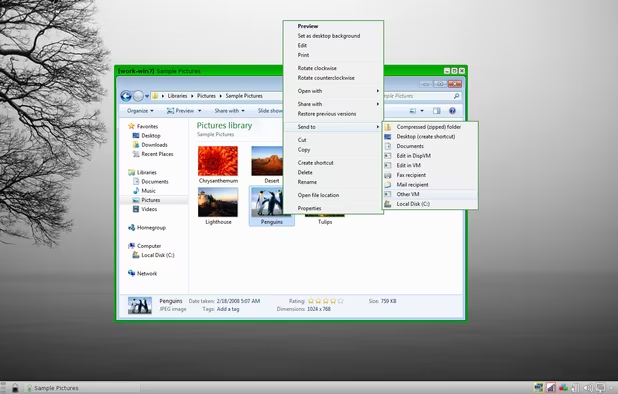
    Qubes is an open source operating system designed to provide strong security for desktop computing.

    Cost / License

    • Free
    • Open Source

    Application type

    Platforms

    • Linux
    • Fedora
    • Xen
    Qubes OS screenshot 1
    Qubes OS screenshot 1
    Qubes OS screenshot 2
    +9
    Qubes OS screenshot 3
    moonstonemoonstone’s note

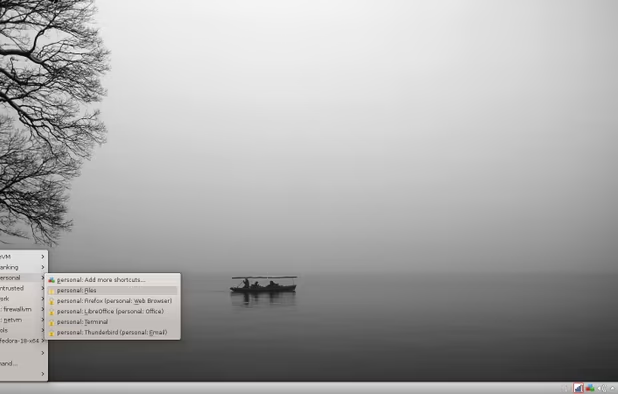
    You can not talk about any operating system that is the most secure with out mentioning Qubes OS. I use it on a daily bases and it works just fine. Qubes OS works by running all of the vms you could want and everything you need built in from the start.

  10. Trisquel icon
     Like

    Trisquel is a computer operating system, a GNU + Linux distribution, derived from another distribution, Ubuntu, which is derived from Debian.

    Cost / License

    • Free
    • Open Source

    Application type

    Platforms

    • Linux
    Trisquel screenshot 1
    Trisquel screenshot 1
    iso
    +11
    Login
    moonstonemoonstone’s note

    In trisqule there is absulutly no propryitory software or fimware and uses linux libra (A very good GNU/Linux kernal)

  11. Subgraph believes that the best way to empower people to communicate and live freely is to develop technology that is secure, free, open-source, and verifiably trustworthy.

    Cost / License

    • Free
    • Open Source

    Application type

    Platforms

    • Linux
    • OpenPGP
    Subgraph OS screenshot 1
    Tor integration
    Advanced proxy settings
    +4
    Sandbox menu
    moonstonemoonstone’s note

    Subgraph OS is one of the best when it comes to security. It stops any back-doors by sand boxing most things . All of it's trafic also gose truow the tor network leaving little to no room for man in the middle atacks.

if I could guide you in the wright way I would say you should go for Qubes OS. Not just because I think it is the best but if you do choose qubes OS it is a hyperviser system so if you want any of the above (witch it mostly already have) you can just install it.

No comments so far, maybe you want to be first?