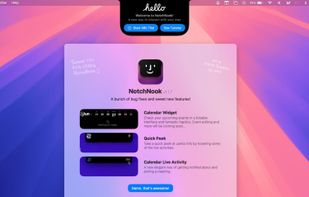
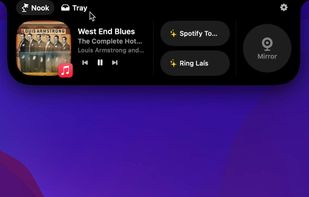
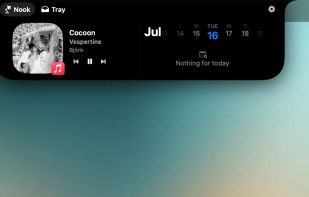
A whole new way of using macos! NotchNook is a new Mac app that transforms your MacBook's notch into a dynamic, functional feature akin to the iPhone's Dynamic Island.
Cost / License
- Paid
- Proprietary
Application type
Platforms
- Mac



+2
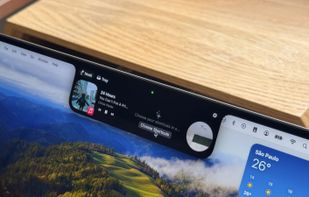


There are many alternatives to Alcove for Mac if you are looking for a replacement. The best Mac alternative is NotchNook. It's not free, so if you're looking for a free alternative, you could try The Boring Notch or MediaMate. If that doesn't suit you, our users have ranked more than 25 alternatives to Alcove and many of them are available for Mac so hopefully you can find a suitable replacement. Other interesting Mac alternatives to Alcove are Vibe Island, Tuneful, NotchFlow and DynamicLake Pro.
A whole new way of using macos! NotchNook is a new Mac app that transforms your MacBook's notch into a dynamic, functional feature akin to the iPhone's Dynamic Island.
macOS notch panel for AI agents. Monitor Claude Code, Codex, Gemini CLI, Cursor - real-time status, notifications, permissions, terminal jump. Zero config.



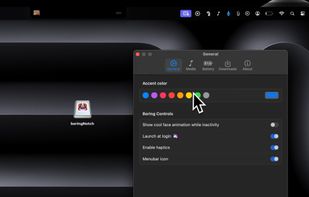
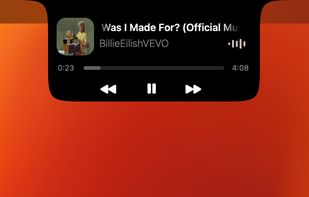
Enhances the MacBook notch by adding a real-time music visualizer and interactive playback controls, customizing the top of the screen for music navigation, and providing integration with multiple music applications while remaining open-source and easily configurable.



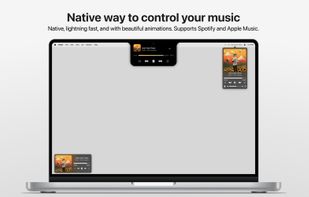
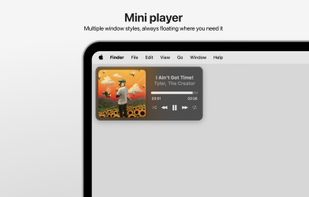
Tuneful lets you control Spotify or Apple Music effortlessly on your Mac, designed from the ground up to feel like a native part of macOS—from UI and animations to performance. Running in the background, Tuneful uses minimal system resources.
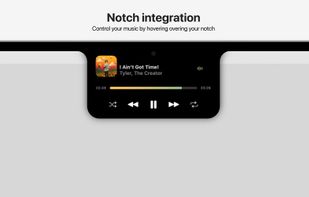
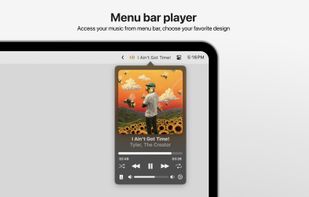


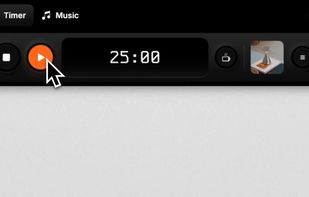
NotchFlow turns your Mac’s notch into an interactive Dynamic Island designed to keep you in flow. With a built-in Pomodoro timer, curated focus music, and subtle visual cues, you can stay productive without distractions.
 Netherlands
 EU
EU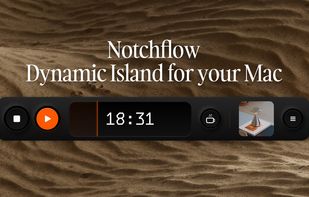
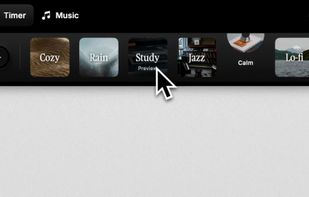


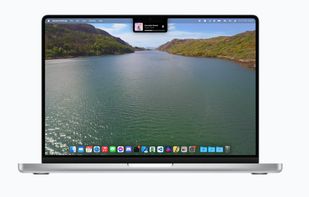
New, fresh visuals for changing your volume, brightness and now playing media throughout the Notch from your MacBook Pro.
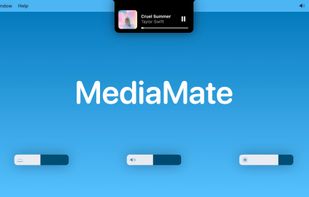
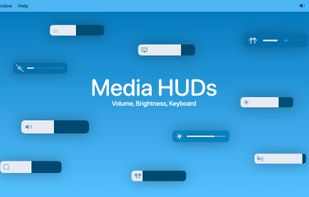
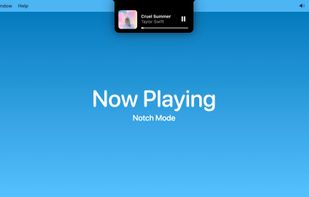


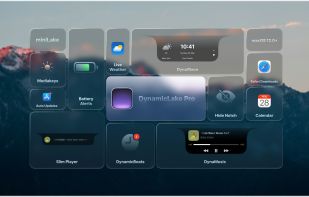
DynamicLake: Effortlessly control essential system functions such as volume, brightness, and keyboard backlight with a simple and intuitive interface.
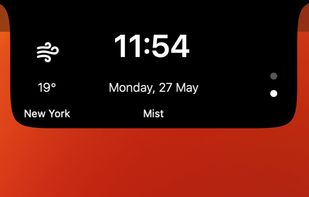


Turns the MacBook notch into a drop zone! Easily share files using AirDrop, Mail, Messages and more by simply dropping them into your MacBook notch area.
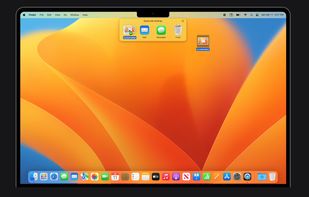
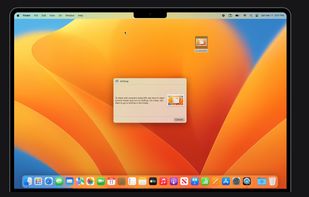


Are you missing out on the new Notch Mac lifestyle? Not anymore! Notch Pro will make your Mac cool.
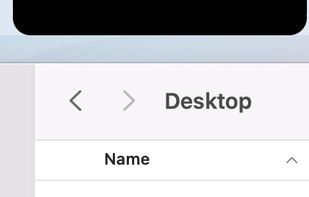


Offers instant access on Mac to files and folders via the notch, with customizable workspaces, drag-and-drop, window pinning, previews, AirDrop, sorting, multi-monitor support, and seamless switching between directories without losing your place.
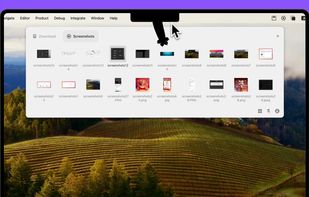
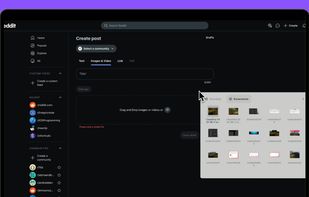
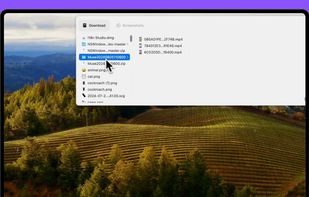
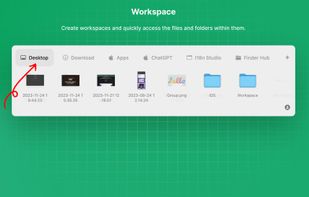

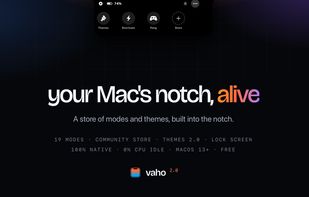
Media, alerts and files in the one spot of your screen that's always in sight — plus a store of community modes and themes, whole-desktop themes and lock-screen widgets. Native, free to start.


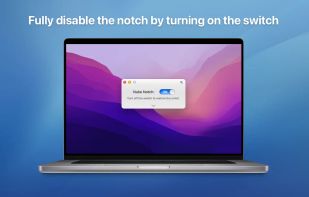
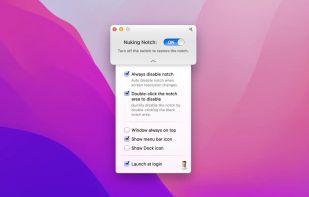
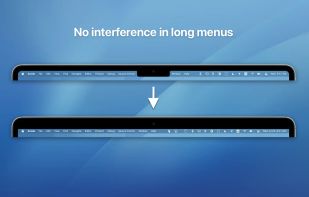
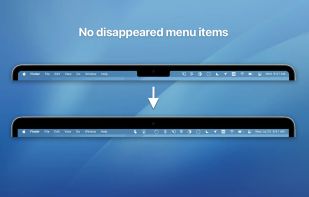
Say No to Notch is an application that can fully disable the notch* that comes with MacBook Air with M2 (2022), MacBook Pro 14? and 16? with M1 Pro and M1 Max processors (2021).