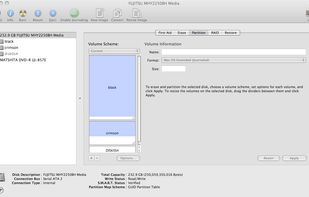
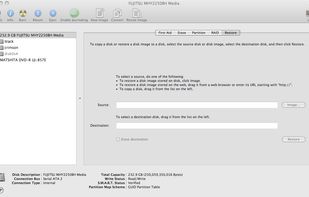
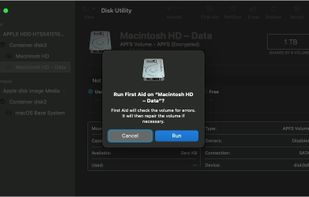
Disk Utility is the name of a utility created by Apple for performing disk-related tasks in Mac OS X. These tasks include:
Cost / License
- Free
- Proprietary
Application typeApplication types
Platforms
- Mac
 United States




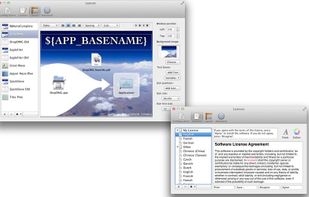
DMG Canvas is described as 'WYSIWYG editor of disk image files using helpful templates. Choose your files, create your background image using helpful controls, and click "Build". Your disk image will appear in Finder exactly as you designed it' and is an app. There are eight alternatives to DMG Canvas for Mac and Linux. The best DMG Canvas alternative is Disk Utility, which is free. Other great apps like DMG Canvas are DMGKit, DMG Maker, DMGBuilder and DropDMG.
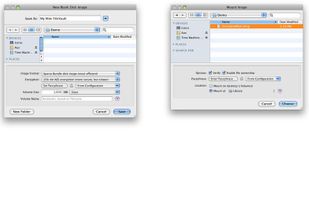
Disk Utility is the name of a utility created by Apple for performing disk-related tasks in Mac OS X. These tasks include:
United States
Sign, notarize and staple app bundles and custom installers easily on macOS.
Fully design your background in-app, save design templates, add your terms to the installer with SLA injection, auto-localization and auto-translation.
 Canada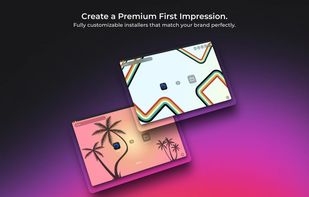
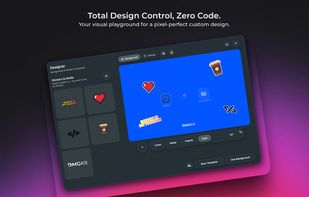
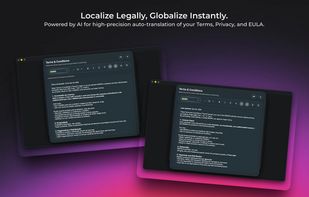


A premium macOS DMG creation tool with live-rendered SwiftUI backgrounds, glassmorphism, and Retina support.
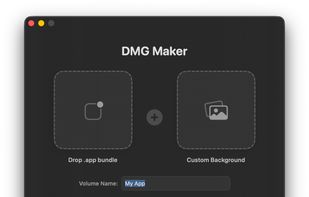
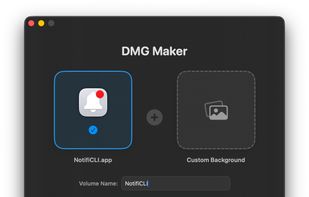
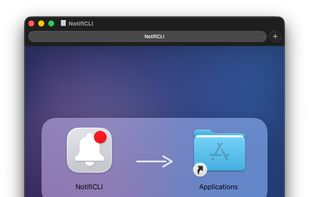


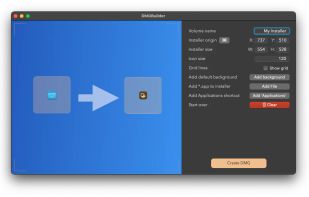
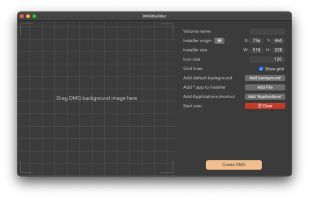
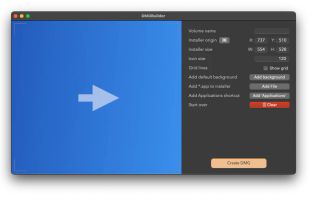
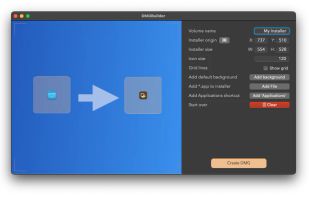
DMGBuilder is a graphical user interface application for macOS that simplifies creation of installation files. There is no need to manually generate DMG files using Disk Utility or command-line tools when making *.app installer.

DropDMG is the easiest way to create Mac OS X disk images, as well as cross-platform archives. Just drag and drop a folder or file and you're done. Or, you can drag an existing disk image or archive onto DropDMG to convert it to any of the other supported formats or to burn...
United States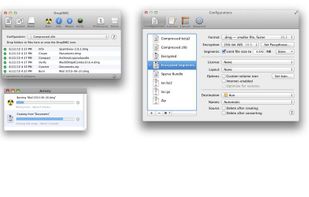

 China
China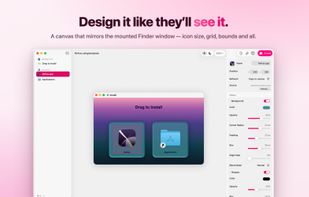
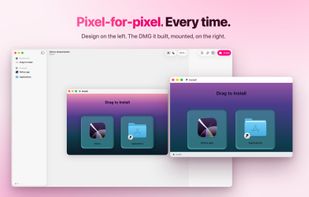
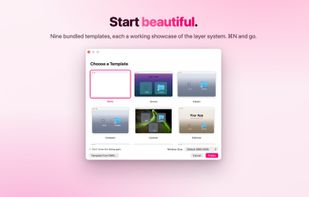
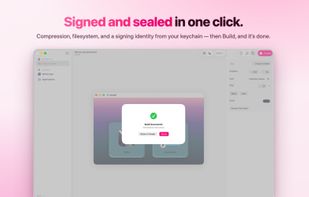


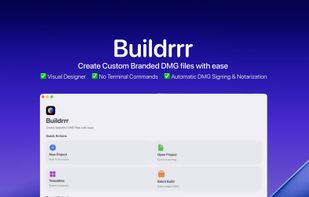
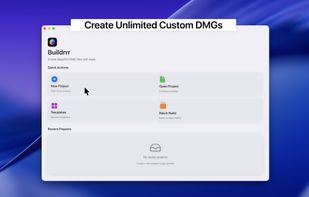
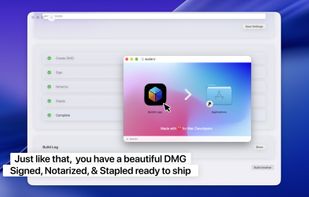
Buildrrr is a macOS app for creating professional DMG installers. Design layouts, save templates, and add branding with ease. One-click signing, notarization, and stapling ensure Apple-compliant DMGs ready to ship with confidence.