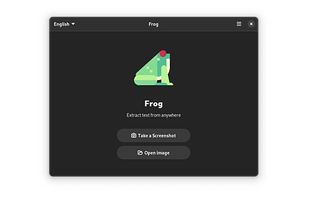
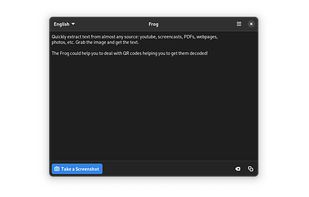
Quickly extract text from almost any source: youtube, screencasts, PDFs, webpages, photos, etc. Grab the image and get the text.
Cost / License
- Free
- Open Source (MIT)
Platforms
- Linux
- Flathub
- Flatpak
- elementary OS
 Estonia
 EU
EU




Easy Screen OCR is described as 'You can use Easy Screen OCR to capture a snapshot and start OCR process. this program will detect the text from the image and start OCR process immediately. You can extract the text to copy and paste in seconds' and is a screenshot capture tool in the photos & graphics category. There are more than 100 alternatives to Easy Screen OCR for a variety of platforms, including Windows, Mac, Linux, iPhone and Web-based apps. The best Easy Screen OCR alternative is Greenshot, which is both free and Open Source. Other great apps like Easy Screen OCR are NAPS2, Tesseract, Snagit and NormCap.
Quickly extract text from almost any source: youtube, screencasts, PDFs, webpages, photos, etc. Grab the image and get the text.
EstoniaEU
 India
India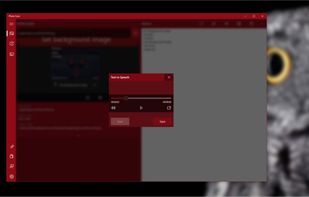

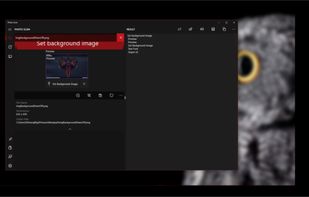
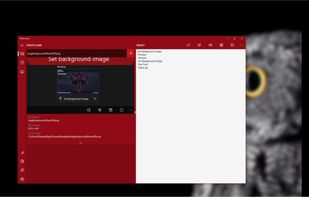


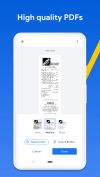
Main point of this app is to scan or select existing PDF documents simply using intent or chooser. Other apps require payment to access their api/sdk or simply don't have a possible way to do it. So they rely on switching between an app ,file chooser and a scanner.


OCR software and web service to extract text from image files and PDF. The application is available as online OCR web app, OCR API, or simple to install Windows store application.
 GermanyEU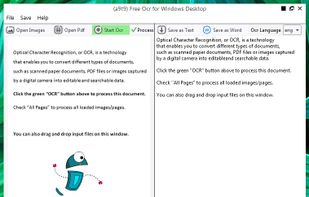


 PortugalEU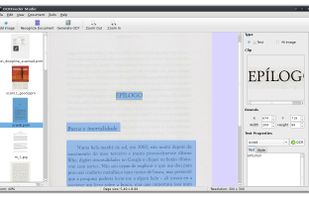

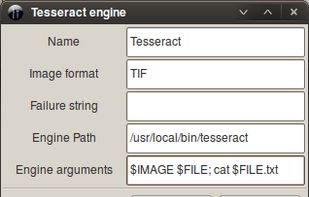
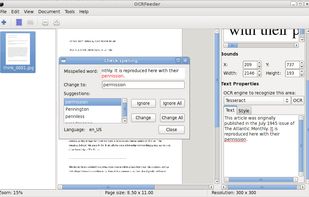


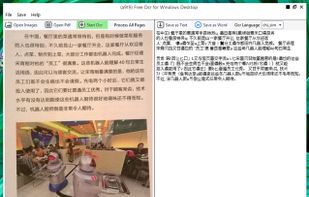
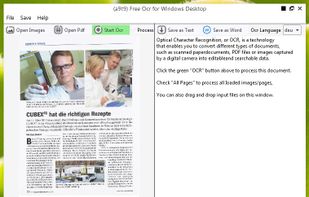
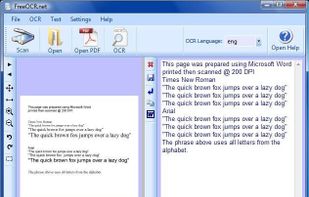
FreeOCR is a scan & OCR program including the Tesseract free ocr engine, also known as a Tesseract GUI. It includes a Windows installer, and it is very simple to use.
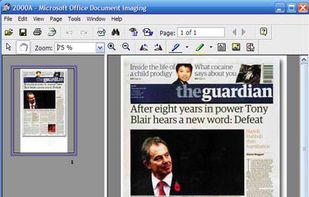


Get rid of paper clutter with Stack. Stack is a PDF scanner, document organizer, and detail finder. All in one.
 United States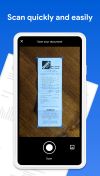


 EstoniaEU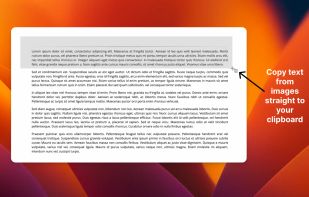


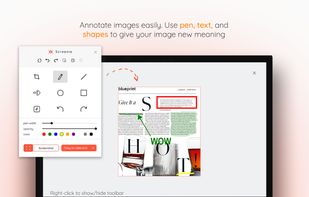
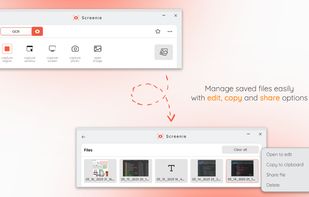
💥 Capture and share your ideas quickly and easily with Screenie - the ultimate screenshot tool for designers, developers, and anyone who needs to share information efficiently. Simply take a snap, annotate it, and copy it to the clipboard in seconds.
 Canada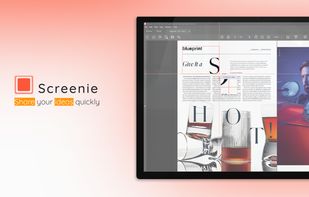
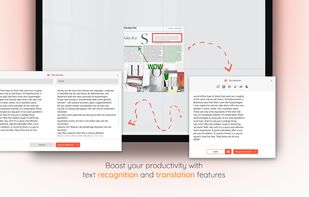


Never get annoyed by unselectable text on websites, PDFs, images or system user interfaces again. Just select the region of your screen in the same manner as you would take a screenshot and find all recognized text in your clipboard ready to get pasted anywhere.
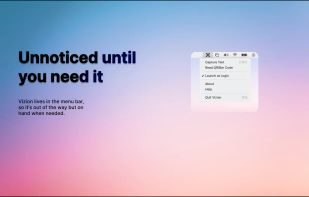
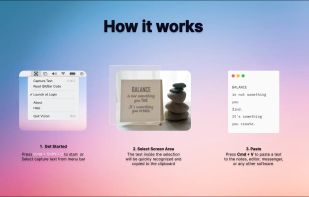


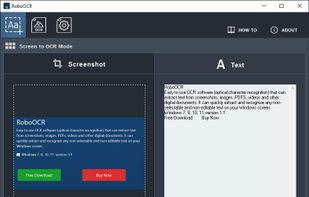
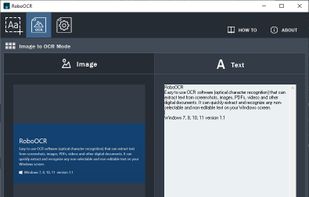
RoboOCR is an easy to use OCR software (optical character recognition) that can capture text from screen, images, PDFs, videos and other digital documents.
 Malaysia