Cost / License
- Freemium
- Proprietary
Application typeApplication types
Platforms
- Software as a Service (SaaS)
- Online
 United States
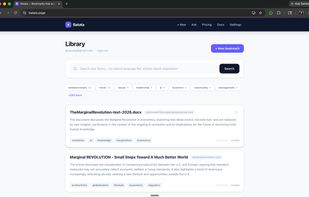

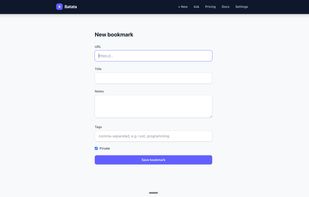

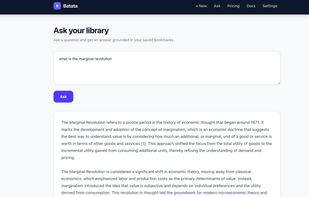

B


Evernote Web Clipper is described as 'Save anything you see online - including text, links and images - into your Evernote account with a single click' and is a very popular screenshot capture tool in the photos & graphics category. There are more than 100 alternatives to Evernote Web Clipper for a variety of platforms, including Windows, Web-based, Google Chrome, Mac and iPhone apps. The best Evernote Web Clipper alternative is ShareX, which is both free and Open Source. Other great apps like Evernote Web Clipper are Raindrop.io, Greenshot, wallabag and Karakeep.
United States
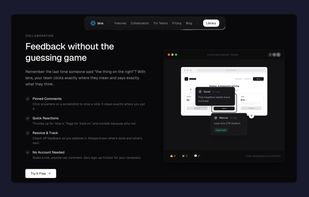
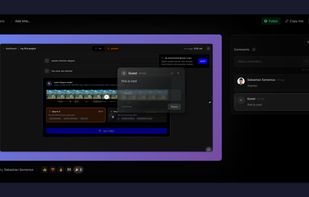
Capture screenshots, annotate, and share a link where your team pins feedback directly on the image — no sign-up needed for reviewers.
 Romania
 EU
EU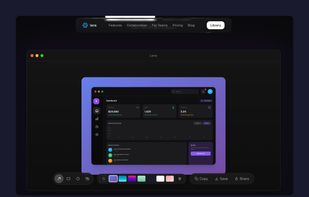


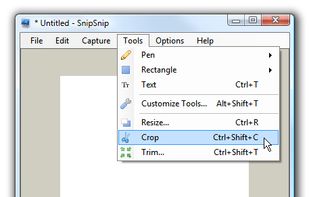
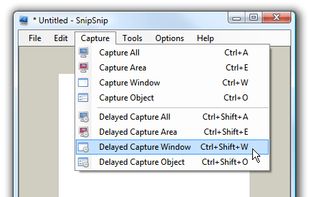
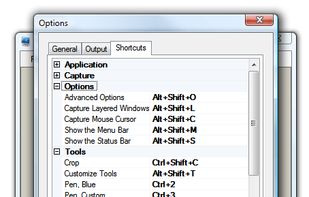
SnipSnip is a screen capture utility, designed for easy capture of some or all of your screen(s). It also allows you to do simple tasks like resizing, cropping and drawing on the capture.


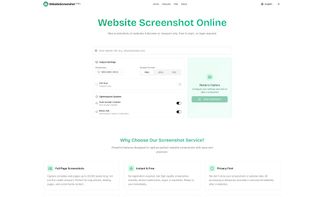
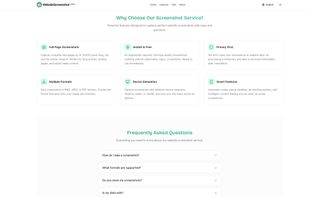
Free online website screenshot tool. Capture any website pages instantly in PNG, JPEG, PDF formats. Custom resolutions, mobile & desktop views, automatic cookie popup handling, ad blocking, and intelligent content loading ensure clean, accurate screenshots.


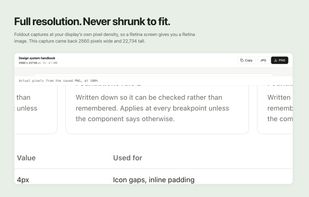
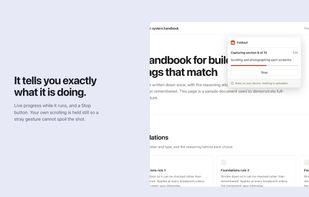
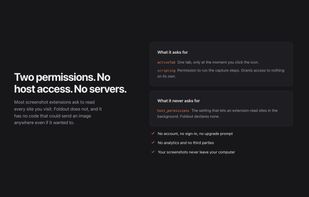
Foldout captures an entire web page as a single image, including everything below the fold. Click the button and it scrolls the page, captures each section, and stitches them together in the browser.
 Canada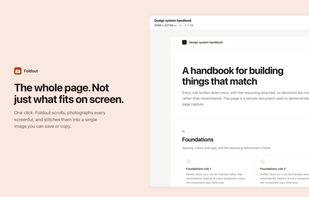

ClearShot captures any area of your browser tab, lets you annotate with arrows, rectangles, text, and freehand drawing, then saves as PNG or copies to clipboard. Everything stays on your device — no upload, no account, no tracking.
United States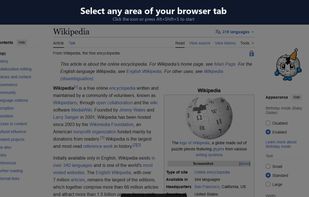
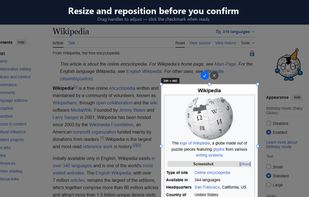
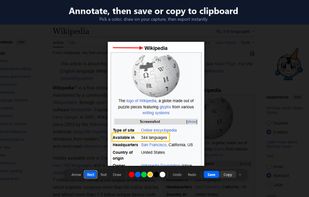


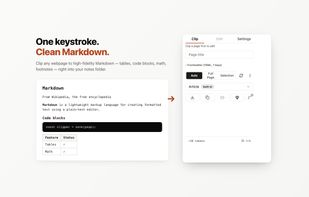
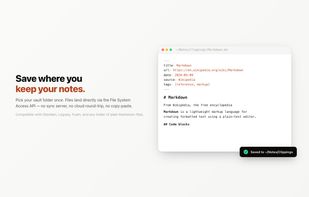
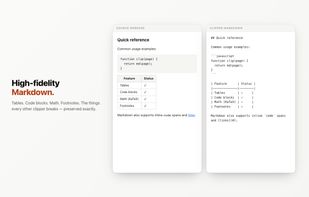
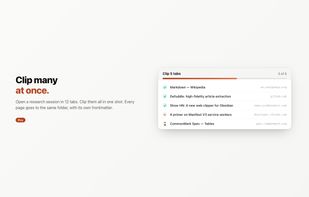
A free, open-source Chrome extension that converts any webpage to clean Markdown and saves it to Obsidian, a local folder, GitHub Gist, or the clipboard.


AI-powered mobile app that automatically organizes your Instagram saved posts and reels with semantic search.
 India
India
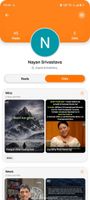



Found a great article but no time to read it? Save it to Moji and come back when you're ready — distraction-free, beautifully formatted, and automatically organized.
 China
China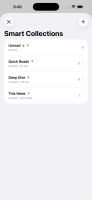
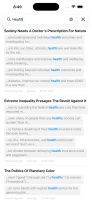



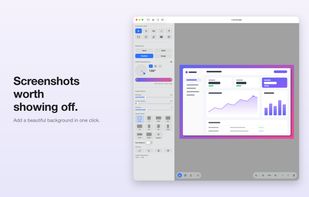
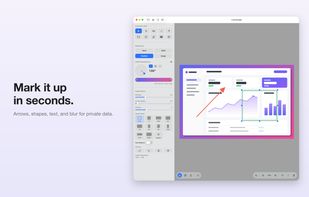
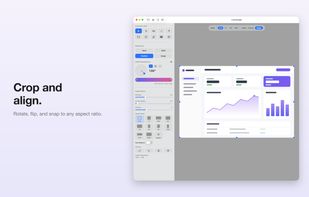
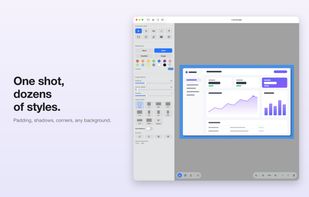


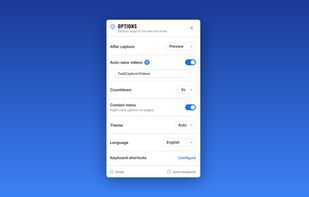
Record your screen, capture screenshots, annotate, and share them instantly. FastCapture is a lightweight, all-in-one Chrome extension for video recording, image capture, and annotation - no upload to external servers. Everything is processed locally in your browser.
United States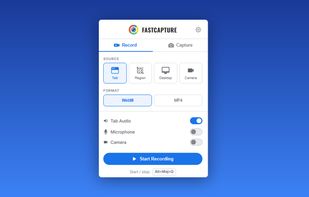
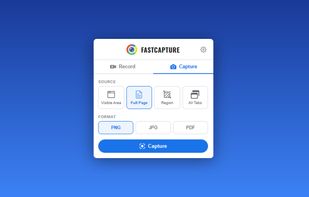
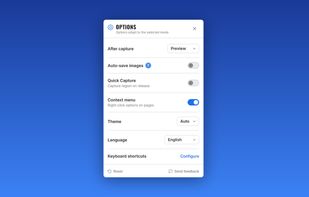


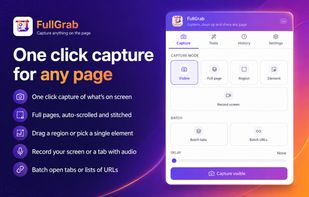
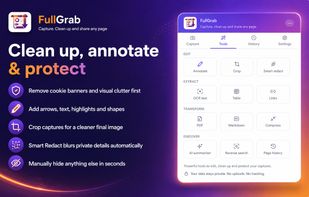
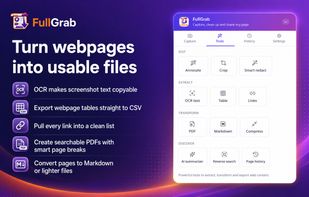
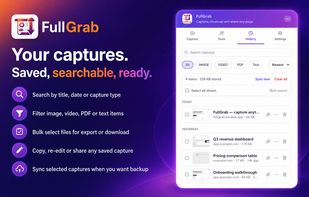
Capture visible areas, full pages, regions, elements and screen recordings, then remove clutter, annotate or redact details. Extract OCR text, tables, links or Markdown; create searchable PDFs, share results or send them to AI while keeping captures local by default.
United States