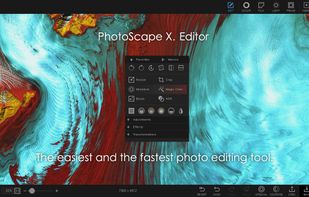
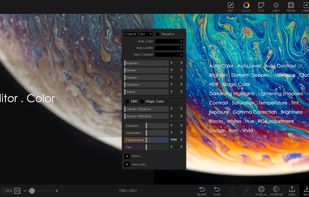
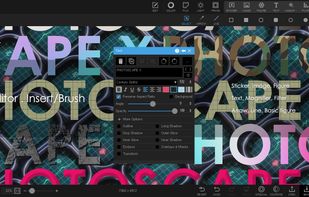
PhotoScape is a fun and easy photo editing software that enables you to fix and enhance photos.
Cost / License
- Freemium
- Proprietary
Application typeApplication types
Platforms
- Mac
- Windows
 South Korea



+5


FCorp Imaging is described as 'Imaging is a Collection of Image Related Tools (Image Viewer, Image Converter, Image Resizer, Image Optimizer, etc)' and is a screenshot capture tool in the photos & graphics category. There are more than 100 alternatives to FCorp Imaging for a variety of platforms, including Windows, Mac, Linux, Web-based and Android apps. The best FCorp Imaging alternative is GIMP, which is both free and Open Source. Other great apps like FCorp Imaging are ShareX, Paint.NET, IrfanView and Greenshot.
PhotoScape is a fun and easy photo editing software that enables you to fix and enhance photos.
South Korea
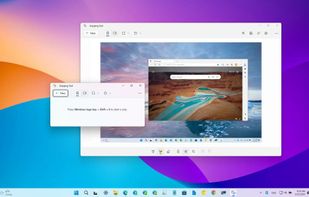
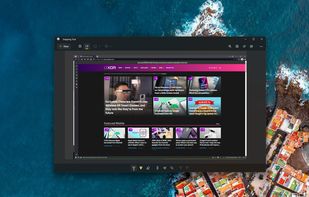
Snipping Tool is a screen capture utility that allows users to take screenshots of specific objects or full screens, annotate them, and save or share the captured images or videos.
 United States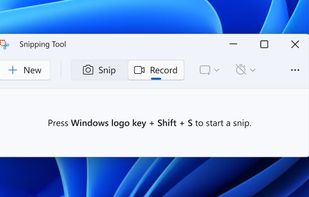
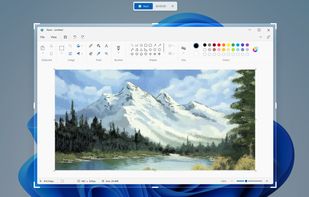


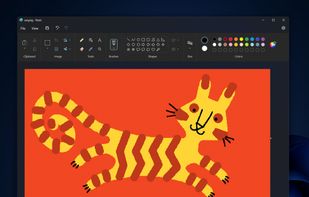
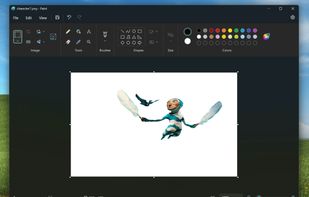
Windows-bundled image editor for basic painting and raster editing tasks, supporting bitmap, JPEG, GIF, PNG, and TIFF. Offers layer support, offline access, no registration, and dark mode. Lightweight and ad-free, ensuring minimal resource use.
United States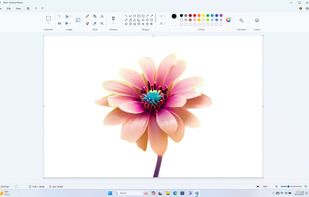



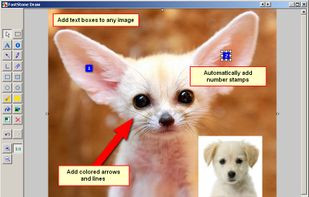
A powerful, lightweight, yet full-featured screen capture tool that allows you to easily capture and annotate anything on the screen including windows, objects, menus, full screen, rectangular/freehand regions and even scrolling windows/web pages.
 Canada


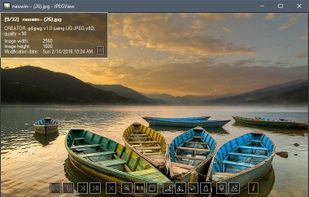
Lightweight Simple Image Viewer with Slide show feature, Resize and Lossless-cut, Color correction, Rename, Multi-language and more...



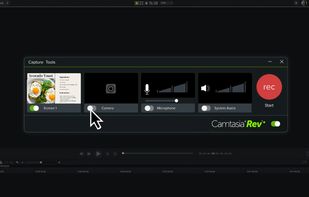
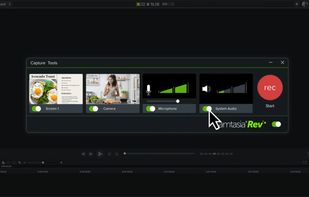
This all-in-one solution offers screen and webcam recording, video editing, and chroma key features, producing stunning HD-quality content easily shareable on platforms like YouTube and Screencast.com. Designed for training, presentations, and more, it supports H.264 format and compact file sizes.
United States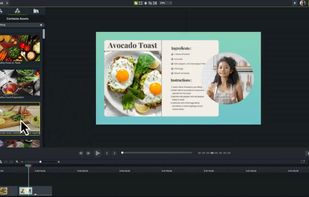



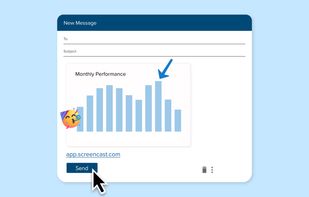
Captures selectable screen regions for Windows and Mac, offers instant uploading, quick editing, and sharing through short URLs, supports saving locally, annotating, clipboard copying, browser add-ons, upload history access, and operates without heavy system use.
 Russia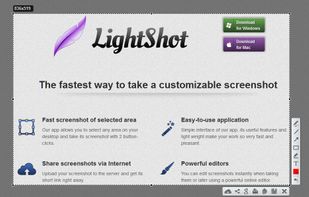
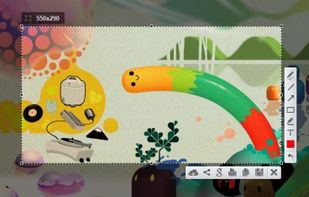
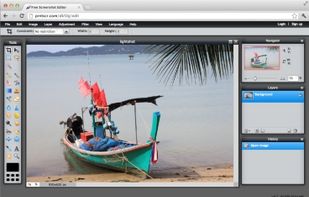
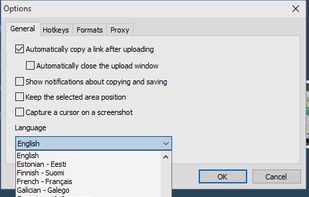


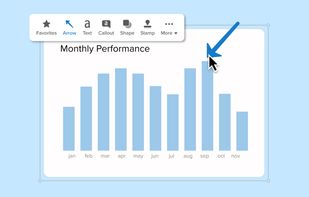
Advanced screen capture and recording tool enabling image or video captures directly from your screen. Includes editing features like callouts, transparency, and effects to enhance visuals. Organize and easily share creations through documents, presentations, or favorite applications.
United States
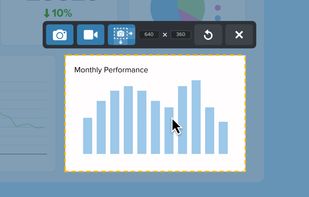


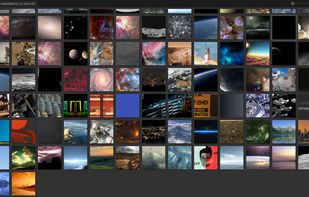
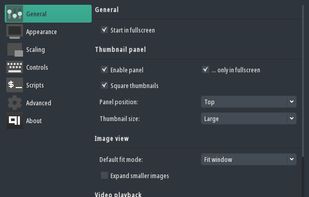
Qt5 image viewer with optional video support. Ability to quickly copy / move images to different folders. Can open some extra formats (JPEG-XL, AVIF, APNG, HEIF/HEIC, RAW) via third-party image plugins.



Spectacle is a simple application for capturing desktop screenshots. It can capture images of the entire desktop, a single monitor, the currently active window, the window currently under the mouse, or a rectangular region of the screen.
 Germany
 EU
EU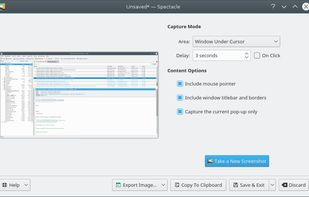


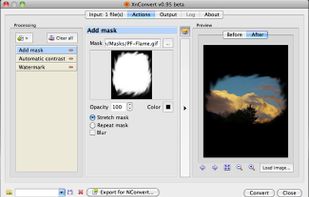
XnConvert is an easy image converter for graphic files, photos and images available on Windows, MacOSX and Linux.
 FranceEU


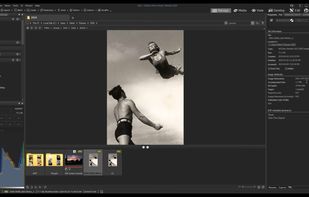
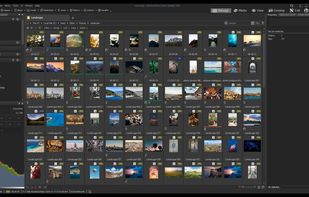
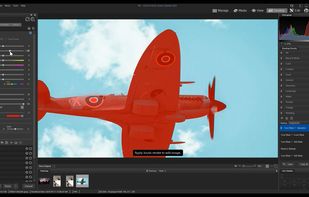
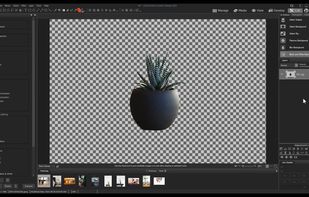
Offers organization, viewing, and editing tools for digital images, supports over 700 RAW formats, enables metadata embedding and syncing, dynamic category and keyword filters, workflow optimizations, non-destructive edits, detailed image preview, and sharing options.
Canada