





FlicKey
Like
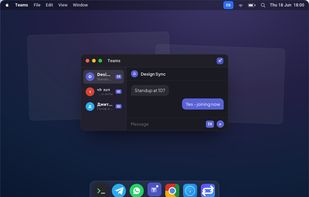
FlicKey is a tiny macOS menu-bar app that fixes wrong-keyboard-layout typing and auto-manages your input language per app and per website.

Cost / License
- Free
- Proprietary
Platforms
- Mac

Features
FlicKey News & Activities
Highlights All activities
Recent activities
 AlexPAS added FlicKey as alternative to MySwitcher
 POX added FlicKey as alternative to Mahou, Caramba Switcher, SimpleSwitcher and dotSwitcher
- POX added FlicKey


FlicKey information
Developed by
Tal AlfiLicensing
Proprietary and Free product.Alternatives
20 alternatives listedBadge
Get an embeddable badge for FlicKeySupported Languages


No comments or reviews, maybe you want to be first?